Employee Onboarding Videos: A First-Week Set
Plan an employee onboarding video set for a new hire's first week: welcome, how we work, tools, safety and who to ask, with script outlines and an update plan.
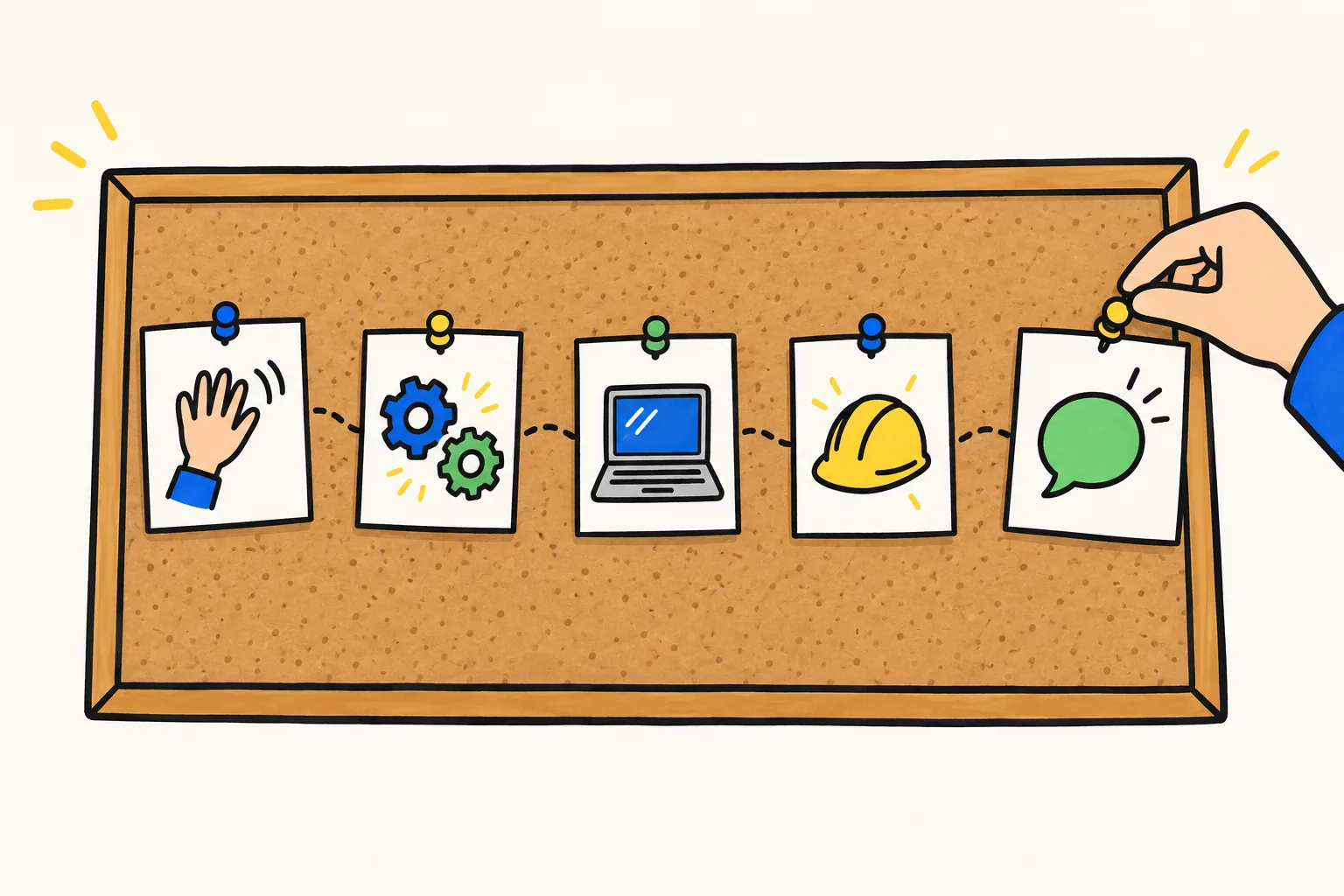
A good employee onboarding video is not one long film. It works better as a small set of short videos, each answering one question a new hire has in their first week: who are we, how do we work here, which tools do I use, how do I stay safe, and who do I ask. Five videos of two to three minutes each, watched on the day they are needed, teach more than a 40-minute welcome recording watched once on day one.
This guide covers what to put in each video, script outlines you can copy and fill in, when new hires should watch each one, and how to keep the set accurate as your company changes.
Why a set of short videos beats one long one
New starters get a lot thrown at them on day one, and information that arrives before it is needed is usually forgotten by the time it is. A video about expense claims is wasted on day one and useful on the day of their first trip.
Short videos are also easier to update and to find again. When you switch chat tools, you remake the two-minute tools video, not a 40-minute orientation. And "Who do I ask about payroll?" is a question people have in week three too; a video with that title is easy to send.
What onboarding videos can and cannot do
Videos are good at the parts of onboarding that are the same for every new hire: the company story, how things are done, where things live, the safety basics. A new hire who starts on a Thursday gets the same welcome as one who starts on a Monday.
Videos cannot replace people. A new hire still needs a manager who sets clear goals, a buddy for "silly" questions, and real conversations in the first few days. A useful rule: if something depends on the person's role, team or judgement, it belongs in a conversation, not a video.
The five videos in a first-week set
| Video | Question it answers | When to watch | Length | Owner |
|---|---|---|---|---|
| 1. Welcome | Who are we and why does my job matter? | Before day one | 2 min | Founder, CEO or site lead |
| 2. How we work | What is normal here? | Day one | 2-3 min | HR or people team |
| 3. Your tools | Where do things live and how do I use them? | Day one or two | 2-3 min | IT or operations |
| 4. Staying safe | What could hurt me, the company or our customers? | Day one, before starting work | 2-3 min | Health and safety or security lead |
| 5. Who to ask | Who do I go to for what? | Day two or three | 2 min | HR or office manager |
Many teams add a sixth for their own setting, such as a site tour for a warehouse. Keep each one to a single question.
Before you write: gather your material
Spend an hour collecting what you already have: the current onboarding checklist, the list of week-one tools, your safety and security rules, and the roles new hires go to for help. Then ask two or three people who joined in the last six months what confused them. Their answers are your best script material.
Script outlines you can copy
Each outline fits a two- to three-minute video. Narration runs at roughly 130 to 150 words a minute, so two minutes is about 250 to 300 words. Write the way you would talk to a new colleague over coffee. For the general method of turning a procedure into a script, see our guide on how to make a training video; the outlines here are specific to onboarding.
Video 1: Welcome
Send this before day one, with the start-date email. It answers the nervous question "what have I joined?".
- Who we are, in one sentence. "We deliver fresh produce from local farms to restaurants across the city."
- A real customer moment. One short story of the work making a difference: a restaurant that got its delivery at 6 a.m. on a busy Saturday.
- Where the new hire fits. How their team connects to that moment. "Every order you pack is one of those deliveries."
- What the first week looks like. Day one: accounts and safety. Days two and three: shadowing. End of week: first task of their own.
- One line to close. "We're glad you're here. See you on Monday."
Leave the history and the org chart for later.
Video 2: How we work
The "unwritten rules" video: the things everyone knows and nobody tells you.
- Hours and flexibility. When people are expected to be around, and how to say you are out.
- How we talk to each other. Chat for quick questions, email for customers, a call when it is urgent.
- Meetings. The two or three regular meetings a new hire will attend and what happens in them.
- One or two values, shown as behaviour. Not "we value ownership", but "if you spot a problem, you tell the person who can fix it the same day, even if it isn't your job".
- The mistake new people make. For example: waiting too long to ask for help because they don't want to bother anyone. Say clearly that asking is expected.
Video 3: Your tools
Show what the tools are for and where to start, not every button. Detailed software how-tos are better as screen recordings or short separate videos.
- The three to five tools used every day, each with one sentence on what it is for. "Slack is where your team talks. Google Drive is where documents live."
- How to get access, and what to do if something does not work on day one.
- Where to find things. The one folder or page that links to everything else.
- Recap. "Talk in Slack, store in Drive, and if you're stuck, ask IT in the help channel."
Video 4: Staying safe
For physical workplaces, this covers hazards and emergencies; for office and remote teams, data and security. Have your safety or security lead check every line.
- Why it matters here. One concrete risk that applies to this workplace: forklifts on the warehouse floor, or a phishing email asking for a password.
- The few rules everyone follows. Walkways, protective equipment, lifting, or locking laptops and checking senders.
- What to do if something goes wrong. How to report an accident, a near miss or a suspicious email, and who to tell.
- The emergency basics. Where to go when the alarm sounds, where first aid is, who the first aiders are by role.
- The common mistake. Not reporting a near miss because "nothing happened". Reports are how the next accident is prevented.
A video introduces safety; it does not replace the in-person induction or training your local regulations require.
Video 5: Who to ask
This video lowers the barrier to asking for help. Use roles, not names, so the video stays right when people move on.
- Your manager for goals, priorities and time off.
- Your buddy for day-to-day "how do I..." questions.
- HR or the people team for pay, contracts and benefits.
- IT for accounts, devices and access.
- Facilities or the office manager for desks, keys and building questions.
- Close with permission to ask. "No one expects you to know this yet. Ask early, ask often."
Pair it with a contact sheet that has names, and update the sheet, not the video, when people change.
When new hires watch each video
A simple schedule works for most teams:
- A few days before the start date: video 1, with the welcome email.
- Day one: video 4 before anyone starts physical work, then videos 2 and 3 while accounts are set up.
- Day two or three: video 5, followed by a check-in with the buddy.
- End of week one: the manager asks three questions drawn from the videos, such as "What do you do after a near miss?". Shaky answers show which video needs work.
Put the videos where new hires already are: your LMS, a pinned post in the team channel, or a QR code on the welcome pack for frontline staff.
Keeping the set current
Onboarding videos go out of date quietly, until a new hire asks why they cannot find the app the tools video mentions. A few habits prevent this.
- Give every video an owner (the "Owner" column above) who checks it twice a year.
- Set triggers, not just dates. A new tool, an office move, a reorganisation, a new safety rule or a policy change means the related video is reviewed that week.
- Use roles, not names. "The duty manager" outlives "Sam from operations".
- Keep changeable details out of the narration. Prices, phone numbers, room numbers and dates belong in the written welcome pack. The video says "your welcome pack has the numbers".
- Ask every new hire after a month: "What did the videos get wrong or miss?"

Making the set with KolaVid
If you do not want to film or record your voice, KolaVid turns a prompt, pasted text or script, an uploaded PDF, Word or PowerPoint file, or a web link into a narrated whiteboard video, with each drawing appearing as the narrator says it.
For each video, paste the outline above with your details filled in, and add a line about the viewer: "Onboarding video for new warehouse staff in their first week. Friendly and practical. End with a one-line recap." Or attach your onboarding document with Add a document and say which part to cover. Brands named in a video, such as the tools in video 3, are drawn with their own logo.
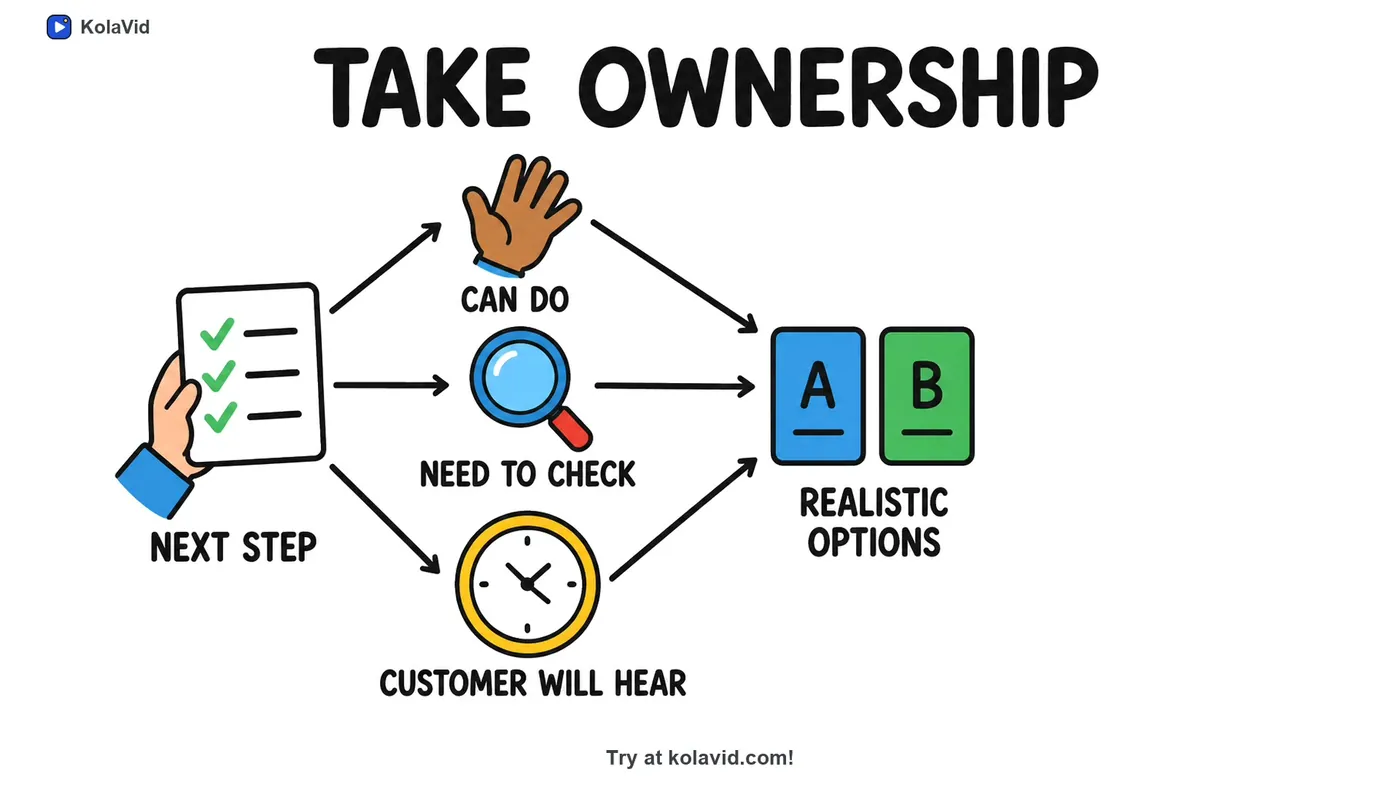
Choose Wide 16:9 for laptops and an LMS, Tall 9:16 for frontline staff on phones, or Square 1:1 for a WhatsApp group, then a female or male voice and the narration language; a team that works in two languages can have the same video in both. Free videos run up to 2 minutes and paid plans up to 5, usually ready in a few minutes. Here is a frame from a sample staff-training video:
Download the MP4 or share a link. Some honest limits: there is no editing timeline, so you change the text and make the video again; and there are no team seats. For your LMS, paid plans export a SCORM package or an embed code, and whiteboard videos come with captions. The training page has sample videos, and if your onboarding material exists as procedures, see our guide to turning an SOP into a training video.
FAQ
How long should an employee onboarding video be?
Two to three minutes per video, with one topic each. A full first-week set of five videos comes to around 12 minutes, spread over several days. If one video runs past five minutes, split it.
What should a new hire video include?
What every new starter needs whatever their role: who the company is, how people work together, which tools to use, how to stay safe and who to ask. Role-specific training comes after.
Should onboarding videos be sent before the first day?
The welcome video, yes: it makes day one less daunting. Keep the rest for the day they are needed.
How often should onboarding videos be updated?
Twice a year, and straight away when something it covers changes, such as a new tool or a new safety rule.
Start with the welcome video
If five videos feels like a lot, make the welcome video this week and send it to the next person who starts. A free KolaVid account includes enough credits for one 2-minute video, no card needed. Then ask that new hire what they wish they had known on day one, and that answer tells you which video to make next.