Explainer Video Voiceover: Write It, Pace It, Voice It
How to write an explainer video voiceover script for the ear, pace it at 130-150 words a minute, choose a voice, and decide between recording yourself or AI.
Read this aloud: "Following the implementation of the revised procedure, which was approved in the third quarter, all staff are required to complete the attached form prior to any travel." Now try: "From next month, fill in this form before you travel. It takes two minutes." A good explainer video voiceover sounds like the second one: short spoken sentences with one idea each, paced at about 130 to 150 words a minute, in a voice that suits the audience, whether you record it yourself or use an AI voice.
The rest of this guide covers each of those in turn, with a script template, a timing table and examples you can copy.
Writing for the ear
A reader can glance back at a sentence. A listener cannot. Everything about a voiceover script follows from that.
One idea per sentence. If a sentence has a "which", a "whereas" and a bracket, it is three sentences. Aim for about 8 to 15 words most of the time, with the odd short one for emphasis.
Put the point first. "Wash your hands before you touch the dressing" works better than "Before touching the dressing, and after removing gloves, hands must be washed." The listener hears the action before they lose track.
Say "you". Explainers are one person talking to another. "You squeeze the lever" is easier to follow than "the lever is squeezed by the rider".
Use the words people use. Write "check", not "verify"; "about", not "approximately"; "start", not "commence". Keep the exact names people will see at work or on screen.
Repeat the key term. On paper, repeating a word looks clumsy. In a voiceover, switching from "invoice" to "bill" to "statement" makes the listener wonder if those are three different things. Pick one and stick to it.
Write numbers to be heard. "About one in four" is easier to hold than "23.7 percent". If the exact figure matters, say it once, slowly, and say what it means.
Signpost. Short phrases like "first", "here's the catch" and "so, to recap" tell the listener where they are in the explanation, doing the job headings do on a page.
Before and after
| Written for the page | Written for the ear |
|---|---|
| Photosynthesis is the process by which green plants utilise light energy to convert carbon dioxide and water into glucose and oxygen. | Plants make their own food. They take in air and water, and use sunlight to turn them into sugar. Oxygen is what's left over. |
| Customers may initiate a return within 30 days of delivery via the account portal, subject to the conditions outlined below. | You have 30 days to send something back. Start the return in your account. Here's what you'll need. |
| Compound interest refers to interest calculated on both the principal and the accumulated interest. | With compound interest, your interest starts earning interest too. That's why time matters so much. |
A voiceover script template
A simple format for an explainer voiceover is one paragraph per scene, with short notes for whoever reads it. Keep the notes in square brackets so nobody reads them aloud by accident.
Title: How to return an item
Length: about 35 seconds (76 words)
Tone: warm, unhurried
>
Scene 1. Bought something that doesn't fit? Sending it back takes three steps. [pause]
>
Scene 2. First, start the return in your account. Choose the item, and tell us why it's going back.
>
Scene 3. Second, print the label we send you, and stick it on the parcel.
>
Scene 4. Third, drop the parcel at any collection point. Keep your receipt. [slow down]
>
Scene 5. Your refund arrives within five working days of us receiving the parcel. [pause]
>
Scene 6. So: start the return, print the label, drop it off. That's it.
Mark only the words you really want stressed, and only a few. A script full of bold words sounds shouty when read. If a name is easy to mispronounce, add a pronunciation note once: "Worcester [say: WUSS-ter]".
Pace: 130 to 150 words a minute
Most explainer narration lands at roughly 130 to 150 words a minute. Go slower for children, a second language audience, or dense technical content; a little faster for a promotional video where the viewer already knows the basics. In a whiteboard video, the lower end usually works better, because viewers watch each drawing appear as it is spoken about.
| Video length | Words at 130 a minute | Words at 150 a minute |
|---|---|---|
| 1 minute | 130 | 150 |
| 2 minutes | 260 | 300 |
| 3 minutes | 390 | 450 |
| 5 minutes | 650 | 750 |
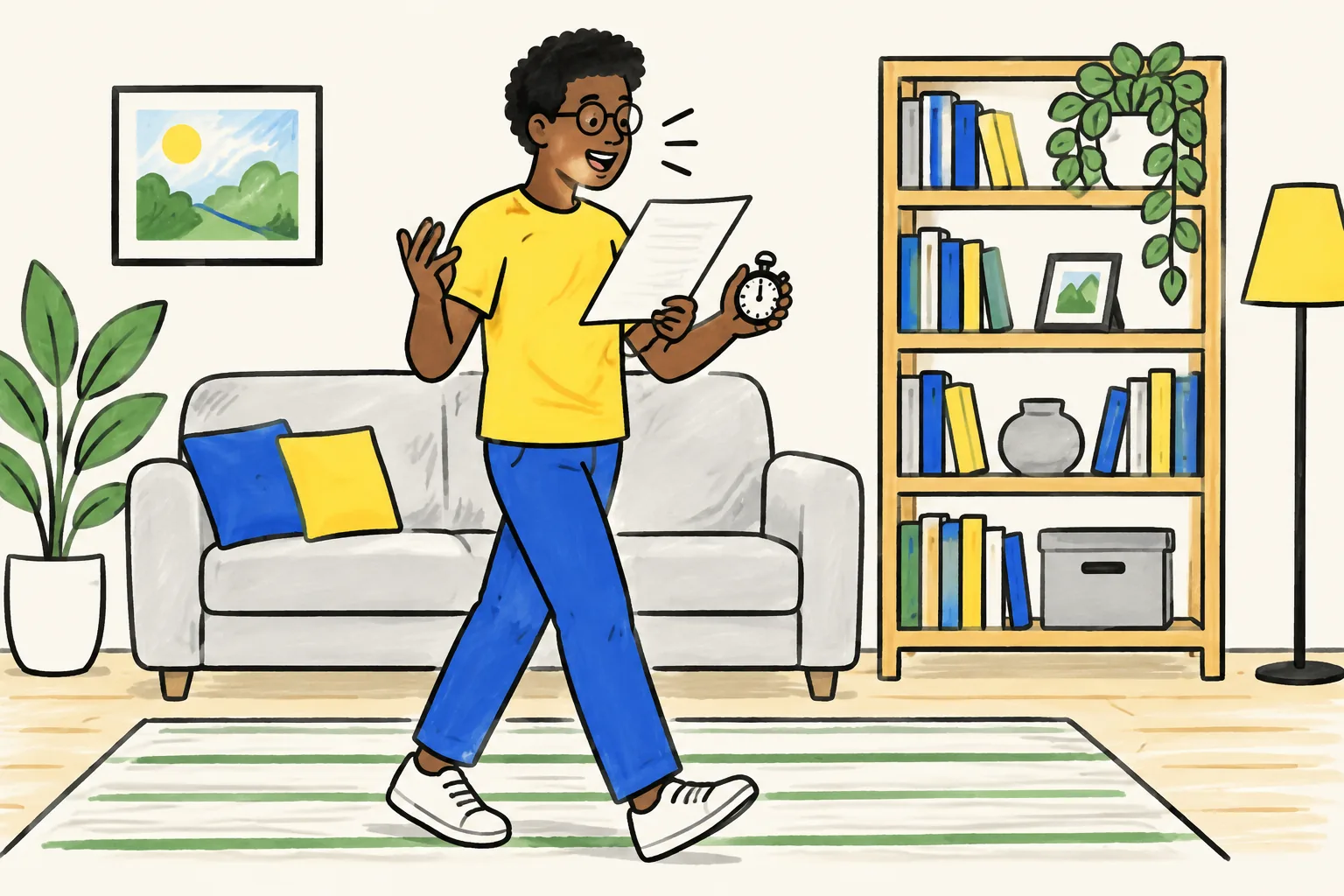
The word count is a starting point. The real test is reading the script out loud with a timer, at the speed you would explain it to a person in front of you. If you run long, cut a sentence rather than talking faster. Fast narration is the most common reason viewers stop following.
Pauses matter too. Leave a short beat after the opening question, before a key step, and before the recap. They give the listener time to catch up and make the important line stand out.
Choosing a voice
The right voice is the one your audience trusts and can follow easily. A few questions help:
- Who is listening? Young children often do best with a warm, slightly slower voice. Staff training suits a calm, practical voice. A product explainer can be brighter.
- What is the subject? A health or safety topic needs a steady voice. A light topic can carry more energy.
- Where are they? An accent your audience hears every day is easier to follow than one they rarely hear.
- Female or male? Either works. If you make a series, keep the same voice throughout so the videos feel like a set. Some teams pick a voice to match the presenter or teacher the audience already knows.
The quickest way to choose is to record or generate the same paragraph in two or three voices and play them to one person from the audience. Ask which one they would listen to for three minutes.
Recording your own voice vs AI voices
Both are good choices for different situations.
| Recording your own | AI voice | |
|---|---|---|
| Best for | A known teacher or founder, a personal channel, emotional or sensitive topics | Regular series, frequent updates, several languages, teams with no one who likes recording |
| Time | Setup, a few takes, editing out mistakes | Minutes; no recording at all |
| Updates | Re-record the changed lines and match the sound | Change the script and generate again |
| Watch out for | Room echo, background noise, uneven volume between sessions | Mispronounced names and unusual terms; check them every time |
If you record yourself, a few habits make a big difference:
- Use a quiet, soft room. Curtains, a sofa and a rug reduce echo. A closet full of clothes works surprisingly well.
- Keep the microphone close and steady, about a hand's width away, slightly to the side so breaths do not pop.
- Stand or sit up straight, and smile on friendly lines; listeners can hear it.
- Read each paragraph as a separate take. If you stumble, pause, then restart the sentence. It is easy to cut later.
- Record a few seconds of silence in the room first. Most editing software can use it to reduce background noise.
If you use an AI voice, read the script aloud yourself first anyway. Sentences that are hard for you to say are hard for any voice to make natural.
Voiceovers in other languages
If your audience speaks another language, write the script in that language, or have a fluent speaker adapt the translation, rather than translating word for word. Spoken word order, politeness and examples change between languages. A local example ("a matatu", "a bodega") lands better than a translated one.
Three checks for any non-English voiceover: numbers and dates are said the local way, product and place names are pronounced correctly, and one native speaker listens to the finished video before it goes out. Expect the word count to change: the same script can run noticeably longer in some languages, so time it again.
Voiceovers in KolaVid
KolaVid writes or takes your narration and voices it for you, then draws each picture as the narrator says it. You choose a female or male voice and the narration language from menus below the prompt box; the language list includes Spanish, Portuguese and many others.
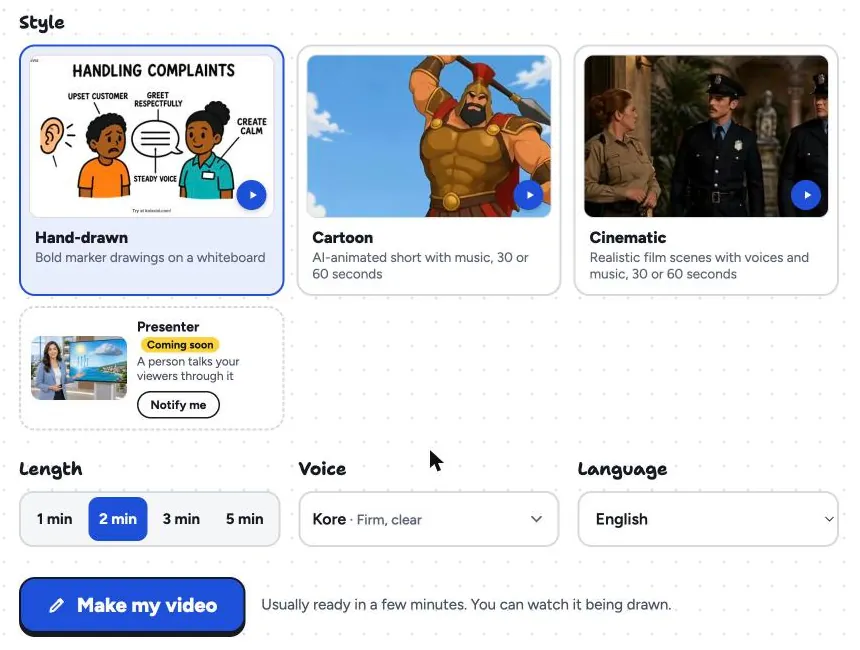
If you have written a voiceover script with this guide, paste it in, choose a length that matches its word count, and pick the voice. Free videos run up to 2 minutes and paid plans go up to 5. The video is usually ready in a few minutes. KolaVid narrates with its own voices, so if you need your own recorded voice on the video, record it separately with another tool.
The same subject can be made in another narration language for a different audience. Here is a frame from a Portuguese sample on the water cycle:
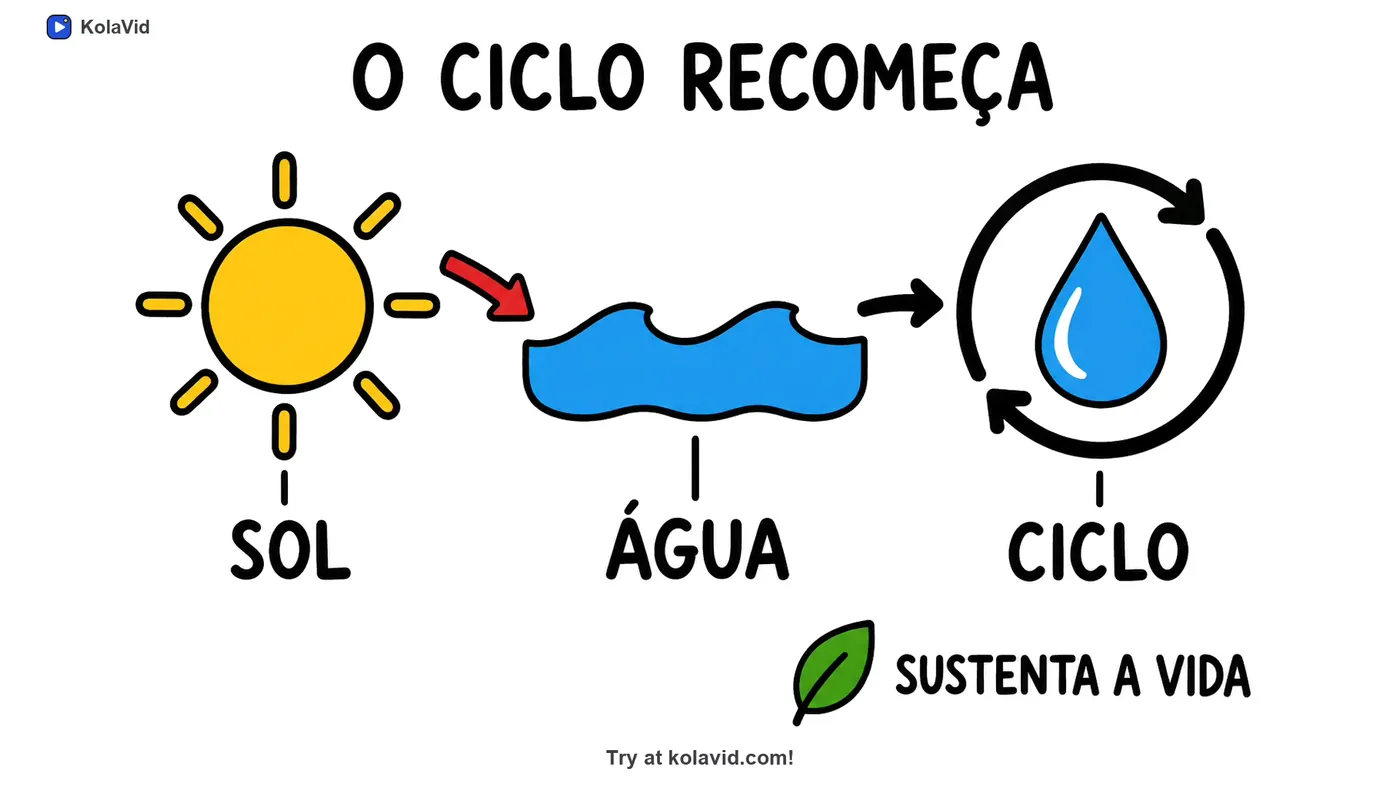
Check pronunciation of names and terms in every finished video, as you would with any AI voice. For lessons, the teachers page has more samples; for staff videos, see the training page. If your script started life as an SOP, our guide to turning an SOP into a training video covers rewriting it for the ear.
FAQ
How many words is a 2-minute voiceover script?
About 260 to 300 words, at 130 to 150 words a minute. For a whiteboard video or a young audience, stay nearer 260 so viewers can follow each drawing.
Should a voiceover script match what's on screen?
Yes. The words on screen should be words the narrator says, at the moment they say them. If the screen says one thing and the voice says another, viewers have to choose which to follow, and they usually follow neither.
Is an AI voice good enough for an explainer video?
For most explainers, training and lessons, yes, as long as you check names and technical terms. For a very personal message, like a founder's story or a teacher welcoming their own class, a real recorded voice can carry more warmth.
How do I make a voiceover sound less robotic?
Write shorter sentences, use contractions like "you'll" and "it's", vary sentence length, and add pauses before key points. Most stiff narration comes from a script written for reading, not from the voice.
Write the next one for the ear
Take your next script, read it aloud once with a timer, and rewrite every sentence you tripped over. That one pass fixes most voiceovers. To hear it with drawings, a free KolaVid account includes enough credits for one 2-minute video, no card needed. More practical guides are in our AI whiteboard video generator guide.