How to Explain a Process in a Video (With Example)
How to explain a process clearly: map the trigger, steps, decisions and exceptions, show the order visually and script a process explainer video. Prompt inside.
To explain a process, say what starts it, walk through the steps in the order they happen, and pause at each point where the path splits to say what decides which way it goes. Keep the rare exceptions for the end. In a video, show one step at a time, in the same left-to-right order every time, so the viewer always knows where they are.
Most process explanations go wrong in three predictable ways: they start with background instead of the trigger, they mix the normal path with every exception, and they never say who does each step. Below is a method that avoids all three, worked through on an expense claim approval, ending with a script and a prompt you can copy.
The five parts of any process
Before writing anything, find these five things. If you cannot name one, ask the person who runs the process.
- The trigger. What starts it? "An employee has paid for something work-related with their own money."
- The steps. What happens, in order, and who does each one. Write each as *person + verb + thing*: "The manager checks the claim."
- The decisions. Points where the path splits. Each has a question and two (rarely three) answers: "Is the claim over the manager's limit? Yes, it goes to finance for a second approval. No, the manager approves it."
- The end state. How everyone knows it is finished. "The money is in the employee's account and the claim shows as Paid."
- The exceptions. Things that happen sometimes and break the normal flow: a lost receipt, a claim in a foreign currency, an urgent payment.
Most processes, even complicated-looking ones, have one trigger, four to seven steps, one or two decisions and a few exceptions.
Map it before you script it
Do not start with the script. Start with the map, on paper, a whiteboard or sticky notes.
- Write one step per note. Person, verb, thing. If a note has "and" in it, it is probably two steps.
- Lay them out left to right. Time runs one way. Keep it that way.
- Use a different shape for decisions. A diamond or a note turned on its corner. Write the question on it.
- Ask "what happens next?" after every note. Then ask "what could stop this?" The answers to the second question are your exceptions.
- Mark the hand-offs. Every time the work moves from one person to another, something can get lost. These are the moments viewers most need to understand.

Then walk through the map with someone who does the process every day. They will spot the step everyone skips.
Show the order visually
What a process explainer video does better than a written procedure is show the order. A few habits make it clear.
- One step per scene. The viewer looks at one thing while hearing about one thing.
- Keep the direction fixed. If step one was on the left, step two is to its right, every time. Arrows always point forward in time.
- Use the same picture for the same thing. If the receipt is a paper slip in scene one, keep it that slip in scene five.
- Show who. A simple figure for each role (employee, manager, finance) helps viewers follow hand-offs. Give each the same look all the way through.
- Draw the decision as a fork. The question in the middle, one path each way, and say both answers aloud.
- End with the whole map. After walking through it step by step, a final scene with all the steps in a row lets viewers see the shape at once.
Write narration that signposts
Listeners cannot glance back, so spoken explanations need more signposts than written ones. Use order words (first, next, finally). Say each decision as a question before giving both answers. Name the person at the start of each step: "The manager then checks...", not "It is then approved." End with one sentence that recaps the steps in order.
Worked example: an expense claim approval
Here is a typical expense claim process, as a finance team might write it:
Employees submit expense claims through the finance system with an itemised receipt for each item, within the deadline set by the expenses policy. The line manager reviews the claim against the policy and approves or rejects it. Claims above the manager's approval limit require additional sign-off from the finance manager. Finance checks approved claims for policy compliance and correct coding, then pays them in the next payment run. Claims without receipts are returned to the employee. Foreign currency claims are converted at the rate on the day of purchase.
The map
- Trigger: an employee pays for something for work with their own money.
- Steps: employee submits claim with receipt → manager reviews → (decision) → finance checks → finance pays in the next payment run.
- Decision: is the claim above the manager's approval limit? Yes: the finance manager signs off too. No: it goes straight to finance.
- End state: money in the employee's account; claim marked Paid.
- Exceptions: no receipt (claim comes back), foreign currency (converted at the rate on the day of purchase).
The storyboard
| Scene | What the narrator says | What is drawn |
|---|---|---|
| 1 | You paid for a client lunch with your own card. Here is how you get the money back. | A person holding a receipt |
| 2 | First, you submit a claim in the finance system, with a photo of the receipt. | Person, arrow, a form with a receipt clipped to it |
| 3 | Next, your manager checks it against the expenses policy. | Manager figure with a clipboard |
| 4 | Is it above your manager's approval limit? If yes, the finance manager signs it too. If no, it goes straight on. | A fork: one path via a second figure, one straight on |
| 5 | Then finance checks it and pays it in the next payment run. | Finance figure, calculator, coins going to the person |
| 6 | Two things change the path: a missing receipt sends the claim back, and foreign currency is converted at the rate on the day you paid. | Receipt with a cross; two coins of different sizes |
| 7 | So: submit, manager, limit check, finance, paid. | All steps in a row with arrows |
The script
About 200 words, roughly a minute and a half at a calm pace:
You've paid for a client lunch with your own card. Here's how you get that money back.
>
First, you submit an expense claim in the finance system. Add a photo of the itemised receipt for each item, and submit it before the deadline in the expenses policy.
>
Next, your manager reviews the claim. They check it against the policy: was this a business expense, and is it within the limits?
>
Then comes one question. Is the claim above your manager's approval limit? If yes, the finance manager signs it off as well. If no, it goes straight to finance.
>
Finance then checks the claim is coded correctly and follows the policy. Once it passes, you're paid in the next payment run. When the claim shows as Paid, you're done.
>
Two things can change the path. If a receipt is missing, the claim comes back to you, so keep every receipt until you're paid. And if you paid in another currency, the amount is converted at the rate on the day you paid.
>
So the whole process is: you submit, your manager reviews, the limit is checked, finance checks and pays. Keep the receipt, submit on time, and the money follows.
Notice what is left out: spending limits, coding rules and payment dates. Those change and belong in the written policy.
A prompt to copy
For an AI video tool, spell out the five parts instead of writing "explain our expenses process". Adapt this one:
``` Make a 2-minute process explainer video for new employees: how an expense claim gets approved and paid.
Trigger: an employee pays for something for work with their own money. Steps, in order:
- The employee submits a claim in the finance system with a photo of each receipt.
- The line manager reviews it against the expenses policy.
- Decision: is it above the manager's approval limit? Yes: the finance manager signs it off too. No: it goes straight to finance.
- Finance checks the coding and policy, then pays in the next payment run. End: the claim shows as Paid. Exceptions, at the end only: a missing receipt sends the claim back; foreign currency is converted at the rate on the day of purchase.
Show one step at a time, left to right, with the same figure for each person. Finish with a one-sentence recap of the steps. ```
The same shape works for any process, from handling a return to onboarding a supplier: replace the trigger, steps, decision and exceptions. Our guide to writing prompts for whiteboard videos covers more prompt patterns.
Making the process video in KolaVid
KolaVid turns a prompt like the one above, a pasted script or an uploaded procedure document into a narrated whiteboard video. Each drawing appears as the narrator says it, with one idea on each board, which suits a process: the viewer sees each step arrive in order.
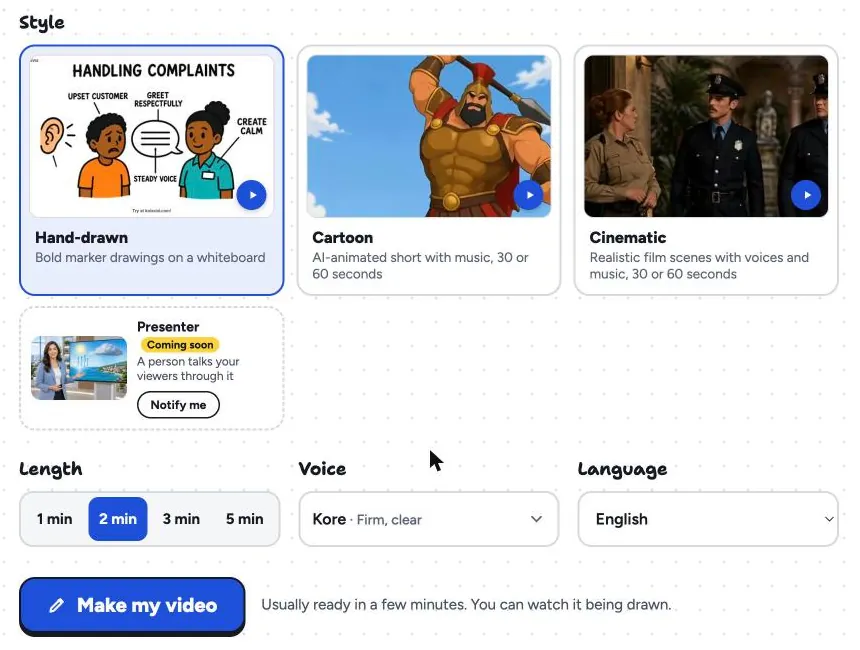
Paste the prompt, then choose the Hand-drawn style, a length (2 minutes suits this example), a voice and the narration language.
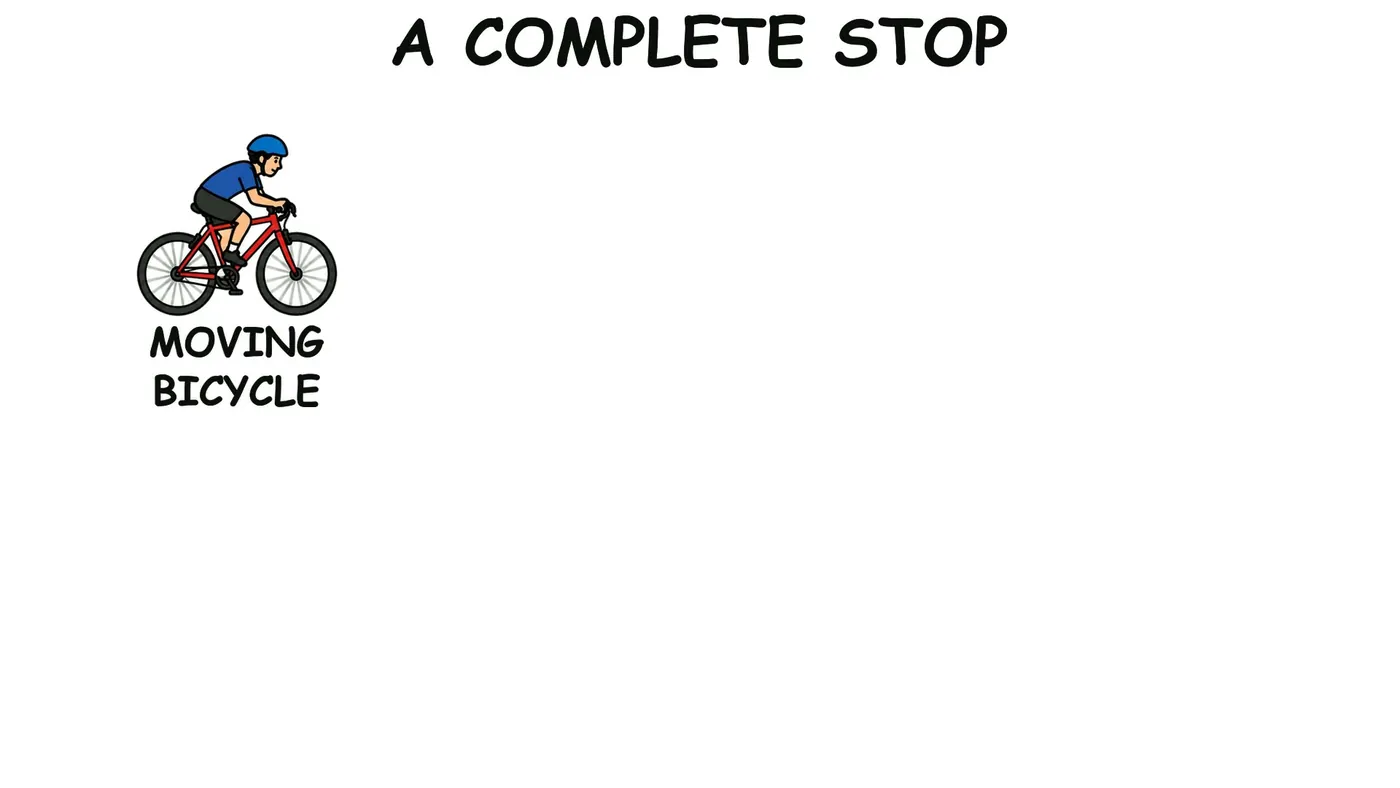
Here is a board from a sample process video, "How Bicycle Brakes Work", early in its reveal: the moving bicycle comes first, and the rest follows as the narrator reaches each step.
The video is usually ready in a minute or two; download the MP4 or share a link. Free videos run up to 2 minutes, paid plans up to 5. There is no editing timeline, so if a step is wrong you correct the prompt and make the video again. The training page and the whiteboard video page have more samples.
FAQ
How long should a process explainer video be?
Usually one to three minutes. Four to seven steps and one decision fit in about two. If you need more than five minutes, it is probably two processes.
Should I use a flowchart or a video to explain a process?
Both, for different jobs. A flowchart is a reference people check while working. A video explains the process the first time, with the reasons and the hand-offs said aloud. Many teams link the video from the flowchart.
How do I show a decision in a process video?
Draw the decision as a fork, with the question in the middle and one path each way. Say the question aloud, then both answers, before following the main path on. Keep to two answers wherever you can.
How do I explain a process with lots of exceptions?
Walk the normal path to the end first, then cover the two or three most common exceptions in a short closing section. Rare cases go in the written procedure; a common, complicated exception can get its own short video.
Start with the process people ask about most
Pick the process that generates the most questions, map its five parts on sticky notes, and walk through the map with someone who runs it. Then write the script, or adapt the prompt above. Our training video script template has word budgets for each length, and turning an SOP into a training video helps if the process is already written down as a procedure.