Educational Videos for Kids: How to Make Them Clear
How to make short educational videos for kids and students: one idea, a gentle pace, simple words, repetition and a role for parents. Three prompts by age.
Good educational videos for kids are short, slow and about one thing. For children aged four to eight, one to two minutes on a single idea is plenty: a few everyday words, one new word shown before it is named, the key idea said more than once, and an ending that asks the child to do or notice something. For older students, the same rules hold with a little more content and a faster pace.
This guide covers how to pitch a video for young learners, a script shape you can reuse, how parents and teachers can make a two-minute video do more, and three prompts to copy for different ages, each with the facts to check.
What makes a video work for young learners
Most kids' videos that fail were made for adults and then simplified: too many ideas, unfamiliar words, no time to think. Five things make the difference:
- One idea per video. "How a caterpillar becomes a butterfly" is one idea. "Insects" is a topic, not an idea.
- A gentle pace. Short sentences, and time to look at each picture.
- Words they know, plus one new one. Build the explanation from everyday words, and introduce at most one or two new words.
- Something they can picture. Apples, puddles, shadows, toys. Abstract ideas come after a concrete example, never before.
- Repetition. The key idea at the start, in the middle and at the end. What feels repetitive to an adult feels reassuring to a five-year-old.
How to pitch it by age
| Age | Length | Ideas per video | Sentences | What works |
|---|---|---|---|---|
| 4 to 6 | 1 minute | One | Very short, 5 to 8 words | Familiar objects, counting, naming, a question to answer out loud |
| 7 to 9 | 1 to 2 minutes | One, in two or three steps | Short, one fact each | A simple sequence, one new word, a "did you know?" fact |
| 10 to 12 | 2 to 3 minutes | One, with a cause | Short to medium | Why things happen, a common wrong idea corrected, a check question |
| 13 and up | 2 to 5 minutes | One concept, more detail | Normal speech | Exam words, worked examples, links to the last lesson |
These are starting points, not rules; attention depends on the topic, the time of day and whether the child asked the question. If unsure, make it shorter. Our piece on short vs long explainer videos goes into length in more detail.
Pace: slower than you think
Adults explaining something they know well speed up. For young children, slow down:
- Fewer words. Cut every sentence that does not move the idea forward.
- One picture at a time. Let each drawing arrive on its own and stay while it is talked about.
- Pauses. A gap after "How many legs does it have?" gives children time to answer out loud. If you record your own voice, actually wait.
Vocabulary: show it, name it, use it
New words are where many kids' videos lose their audience. This pattern works for almost any subject:
- Show it. Draw the thing first: a caterpillar wrapped up and hanging very still.
- Name it. "This is called a chrysalis."
- Use it. Say "chrysalis" two or three more times in the video, each time with the picture visible.
Everything else stays in everyday words. "The caterpillar eats and eats and grows bigger" teaches more than "the larva undergoes several moults".
Concrete first, then the idea
Young children understand an idea through things they can see and touch. Adding is three apples and two more apples before it is 3 + 2. Floating is a toy boat and a pebble in a bowl of water before it is density.
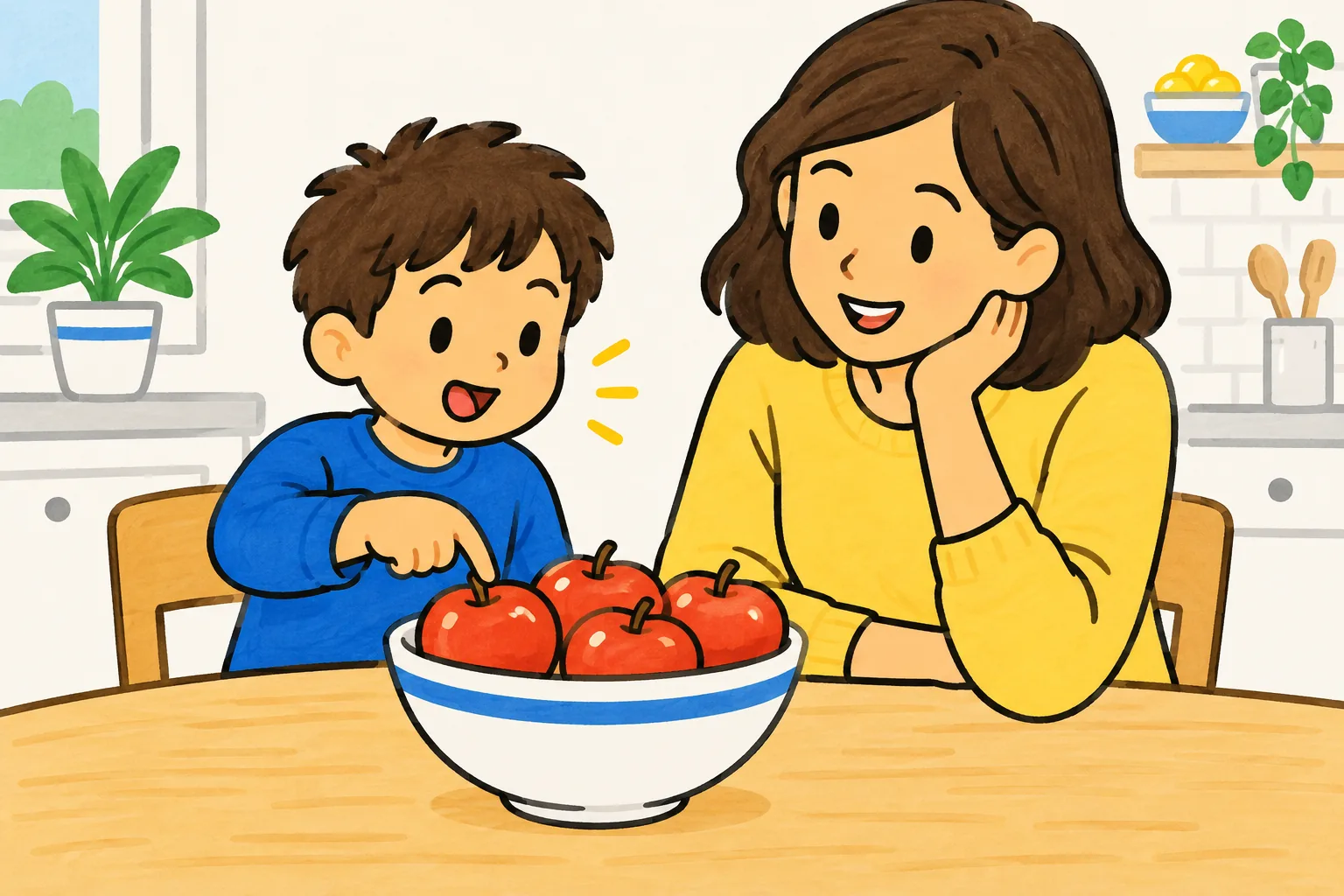
When you plan a video, ask: what object in the child's world shows this idea? Then start the video with that object.
A script shape for kids' videos
This shape fits most one- to two-minute videos for young learners. Copy it and fill in the brackets.
- The question (one sentence): "Have you ever wondered [question]?"
- The thing they know (one or two sentences): "[An everyday object or moment the child has seen]."
- The steps (three short steps, one picture each): "First... then... and then..."
- The new word (show, name, use): "This is called [word]."
- The key idea again (one sentence, same words as the opening answer).
- Something to do (one sentence): "Next time you [see or do something], look for [the idea]."
The last line matters more than it looks. It moves the learning out of the screen and into the child's day.
How parents and teachers can make a short video do more
A two-minute video watched together does more than the same video watched alone. Some simple habits:
- Watch it with them the first time. Pause after a question and let them answer. Point at the drawings.
- Ask one question afterwards. "What happened after the caterpillar ate all the leaves?" One question is enough.
- Do the thing. Plant a bean, count the apples, look at the Moon. The video sets up the activity; the activity makes it stick.
- Keep screen time purposeful. A short video followed by talk or an activity is different from an hour of autoplay. Follow your school's or country's screen-time guidance.
Teachers can use the same video to open a lesson or as a recap, and send the link home so parents can continue the conversation.
Three prompts to copy
Each prompt works as a plan for recording your own video or as a request to an AI video tool. Check the facts in the finished video against the notes, whichever way you make it.
Ages 5 to 6: how a caterpillar becomes a butterfly
Make a one-minute video for 5-year-olds about how a caterpillar becomes a butterfly. Use very short sentences and simple words. Show four stages in order: a tiny egg on a leaf, a hungry caterpillar eating and growing, a chrysalis hanging still, and a butterfly coming out. Introduce the word "chrysalis" by showing it first, and say it three times. End by asking children to look for caterpillars on leaves.
Facts to check: the order is egg, caterpillar, chrysalis, butterfly. The caterpillar grows by eating and sheds its skin several times as it grows. Butterflies form a chrysalis; it is mostly moths that spin a silk cocoon, so the video should not call a butterfly's chrysalis a cocoon. Inside the chrysalis, the caterpillar's body changes into a butterfly.
Ages 7 to 8: what a plant needs to grow
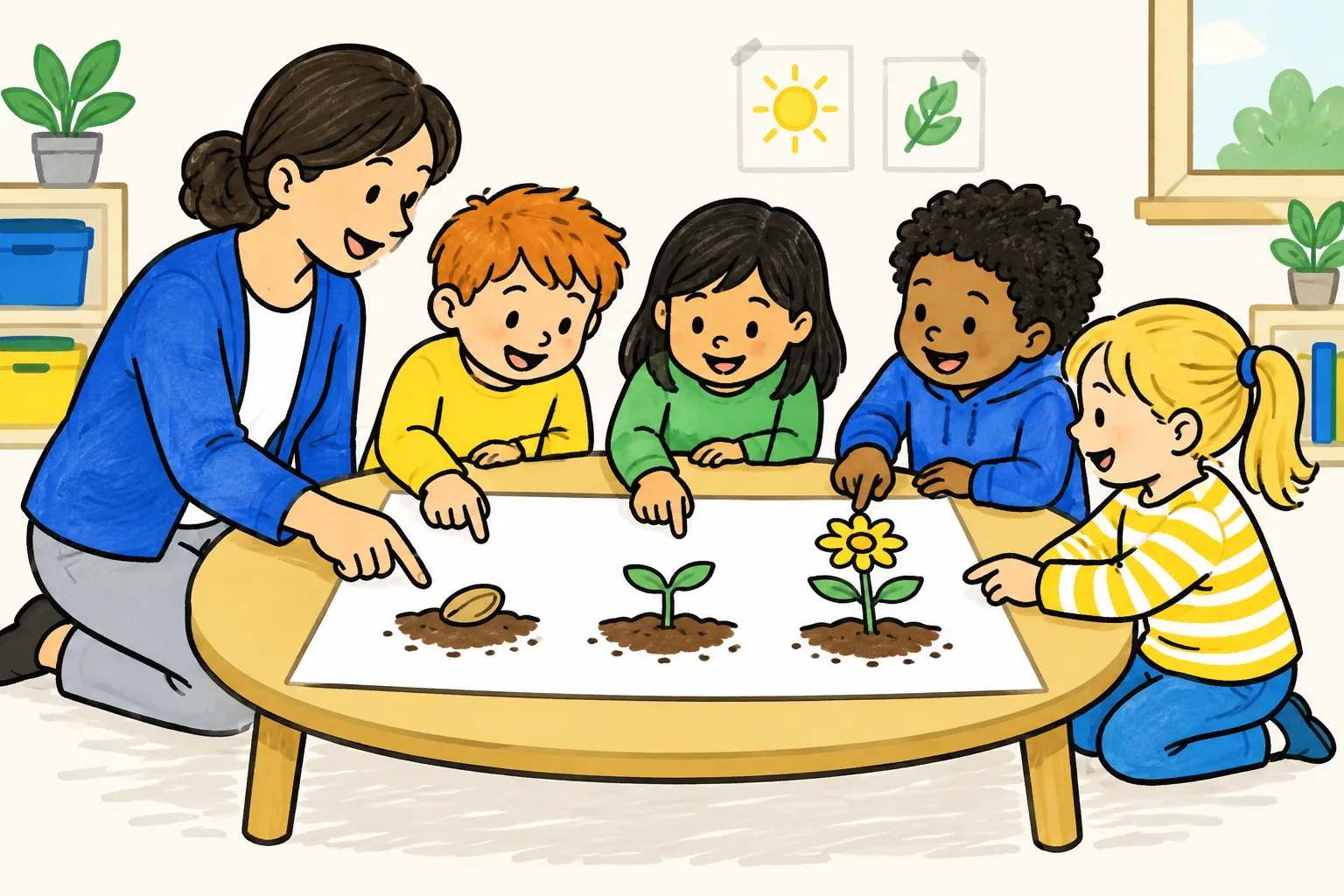
Make a two-minute video for 7-year-olds answering "What does a plant need to grow?". Start with a seed planted in a pot. Show it sprouting, then growing into a flower, and show the four things it needs: water, light, air and room to grow, with a little goodness from the soil. Use one new word, "roots", and show the roots before naming them. Finish by suggesting children plant a bean in a cup and watch it for a week.
Facts to check: a seed needs water, warmth and air to start growing; most seeds sprout in the dark because they carry a store of food inside them. Once the plant has leaves, it needs light to make its own food. Roots take in water and small amounts of minerals from the soil. The video should not say the plant eats soil or gets its food from it.
Ages 9 to 10: why we have day and night
Make a two-minute video for 9-year-olds answering "Why do we have day and night?". Start with a child noticing the Sun is low in the morning, high at lunchtime and gone at night. Show Earth as a ball spinning around a line through its middle, called its axis, with the Sun lighting one side. Explain that the side facing the Sun has day and the side facing away has night. Say clearly that the Sun is not moving around Earth each day; it looks that way because Earth spins. End with a torch-and-ball experiment children can try.
Facts to check: Earth spins once on its axis about every 24 hours. At any moment, roughly half of Earth faces the Sun and has day. The Sun only appears to move across the sky because Earth turns. Earth also travels around the Sun, but that takes a year and explains the year, not day and night, so keep the two apart.
Educational videos for older students
From about age eleven, students can handle more: a cause and its effect, a common wrong idea corrected, a worked example, the exact words their exams use. The core rules stay the same. One concept per video, everyday examples first, new words shown before they are named, and a question at the end.
What changes is the length and the depth. A two- to three-minute video can explain why something happens, not just what happens. For science topics, our guide to explaining science concepts in short videos shows how to plan around misconceptions, and older students can turn their own notes into study videos, as the students page shows.
Making kids' videos with KolaVid
KolaVid is a tool for the adults who teach. It turns a typed prompt, pasted text or script, an uploaded PDF, Word or PowerPoint file, or a web link into a narrated whiteboard video, with each drawing appearing as the narrator says it and one idea on each board, a reveal that suits young learners.
Paste one of the prompts above, or your own script in the shape described earlier. For young children, choose the 1 min length and keep the prompt clear about the age and the one new word. Pick a female or male voice and the narration language, which helps families who speak another language at home.
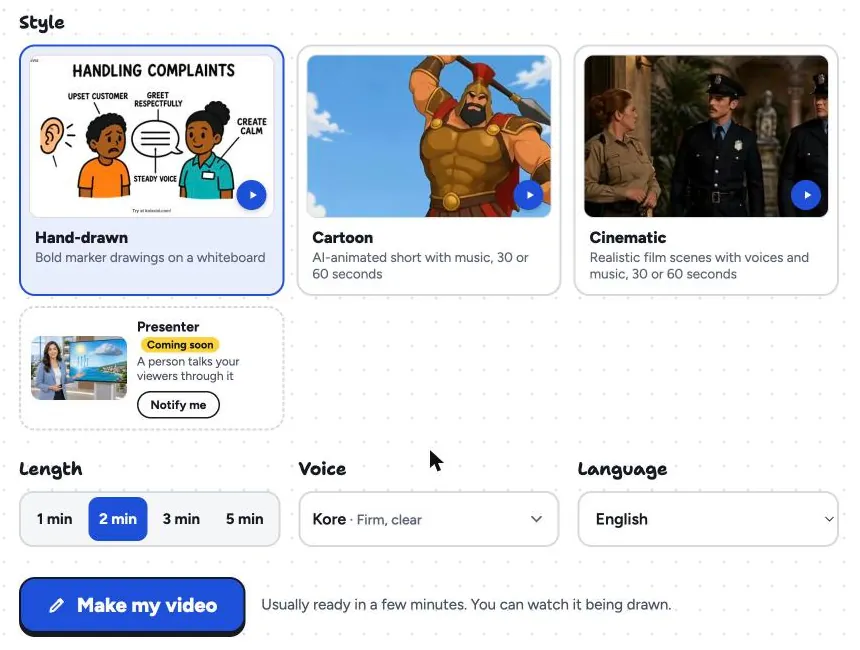
Free videos run up to 2 minutes and paid plans up to 5; it is usually ready in a few minutes. Watch the whole thing yourself before showing it to children and check it against the fact notes. There is no editing timeline, so to change a word or fact, change the prompt or script and make it again. Download the MP4 for the classroom screen or share a link with families. The teachers page has sample lessons, and our guide to whiteboard videos for teachers covers planning a series.
FAQ
How long should educational videos for kids be?
For ages four to six, about one minute. For seven to nine, one to two minutes. For ten to twelve, two to three minutes. Each video should cover one idea. If you need more time, make a second video rather than a longer one.
What makes a good educational video for young children?
One idea, simple words, a slow pace, familiar pictures, the key idea repeated, and an ending that asks them to do or notice something. Watching with an adult who pauses to ask questions helps even more.
How many new words should a kids' video introduce?
One, or two at most. Show the thing first, then name it, then use the word a few more times with the picture in view. Everything else should be in words the child already uses.
Are AI-made videos suitable for children?
They can be, if an adult checks them first. Watch the whole video, check every fact against a trusted source, and make sure the words and pace suit the age. Remake it if anything is wrong or too hard.
Make one for tomorrow
Think of the question a child asked you this week that you found hard to answer simply. Write it down, fill in the script shape, and make a one-minute video about it. A free KolaVid account includes enough credits for one 2-minute video, no card needed. Watch it together, ask one question afterwards, and then go and do the activity.