Explainer Video Cost: Prices by Route and How to Save
What an explainer video costs with an agency, a freelancer, a DIY tool or AI, what drives the price, and how to get a good video on a small budget.
What an explainer video costs depends far more on who makes it than on how long it runs. Agencies and studios quote per project, freelancers quote per project or per minute, DIY animation tools charge a monthly or yearly subscription, and AI generators charge a subscription or per minute of finished video. For the same 90-second explainer, the most expensive route can cost many times what the cheapest one does.
Below: what you pay for on each route, what pushes the price up, and how to get a clear video on a small budget. Tool prices were checked on the vendors' own pricing pages on 28 October 2026. Agency and freelancer prices are quote-based, so we describe what goes into the quote rather than guess a number.
What you are actually paying for
Every explainer video, however it is made, needs the same five pieces of work:
- The script. Deciding what to say, in what order, in about 150 to 300 words for a short video.
- The pictures. A storyboard, then illustration or animation for each scene.
- The voice. A recorded voiceover or a synthetic one.
- The timing. Making each picture appear when the voice reaches it.
- Revisions. Changing the parts that are wrong or unclear after people see a draft.
The routes differ in who does each piece: an agency does all five plus project management; with a DIY tool you do most of it yourself; with an AI generator the software does most of it and you write the brief and check the result.
So the honest question is not "what is the cheapest explainer video?" but "which of these five jobs can I do myself, and which do I need to pay for?"
Explainer video pricing by route
| Route | How it is priced | What you get | What you still do | Best for |
|---|---|---|---|---|
| Animation agency or studio | Quote per project, usually with a set number of revision rounds | Script, custom illustration, animation, professional voice, music, project management | Brief them, approve each stage | A flagship video on your homepage that must look unique and on-brand |
| Freelance animator | Quote per project or per minute of finished video | Animation, sometimes script and voice too | Usually the script, the voice booking and the project management | One or two videos with a clear script you already wrote |
| DIY animation tool (VideoScribe, Powtoon and others) | Monthly or yearly subscription | An editor, image library, sometimes AI voices or scripts | Nearly everything: script, scene building, timing, voice | People who make videos often and enjoy building scenes |
| AI explainer generator | Subscription or credits per minute of video | A finished narrated video from a prompt, script or document | The brief or script, and checking the result | Many short explainers, quickly, on a small budget |
Two tool prices for reference, checked on 28 October 2026:
- VideoScribe lists its Lite plan at £130 billed yearly, with 5 video downloads a month; Core and Max cost more and allow more downloads.
- Powtoon lists Lite at $15 a month billed yearly; for monthly billing, see their pricing page. Its free plan exports up to 3 minutes at 720p with a Powtoon watermark.
Prices change often, so confirm before you buy. For a wider comparison of whiteboard tools, see our round-up of the best AI whiteboard video generators.
What drives the cost of an explainer video
If you get quotes, these are the things that move the number. If you are making the video yourself, they are the things that move the hours.
Length
Every extra minute means more script, scenes and animation. A product explainer for a homepage often works at 60 to 90 seconds; a how-it-works video for customers who have already signed up can run two to three minutes. Our piece on short versus long explainer videos goes through how to choose.
Style
Custom character animation with lip sync costs the most, because each second takes many hours. Motion graphics sit in the middle. Whiteboard and simple drawn styles are usually the cheapest, because one drawing on a plain background can carry a whole idea.
Custom illustration
Stock icons and library images are cheap. Drawings made to look exactly like your product, your staff or your brand style cost more on every route, from agency hours to time spent in a DIY editor.
Voice
A voice actor is paid per recording and again for every change. AI tools include a synthetic voice. Your own voice is free but needs a quiet room.
Revisions and languages
The second and third round of changes are where many budgets break. Agencies usually include a fixed number of revision rounds and charge for more. If you need the same video in Spanish or Portuguese, an agency or freelancer typically re-records and re-times it, which is close to a new project. With an AI tool you usually change the narration language and make it again.
Who writes the script
If you bring a tight, tested script, every route gets cheaper, because nobody has to discover what you are trying to say.
How to get an affordable explainer video that still works
A cheap explainer video that confuses people is not cheap. These steps keep the cost down without making the video worse.

1. Write one sentence the viewer should remember
Finish this line before spending anything: "After watching, the viewer knows that..." For example, "...our app sends the invoice and chases the payment for you." Every scene either supports that sentence or goes.
2. Write the script yourself, then cut it by a third
Speech runs at roughly 130 to 150 words a minute. A 90-second explainer is about 200 to 220 words. Write it the way you would explain your product to a friend across a table, then remove anything the viewer does not need to make a decision. Short scripts cost less on every route.
A shape that works for most product and service explainers:
- The problem, in the viewer's words (one or two sentences)
- What people do now, and why it is annoying
- What you do instead, shown in two or three steps
- One concrete example with real numbers or a real situation
- What to do next (one action, not three)
3. Choose the simplest style that fits
If you are explaining a process, a decision or a "why", a whiteboard or drawn style is usually enough and costs the least. Save full character animation for the one video that has to carry your brand on the homepage.
4. Make one video per idea
Three 60-second videos, one per feature, are easier to make, watch and update than one three-minute video covering five features.
5. Test a draft on one real viewer
Show the draft to someone who matches your audience and ask what they remember. If they cannot repeat your one sentence, fix the script, not the animation. This costs nothing and saves the most money.
6. Plan for updates
If your offer changes often, pick a route where updating means editing a script, not commissioning a new project.
A budget plan for small teams
Here is how a small company might spread a modest budget across a year, instead of spending it all on one video:
| Need | Route | Why |
|---|---|---|
| Homepage explainer (one, 60-90 seconds) | Agency or experienced freelancer, if you can afford it; otherwise a well-scripted AI or DIY video | This one is seen by every new visitor |
| Feature explainers (one per feature) | AI generator or DIY tool | Many short videos, updated as the product changes |
| Help and onboarding videos | AI generator or screen recording | Practical, changes often, nobody expects polish |
Paying agency rates for a help-centre video wastes money; making your main homepage video in an afternoon may cost you sign-ups. Our guide to whiteboard videos for marketing has more on matching video types to where people watch them.
What an explainer video costs in KolaVid
KolaVid is an AI explainer generator, so here is exactly what it costs. You type a topic, paste a script, upload a PDF, Word or PowerPoint file, or add a web link, and it makes a narrated whiteboard video in which each drawing appears as the narrator says it.
- Free account: 120 credits, enough for one 2-minute video, no card needed. Free videos carry a small KolaVid mark.
- Whiteboard videos: 1 credit a second, so a 60-second explainer uses 60 credits and a 2-minute one uses 120.
- Starter: $19.99 a month for 5,000 credits, about 83 minutes of whiteboard video, or roughly 40 two-minute videos. Creator and Studio plans give more credits.
- Length: 1, 2, 3 or 5 minutes; free videos go up to 2 minutes and paid plans up to 5.
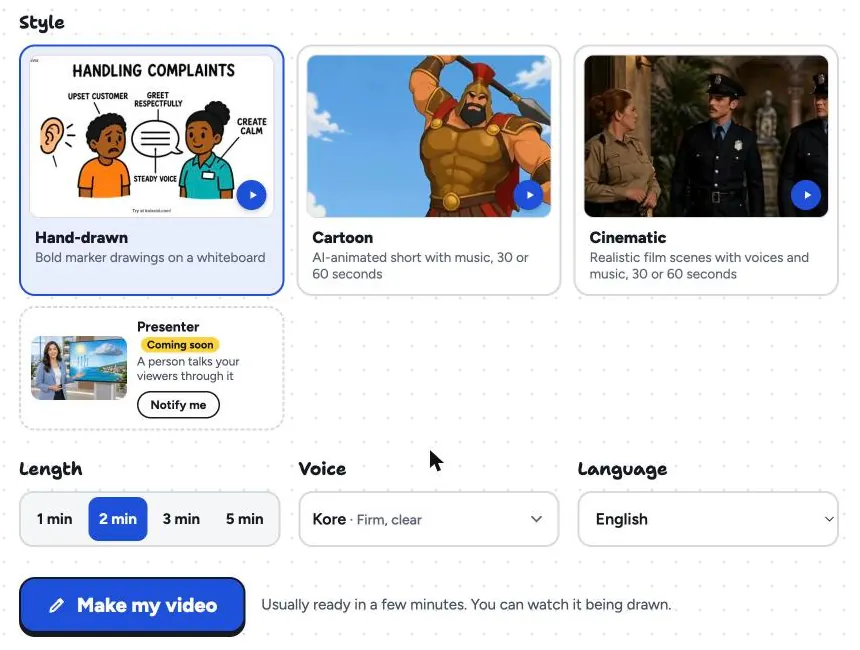
Choose a female or male voice, a narration language and a frame (16:9 for your site, 9:16 for Reels and Shorts, 1:1 for feeds). It is usually ready in a few minutes, and you download the MP4 or share a link.
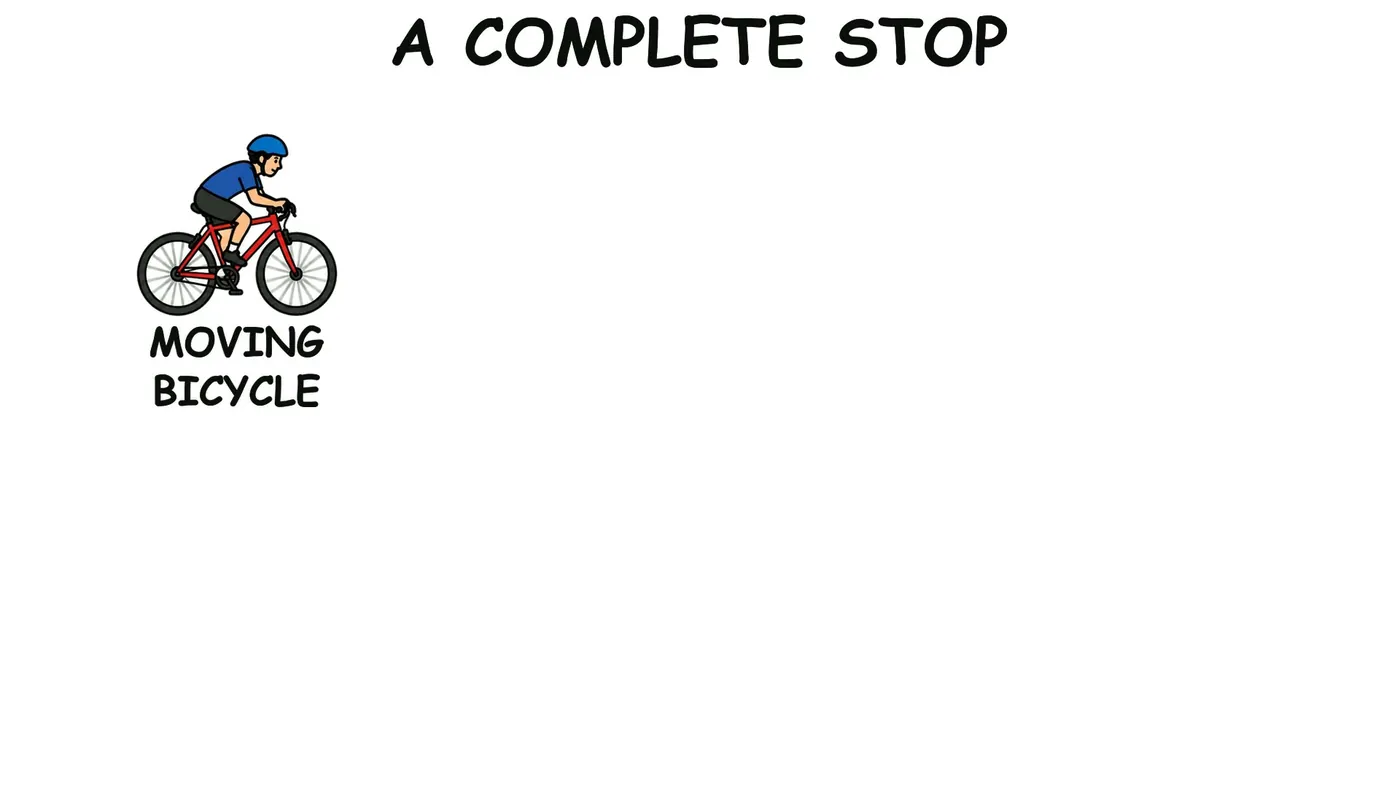
Here is a frame from a sample video, "How Bicycle Brakes Work", on the board titled "A complete stop": the moving bicycle is drawn first, and the rest of the board fills in as the narrator explains it.
The limits: there is no editing timeline, so to change a scene you change the script and make the video again. There are no avatars or presenters. Whiteboard videos come with captions, which you can download as .srt or .vtt for the platform where you post, or burned into the MP4. If you need a unique hand-crafted brand film, an agency is still the better choice. The marketing page has sample videos, and script to whiteboard video shows how a pasted script is turned into boards.
FAQ
How much does an explainer video cost?
It depends on the route. Agencies and freelancers price each project by quote, based on length, style, illustration, voice and revisions. DIY tools cost a subscription plus your time. AI generators charge a subscription or per minute; in KolaVid a whiteboard video uses 1 credit a second, and Starter gives 5,000 credits for $19.99 a month.
What is the cheapest way to make an explainer video?
Write a short script yourself and use a free plan or free credits from a DIY or AI tool. Expect a watermark or mark on free exports. The script matters more than the tool, so spend your time there.
Is a cheap explainer video worth it?
Yes, if it answers one clear question for one audience. A plain two-minute whiteboard video that people understand does more than an expensive one that tries to say everything. Test the draft on a real viewer before you publish.
How long should an explainer video be?
Most product explainers work at 60 to 90 seconds. How-it-works and onboarding videos can run two to three minutes. If the script runs longer, it usually covers more than one idea and should be split.
Start with the script
The cheapest part of an explainer video is also the one that decides whether it works: the script. Write the one sentence, draft 200 words, and cut a third. If you want to see the result before spending anything, a free KolaVid account makes one 2-minute video from that script, no card needed.