Best AI Whiteboard Video Generator: How to Choose
How to choose the best AI whiteboard video generator: what to check on input, style, voices, length, editing, export and price, plus a shortlist by use case.
There is no single best AI whiteboard video generator; there is the best one for the material you start with and the control you want. If you want to place every drawing yourself, an editor such as VideoScribe or Doodly fits. If you want AI to draft the video and then edit it in depth, look at Animaker or Powtoon, and if you want a finished narrated video straight from a prompt or a document, look at generators such as Golpo AI and KolaVid.
Below: seven things to check before you pay, a 30-minute test for any tool, and a shortlist by use case. Facts were checked on each vendor's own site on 28 October 2026; prices change often, so confirm before you buy.
Three kinds of whiteboard animation tools
Tools that sound alike often work very differently, so sort them first.
| Kind | How it works | Your time per video | Examples |
|---|---|---|---|
| Manual editor | You pick drawings from a library, place them on a canvas, set the timing, add a voice | Hours | VideoScribe, Doodly |
| AI draft, then editor | AI builds a first draft from a prompt; you change scenes, characters and timing in a full editor | Minutes for the draft, then as long as you edit | Animaker, Powtoon |
| Generator | AI writes or reads the script, draws the scenes and narrates them; you change the input to change the video | Minutes | Golpo AI, KolaVid |
None of these is better in general. A designer making one brand film a quarter may love an editor; a teacher who needs a video for tomorrow probably does not want to learn a timeline.
What to look for in an AI whiteboard video generator
1. Input types: where does your content start?
Write down what you already have. A typed topic, a finished script, a PDF handout, a slide deck, a policy in Word, a web page. Then check whether the tool accepts it directly.
Ask whether you can paste your own script and have it narrated word for word, which file types you can upload, whether a link works, and how long a prompt or document can be. If your content lives in documents, a tool that reads them saves you a whole step. Our guide to turning a document into a whiteboard video covers how to prepare a file so the video stays accurate.
2. Drawing style: will your audience take it seriously?
Watch full sample videos, not just thumbnails. Are the drawings simple enough to read at a glance? Is the text on the board spelt correctly? Is colour available on the plan you would buy? Some tools offer several looks, such as marker, chalkboard or a drawing hand; others have one house style.
3. Narration and languages
Listen to the voices with headphones. Check which narration languages are on your plan and whether you can upload your own recording. If you work in two languages, make the same short video in both.
4. Length limits
Tools cap video length, often by plan. Two or five minutes is fine for most explainers, but not for a lecture. Check the cap on the plan you will pay for, not the top plan. For how long each kind of video should be, see our guide on explainer video length.
5. Editing control
This is the biggest difference between tools. Ask what happens when one sentence is wrong. In an editor, you fix the scene directly. In some generators, you type an instruction, sometimes with a limited number of free edits. In others, you change the script and make the video again. If you will need fine changes on every video, favour an editor.
6. Export: frames, quality and watermark
Check the frames (landscape 16:9, vertical 9:16, square 1:1), the export resolution on your plan, whether free exports carry a watermark, and whether you can download an MP4 or only share a link. If you need SCORM for an LMS, captions burned in, or team seats, check those too; many tools do not offer them on every plan.
7. Price model
Tools charge by downloads a month, minutes a month, credits per second or minute, or seats. Work out the cost of the videos you will actually make in a typical month. Our guide to AI video pricing shows how to compare cost per finished minute.
A 30-minute test you can run in any tool
Feature lists only go so far. Run the same test in your top two choices.

- Use one real piece of content, not the vendor's sample: a short script, a handout page or a procedure.
- Time it from opening the tool to a file you could publish.
- Show both results to someone who did not write the script, and ask them to explain the idea back.
- Make one change to a word or a scene, and time that too.
- Check the export: frame, quality, watermark and file type.
No content to hand? Use this 60-second test script. Its number, sequence and cause and effect show whether a tool can draw more than icons:
A heat pump warms a house by moving heat, not by making it. Outside, even on a cold day, the air holds some heat. The heat pump draws that air over a cold liquid called a refrigerant, which soaks up the heat. A compressor squeezes the refrigerant, and squeezing makes it hotter. Indoors, that hot refrigerant passes through a coil, and a fan blows warm air into the room. The cooled refrigerant flows back outside, and the loop starts again. A good heat pump can deliver around three units of heat for each unit of electricity it uses.
The tool whose video the other person understands faster is your answer, as long as it fits your budget.
The shortlist by use case
Checked on 28 October 2026 on each vendor's own website. Where a vendor's page showed conflicting figures, we say "see their pricing page".
| Tool | Kind | Starts from | AI help | Free option | Fits best |
|---|---|---|---|---|---|
| VideoScribe | Manual editor | Script or template; you place images | AI script from your source material, AI images, AI voices on higher plans | 7-day trial, 3 watermarked downloads, no card | Hand-built videos with exact visuals |
| Doodly | Manual editor (desktop, Mac and PC) | Your script and its doodle library | None mentioned on its site | 14-day trial via Voomly Cloud | Classic doodle videos, installed software |
| Animaker | AI draft, then editor | Prompt plus a category and AI questions | Draft with scenes, characters, voiceover and lip sync | Free plan with watermark | AI draft you then edit deeply |
| Powtoon | Editor with AI tools | Templates, prompt or document | AI scripts, text to speech, document to whiteboard | Free plan: up to 3 minutes, 720p, watermark | Mixing whiteboard with other styles |
| Golpo AI | Generator | Prompt, documents or PDF, or your own narration | Whole video; edits by typed instruction | One 1-minute video with watermark, no card | Generated whiteboard videos in many sketch styles |
| KolaVid | Generator | Prompt, script, PDF, Word, PowerPoint, text file or link | Whole video, drawn as the narrator speaks | One 2-minute video, no card | Narrated explainers made quickly, no editor |
VideoScribe
VideoScribe is the long-standing whiteboard editor: you build scenes from a large library of hand-drawn images on a timeline, and its AI can turn a policy or brief into a script and generate missing images. Prices are in pounds and billed yearly: Lite is £130 a year with 5 downloads a month and videos up to 5 minutes; Core (£200 a year) and Max (£275 a year) raise the downloads and length, up to 20 minutes on Max, and include AI voiceover minutes. Paid plans export in Full HD. Choose it when you want exact control and will keep editing the same projects.
Doodly
Doodly is desktop software for Mac and PC. You drag doodles onto a canvas in whiteboard, blackboard, glassboard or green screen style, and record your voice in the app or upload audio. We did not see AI generation mentioned on its site. Doodly now comes with Voomly Cloud, listed at $49 a month alongside other Voomly tools, with a 14-day trial and a 30-day refund. Choose it when you like building classic doodle videos by hand.
Animaker
Animaker's AI whiteboard maker starts from a prompt and a category (Explainer, Training, Marketing or Education), asks you a few questions, and builds a draft with scenes, characters, voiceover and lip sync that you can open in its full editor. It lists over 100 whiteboard templates and more than 2,000 AI voices in over 150 languages. The free plan exports with a watermark; for paid prices, see their pricing page, which showed more than one figure for the same plans when we checked. Choose it when you want an AI start and lots of editing afterwards.
Powtoon
Powtoon is a general animation editor where whiteboard is one style you can mix with others. It offers hundreds of whiteboard templates and AI tools for scripts, narration and turning documents into whiteboard explanations. The free plan allows videos up to 3 minutes at 720p with a watermark. Lite is listed at $15 a month billed yearly, with videos up to 10 minutes; for monthly billing, see their pricing page. Choose it when you want whiteboard scenes next to other animation styles.
Golpo AI
Golpo AI generates whiteboard explainers from a prompt and documents, including PDFs, or times the drawing to narration you upload. It lists more than 10 sketch styles, including chalk, technical diagrams and a "pen in hand" option, and you edit frame by frame by typing what to change, with one free edit per video. Starter is $39.99 a month for 20 minutes of video, with videos of 30 seconds to 2 minutes in black and white; colour starts on the Growth plan and 45+ languages on Creator. The free plan makes one 1-minute video with a watermark that cannot be downloaded. Choose it when you want generated videos in a choice of sketch styles and edits by instruction.
KolaVid
KolaVid is our own tool; it generates a narrated whiteboard video from a topic, script, document or link, and has no editing timeline. Details and limits are in the next section. Choose it when you want a finished explainer quickly and are happy to change the input rather than edit scenes.
Which one fits you
- Teachers making a video for most lessons: a generator saves the most time. Our whiteboard video maker page shows sample lessons.
- Trainers: a generator that reads documents, or an AI-draft tool if you need characters acting out scenes.
- Marketers: an editor or a polished AI draft for one hero video; a generator for many short feature videos.
- Anyone switching from VideoScribe: our VideoScribe alternatives comparison goes tool by tool.
How KolaVid works, and its limits
You give KolaVid a prompt, your own script (narrated as written), a PDF, Word, PowerPoint or text file, or a link. You choose the frame (16:9, 9:16 or 1:1), a female or male voice, the narration language and a length of 1, 2, 3 or 5 minutes. Each idea is drawn on its own board as the narrator says it, and the video is usually ready in a few minutes.
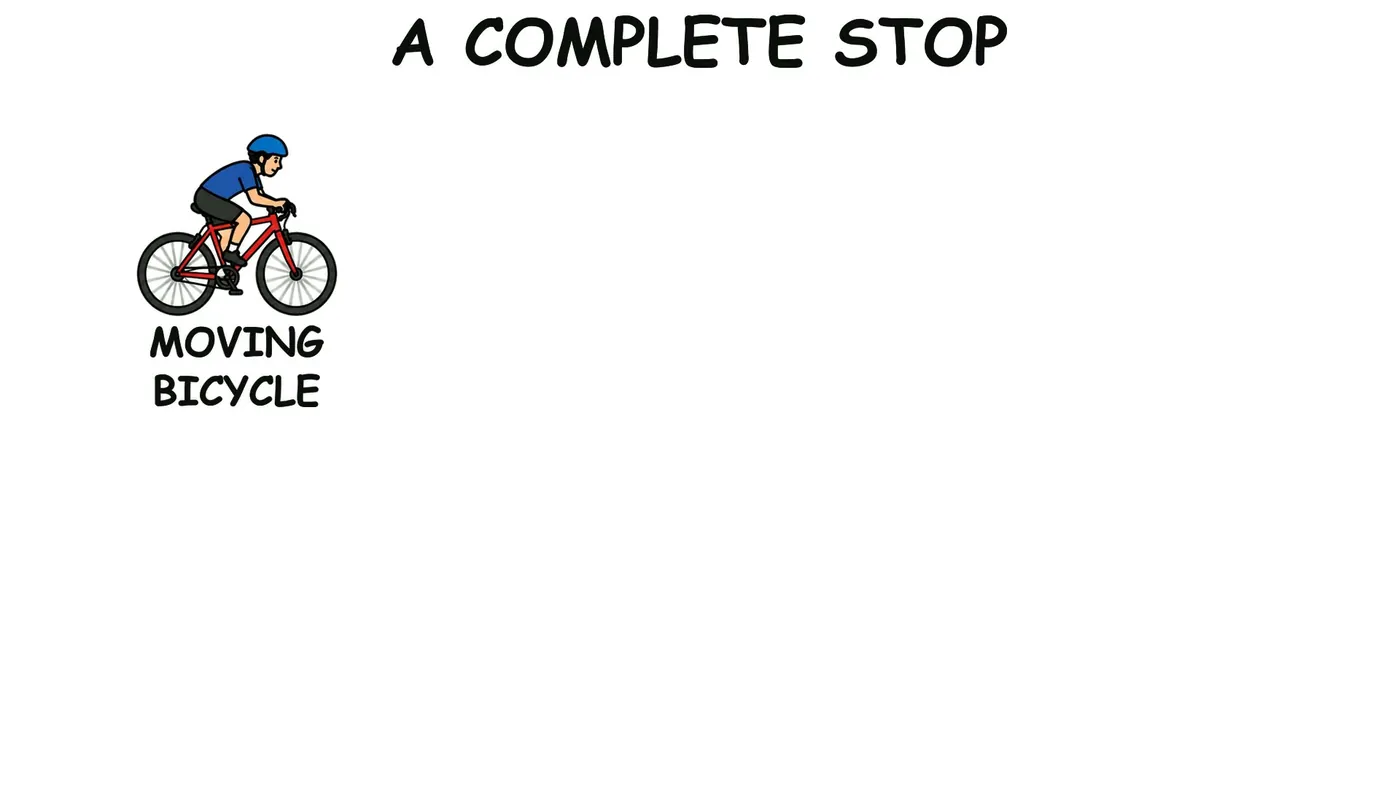
A board from the sample lesson "How Bicycle Brakes Work" starts with the moving bicycle and fills in as the narrator explains how it stops.
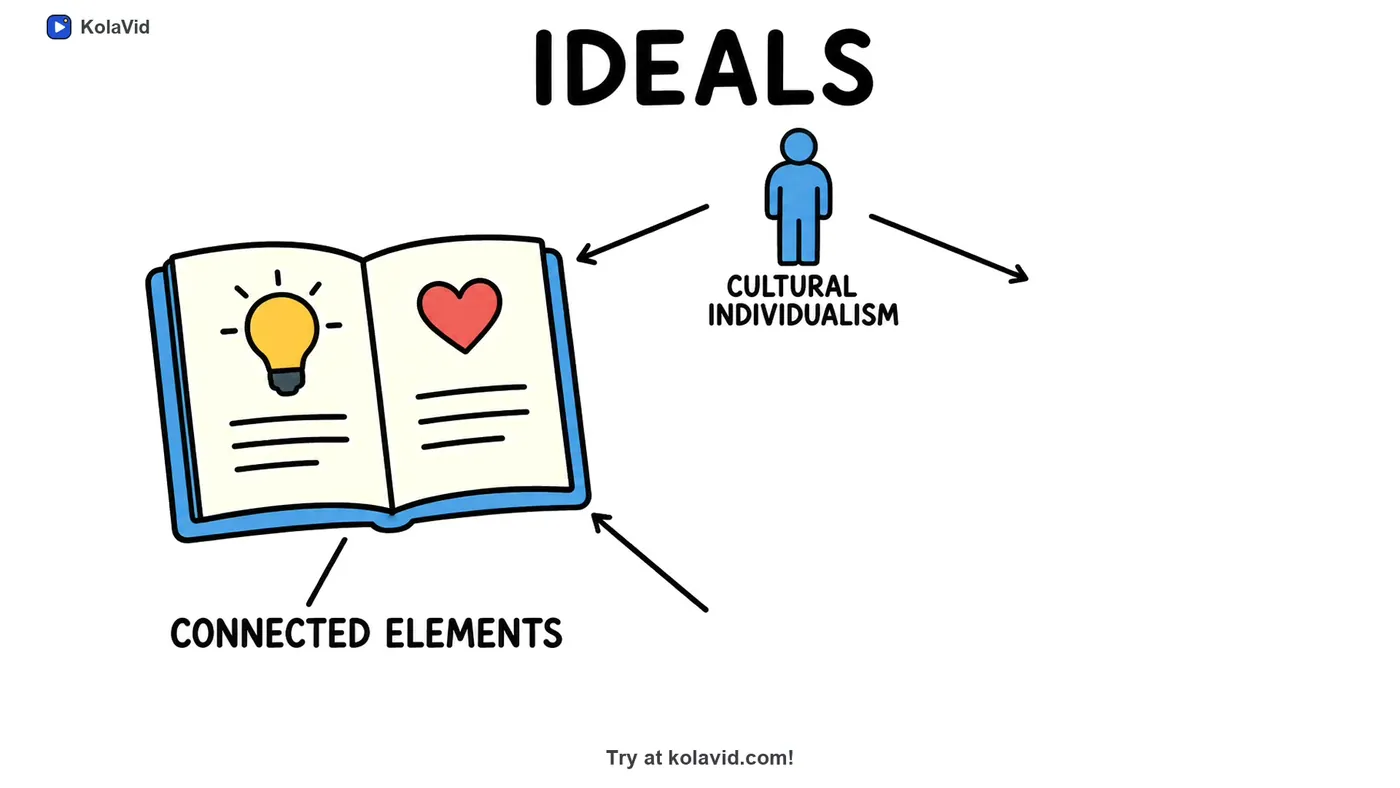
A board from "A Research Paper, Summarised", a sample that turns a paper into a short explainer:
The limits: no editing timeline and no image library, so to change a video you change the prompt or script and make it again. Videos stop at 5 minutes on paid plans and 2 on free. There are no avatars and no team seats. If you need those, VideoScribe or Powtoon will serve you better.
Pricing is one credit a second of video. The free account's 120 credits make one 2-minute video with no card, with a small KolaVid mark. Starter is $19.99 a month for 5,000 credits, about 83 minutes or 40 two-minute videos; Creator and Studio give more.
FAQ
What is the best AI whiteboard video generator for beginners?
One that starts from what you already have and needs no timeline. Generators such as Golpo AI and KolaVid produce a whole video from a prompt or document. If you want to learn editing as you go, Animaker's AI draft plus editor is a gentler start than a fully manual tool.
Is there a free AI whiteboard animation tool?
Several have free options with limits, listed in the shortlist table above. Expect a watermark or mark on free exports, short length caps and, on some, no download.
Can AI make a whiteboard video from a PDF?
Yes. Golpo AI and KolaVid accept PDFs and other documents, and Powtoon lists document-to-whiteboard among its AI tools. Check how long a document each tool reads, and always check the result against the source.
Run the test before you subscribe
Run one real script through two tools and show both videos to a colleague. KolaVid's free account covers a 2-minute test with no card. VideoScribe, Doodly, Animaker, Powtoon and Golpo AI are trademarks of their owners; KolaVid is not connected with them.