Notes to Video: Turn Your Notes into an Explainer
How to turn notes into a video: pick one question, sort the notes into a path, rewrite them as a short spoken script, then record or generate. Worked example.
To turn notes into a video, do not paste them straight into a tool. First pick the one question the video should answer, sort the notes that answer it into a clear order, and rewrite them as short spoken sentences with one example. That gives you a script of about 250 to 300 words for a two-minute video, which you can then record over slides or drawings, or give to an AI tool to narrate and illustrate.
Notes are written for the person who took them. They are full of abbreviations, arrows, half-sentences and things that made sense in the lesson. A video needs the opposite: a path a stranger can follow by ear. This guide shows how to get from one to the other, with a worked example you can copy.
Who this is for
- Students making a short video for an assignment, or explaining a topic to themselves as revision. Saying a topic out loud in your own words is one of the quickest ways to find what you have not understood.
- Teachers turning their lesson notes into a recap video for absent students, a flipped lesson, or a revision clip.
- Tutors and study groups sharing one clear explanation instead of photos of a whiteboard.
The method is the same for all of them.
Step 1: Choose one question
Look at your notes and write the single question this video answers. Make it the question a classmate would actually ask.
- Good: "How do plants make their own food?"
- Good: "Why does the Pythagorean theorem only work for right-angled triangles?"
- Too big: "Biology unit 3."
- Too vague: "Photosynthesis."
Everything in your notes that does not help answer that question waits for another video. This is the hardest step, because most notes cover a whole lesson. A topic heading with five subheadings is usually five short videos, not one long one.
Step 2: Sort the notes into a path
Now go through your notes with a highlighter and mark only what answers the question. Then put those pieces in the order a listener needs them. Notes are often in the order the teacher said things or the order you remembered them, which is rarely the best order for explaining.
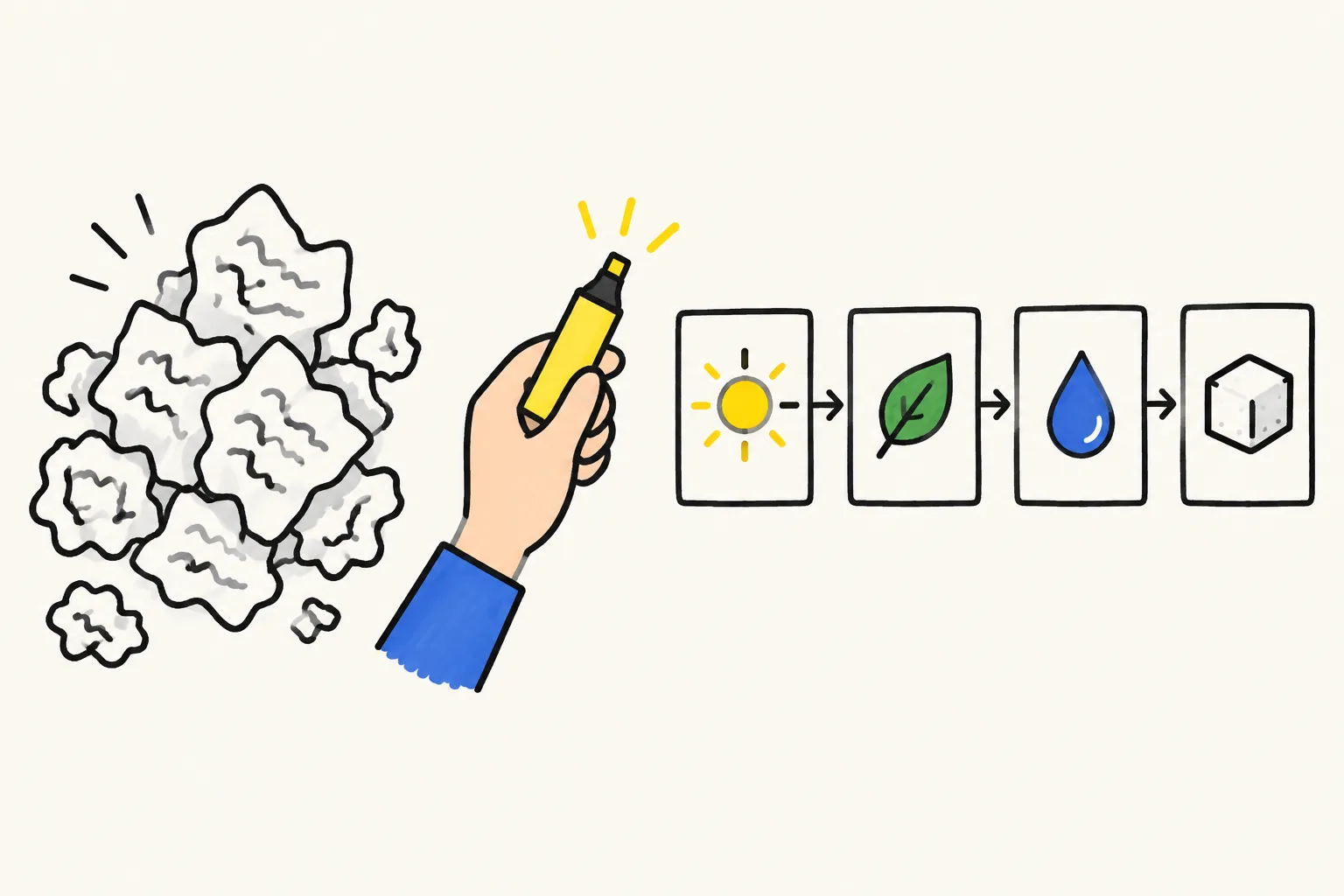
Four orders cover almost every topic:
| If your notes describe... | Use this order | Example |
|---|---|---|
| A process | First step to last step | How photosynthesis turns light into sugar |
| A cause and its effects | Cause, then what follows | Why the Roman Empire split |
| A rule or formula | The rule, a worked example, when it fails | The Pythagorean theorem |
| A comparison | Thing A, thing B, the key difference | Mitosis versus meiosis |
Try writing each piece on its own index card or sticky note and moving them around. If you have more than five or six cards for a two-minute video, some of them are detail the viewer does not need.
Step 3: Rewrite the notes as speech
This is where notes become a script. Read each card and say it as you would to a friend who missed the lesson. Then write down what you said.
Rules that help:
- Full sentences, short ones. "Chlorophyll absorbs light" rather than "chloro → light abs."
- Spell out abbreviations and symbols. Arrows, equals signs and "w/" mean nothing when spoken.
- Explain every term the first time. "Chlorophyll, the green substance in leaves, catches the light."
- Add one concrete example. Notes rarely have one. A houseplant on a windowsill, a ladder against a wall, a bike braking at a corner.
- Add a start and an end. A one-line opening that says what the video answers, and a one-line recap the viewer could write down.
Speech runs at roughly 130 to 150 words a minute. Aim for 250 to 300 words for a two-minute video, or 120 to 150 words for a one-minute recap.
Worked example: photosynthesis notes to a two-minute script
Here are typical class notes:
Photosynthesis. plants make own food (glucose). needs: light, CO2, water. happens in chloroplasts → chlorophyll (green). light energy → chemical energy. word eq: CO2 + water → glucose + O2 (light, chlorophyll). O2 released thru stomata. glucose used for energy/growth, stored as starch. factors: light intensity, CO2, temp.
The question: How do plants make their own food?
The path (process order): what goes in, where it happens, what comes out, what the plant does with it. The limiting factors are left out; they are a good second video.
The script, rewritten as speech (about 230 words):
- Opening. Plants don't eat, but they still need food. They make their own, using light. This is called photosynthesis.
- The example. Think of a houseplant on a sunny windowsill. It's making food right now.
- What goes in. It needs three things. Light from the sun. Water, pulled up from the soil through its roots. And carbon dioxide, a gas from the air, which comes in through tiny holes in the leaves.
- Where it happens. Inside the leaves are chloroplasts. They hold chlorophyll, the green substance that catches the light. That's why leaves are green.
- What happens. The plant uses the light's energy to join water and carbon dioxide together. The result is glucose, a kind of sugar. Light energy has become stored chemical energy.
- What comes out. There's a leftover: oxygen. The plant releases it through the same tiny holes in its leaves, and that's the oxygen we breathe.
- What the plant does with the sugar. Some is used straight away for energy and growth. The rest is stored as starch, for later.
- Recap. Light, water and carbon dioxide go in. Glucose and oxygen come out. Plants make their own food from sunlight.
Notice what changed. Every arrow became a verb. "CO2" became "carbon dioxide, a gas from the air". The houseplant example appeared. And the word equation was turned into a sentence a listener can follow, with the written form left for the notebook.
Step 4: Record or generate the video
You have three common ways to turn the script into a video.
| Route | How | Good for | Watch out for |
|---|---|---|---|
| Slides with your voice | One slide per numbered point, record your voice over them | Assignments that must be in your own voice | Slides full of text that people read instead of listening |
| Filming a whiteboard or paper | Draw while you talk, phone above the page | Maths and diagrams you want to build step by step | Needs good light, steady hands and a few takes |
| AI explainer tool | Paste the script or the cleaned notes, choose a length and voice | Quick recaps, flipped lessons, revision clips | Check every fact and label against your notes |
Whatever you choose, keep one idea on screen at a time, matching what the voice is saying. Our guide on whiteboard videos versus slides compares the two in more detail.
Step 5: Check it against your notes
Watch the finished video with your notes beside you.
- Is every fact right, including numbers, names and the direction of every arrow?
- Is anything missing that the question needs?
- Could a classmate who missed the lesson answer the question afterwards?
For a school assignment, also check your teacher's rules on AI tools and whether the narration must be your own voice.
Turning notes into a video in KolaVid
KolaVid makes narrated whiteboard videos from a typed prompt, pasted text or a script, an uploaded PDF, Word, PowerPoint or text file, or a web link. For notes, the best input is the cleaned script from Step 3, or your sorted notes plus a line saying who the video is for.
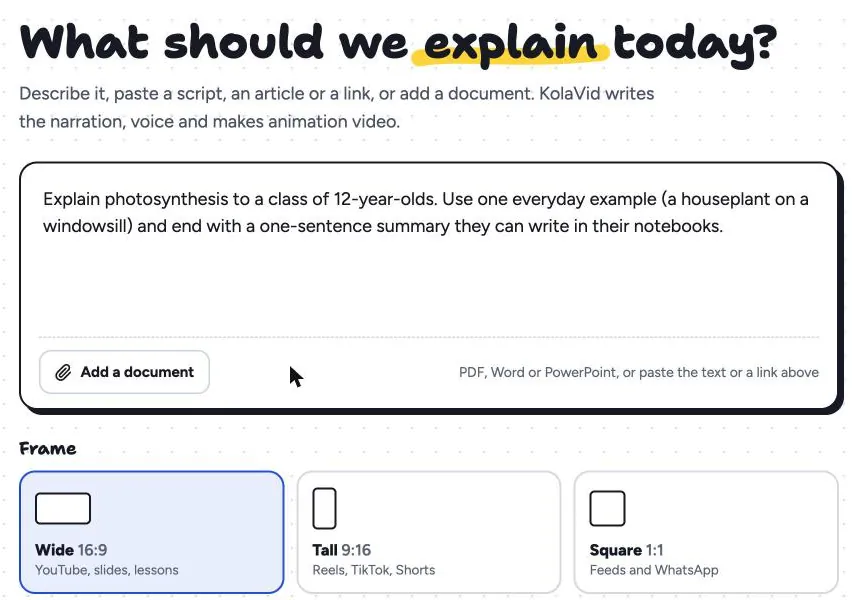
For the example above you could paste the eight-point script and add: "Revision video for 14-year-olds. Use the houseplant example. End with the one-line recap." Then choose a frame (16:9 for a class screen, 9:16 for phones), a length of 1, 2, 3 or 5 minutes, a voice and a narration language. Each drawing appears as the narrator says it, one idea a board, and the video is usually ready in a few minutes.
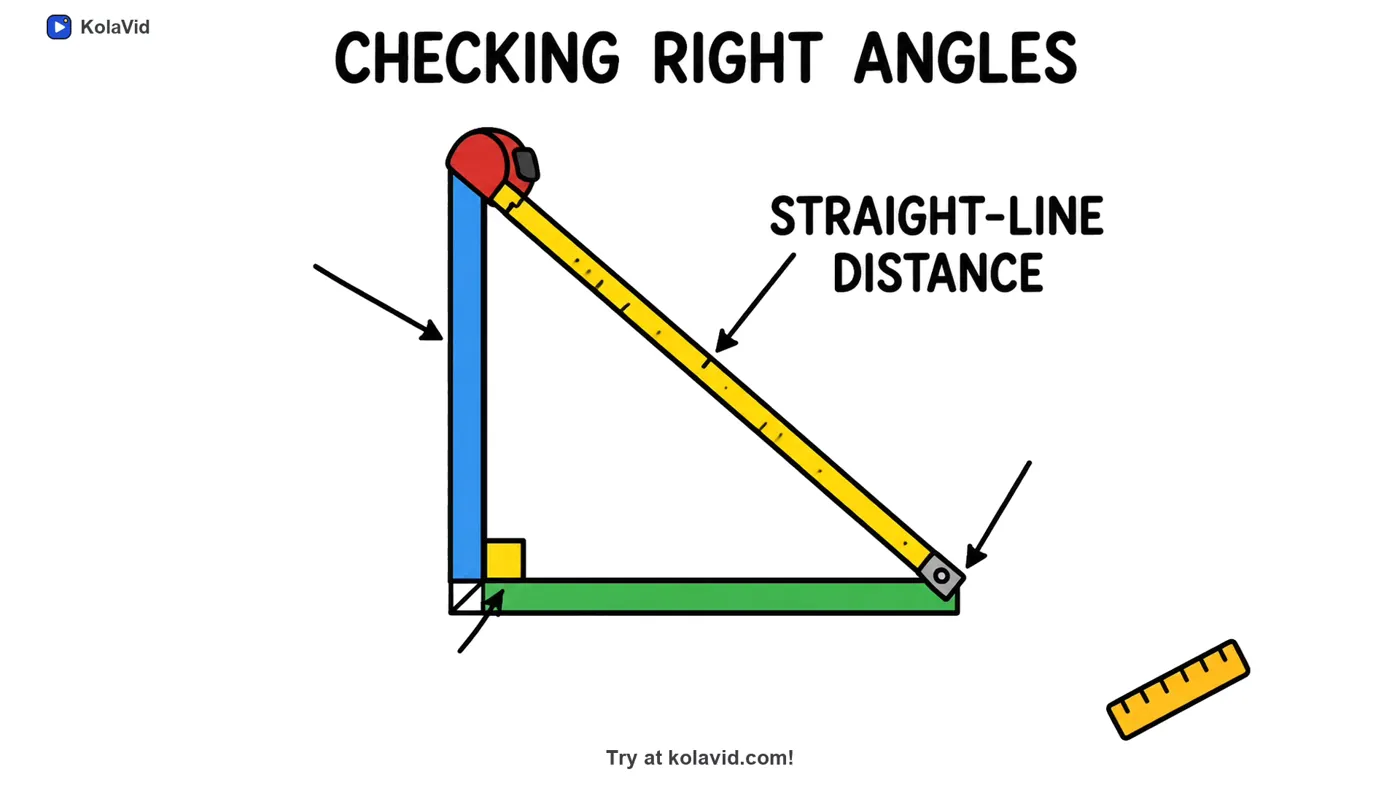
Here is a frame from a sample maths video, "The Pythagorean Theorem", on the board "Checking right angles": a tape measure forms the slanted side of a right-angled triangle, labelled straight-line distance.
Download the MP4 or share a link. There is no editing timeline, so if a label is wrong you correct the script and make it again. The students page and the teachers page have more sample videos, and prompt writing for whiteboard videos shows how to phrase the line about your viewer. If your notes are already a typed handout, see PDF to whiteboard video.
FAQ
Can I turn handwritten notes into a video?
Yes, but type them up first, or photograph them and copy the text out. Typing is also the moment to clean them, because you will drop abbreviations and side notes that only made sense to you.
How long should a video made from notes be?
One question, one to three minutes. A one-minute recap is about 120 to 150 spoken words; a two-minute explainer about 250 to 300. If your script is much longer, split it.
Should I paste my raw notes into an AI tool?
You can, but the result is better if you first choose the question, cut what does not answer it and add one example. Raw notes give the tool no idea what matters most, so it guesses.
Is making a video from notes a good way to revise?
Explaining a topic in your own words is a strong way to find gaps in your understanding. Writing the script is where most of that happens, whichever tool makes the final video.
Start with one page
Take one page of notes, write the question at the top, and cross out everything that does not answer it. Rewrite what is left as 250 words you could say aloud. You can record it yourself this evening, or paste it into a free KolaVid account, which includes one 2-minute video, no card needed.