Synthesia Alternative: Avatar Video or Whiteboard Video?
Synthesia makes AI avatar presenter videos; whiteboard tools draw the idea instead. See which format fits each training or explainer video, and what each costs.
Synthesia makes videos with AI avatars: a realistic presenter reads your script on screen. A whiteboard explainer works differently: there is no presenter, and the idea is drawn as the narrator says it. So the real question behind "Synthesia alternative" is often which format the video needs. If viewers need to see a person deliver a message, an avatar fits. If they need to see how something works, a drawn explainer usually shows it more clearly.
KolaVid makes whiteboard videos and has no avatars, so it is not a like-for-like swap for Synthesia. This guide helps you decide which format each video needs, and compares the two tools fairly. Synthesia facts come from synthesia.io, checked on 28 October 2026.
What Synthesia is today
Synthesia calls itself an "AI Video and Avatar platform for business". From its own site:
- AI avatars and voices. Hundreds of stock avatars, plus personal avatars made from a real person on paid plans. Its pricing page lists 9 avatars on the free plan, 125+ on Starter, 180+ on Pro and 240+ on Enterprise.
- Ways to start. Write a script, describe what you need to its AI Video Assistant, or start from a PowerPoint, a document or a link.
- Languages. 140+ languages and voices, and dubbing of existing videos.
- More than avatars. Motion graphics, 60+ templates, an AI screen recorder, interactive videos with quizzes and branching, and real-time interactive avatars.
- Sharing. Share links, embeds and SCORM export for learning systems. Its pricing table also lists auto-generated captions on paid plans.
- Who it is for. Learning and development, HR, sales enablement, marketing, IT and knowledge teams in companies.
We did not see a whiteboard or hand-drawn style mentioned on its homepage or pricing page.
Avatar or whiteboard: match the format to the message
The two formats do different jobs. A presenter carries tone, authority and a human face. A drawing carries structure: parts, steps, causes and effects. Use this table to sort your next few videos:
| The video needs to... | Better format | Why |
|---|---|---|
| Announce a policy change or company news | Avatar | A face makes it feel like a message from someone |
| Welcome new starters on day one | Avatar, or both | A greeting works with a person; how things work works as drawings |
| Explain how a process flows (returns, approvals, a safety check) | Whiteboard | Each step can be drawn and joined to the next |
| Teach a concept (interest rates, photosynthesis, a data flow) | Whiteboard | The picture builds up as the idea does |
| Show clicks in a piece of software | Screen recording | Neither avatars nor drawings show real buttons |
| Send the same message in many languages with one face | Avatar | Synthesia's dubbing and 140+ languages are built for this |
| Make a short lesson students rewatch before a test | Whiteboard | Pausing on a board shows the whole idea at once |
Many teams end up using both: a short presenter clip to set the scene, then a whiteboard video for the part that needs explaining. That is a sensible split, and nothing stops you from putting both in the same course. If you are weighing drawings against plain slides as well, our whiteboard video vs slides guide covers that choice.
Synthesia vs KolaVid at a glance
Checked on 28 October 2026 on synthesia.io and kolavid.com. Prices change, so confirm before buying.
| Synthesia | KolaVid | |
|---|---|---|
| Format | AI avatar presenter videos, plus motion graphics and screen recordings | Narrated whiteboard video, each drawing revealed as it is spoken |
| Presenter | Stock and personal avatars | None; a narrator's voice only |
| Starting points | Script, AI assistant, PowerPoint, document, link | Prompt, pasted script, PDF, Word, PowerPoint or text file, web link |
| Editing | Full editor | No editor; you remake the video with a changed prompt or script |
| Languages | 140+ languages and voices; dubbing | Many narration languages; female or male voice |
| Learning features | Interactive videos, quizzes, SCORM export, captions | MP4 download, share link or embed; SCORM export on paid plans; captions on whiteboard videos; no quizzes |
| Team use | 1 editor plus 3 guests (Starter) or 5 guests (Pro); custom on Enterprise | No team seats |
| Free option | Basic: 10 minutes a month, watermark, share link only (download from Starter) | One 2-minute video, small KolaVid mark, no card |
| Entry plan | Starter $19 a month, or $14 a month billed yearly; about 12 extra minutes a month | Starter $19.99 a month; 5,000 credits, about 83 minutes |
| Higher plans | Pro $89 a month, or $59 billed yearly, about 60 extra minutes a month; Enterprise custom | Creator and Studio with more credits |
Synthesia lists minutes "on top of the free allowance" and counts usage in credits that are shared across its AI features, so see their pricing page for how a given video is charged.
Choose Synthesia when
Synthesia is the better choice in plenty of cases:
- The message needs a face. Leadership updates, welcome messages and customer-facing announcements often land better with a presenter.
- You need a specific person on screen. Personal avatars let a real manager or trainer appear without filming each video.
- You train people in many languages. 140+ languages and dubbing of existing videos are central to the product.
- Your learning system needs quizzes. Synthesia lists quizzes along with SCORM export and captions; KolaVid has SCORM and captions but no quizzes.
- Several people work on the same videos. Guest access on paid plans and custom Enterprise set-ups suit a team; KolaVid has no team seats.
- You need to edit after publishing. Synthesia has a full editor.
Choose a whiteboard explainer when
A drawn video fits better when:
- The topic has moving parts. Processes, systems, causes and effects are easier to follow as connected drawings than as a person describing them.
- You turn documents into training. A standard operating procedure or policy maps well onto one step a board. Our guide to turning an SOP into a training video shows how to cut a long procedure into scenes.
- You do not want a synthetic face. Some audiences and topics, such as sensitive health or HR matters, may suit a calm voice and simple drawings better than a realistic avatar.
- Budget per minute matters. On the entry plans checked, KolaVid gives about 83 minutes of whiteboard video for $19.99, against about 12 extra minutes on Synthesia Starter. The formats differ, so compare cost only after deciding which format you need.
A worked example: one process, drawn
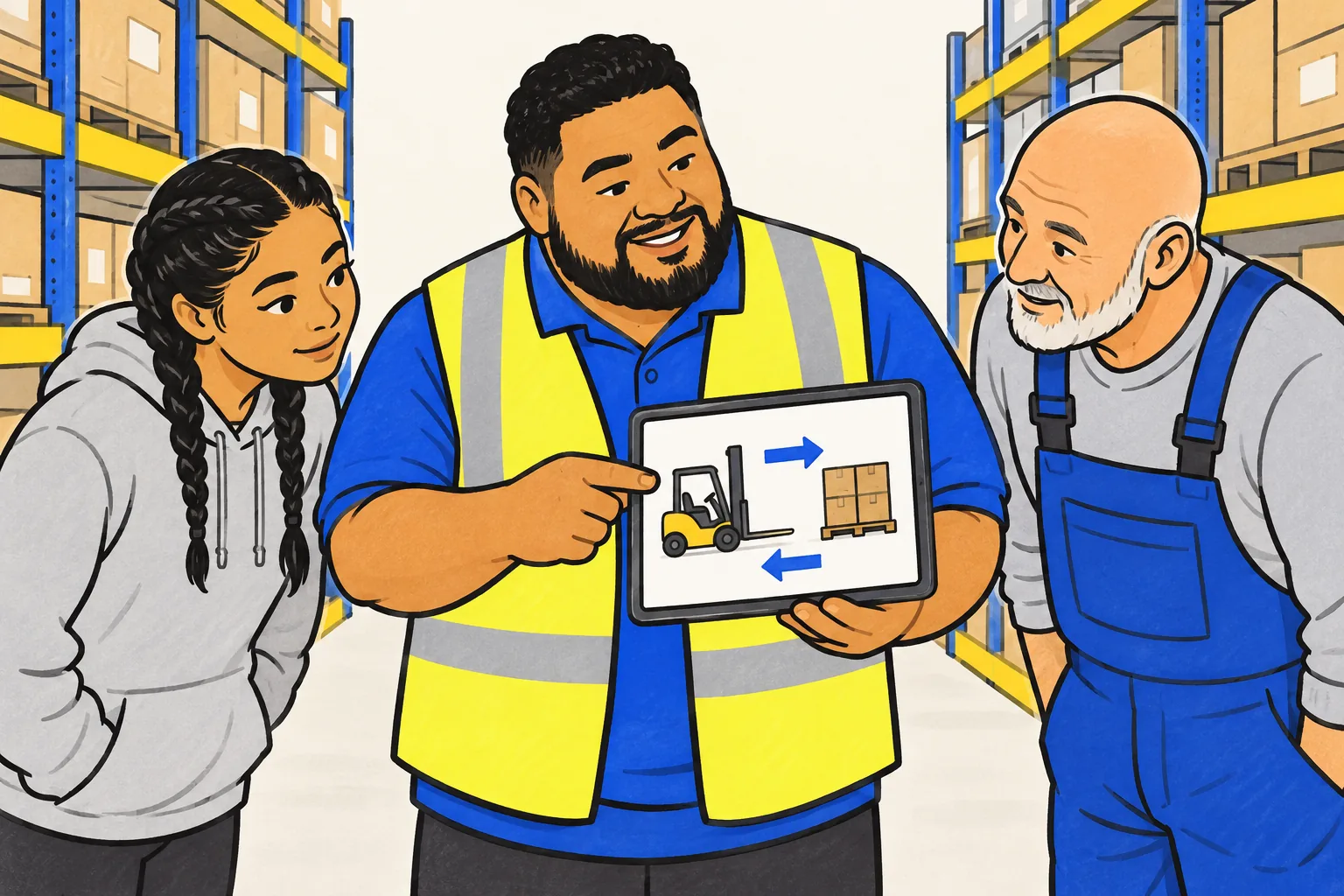
Here is a prompt you can use in any whiteboard tool for a warehouse procedure:
Make a 2-minute training video for new warehouse staff on moving a pallet with a forklift. Steps: check the forks and the load, lift low and tilt back, drive with the load facing uphill on slopes, lower fully before leaving the truck. Explain why each step matters in one sentence. End with the rule: never lift a person on the forks.
Notice what makes it work: a named audience, four steps in order, a reason for each, and one clear closing rule. The same shape works for onboarding topics; our employee onboarding video guide has more examples.
Making that video in KolaVid
In KolaVid you paste that prompt, or upload the SOP itself as a PDF, Word or PowerPoint file, or add a link to it. You then choose landscape 16:9, vertical 9:16 or square 1:1, the length (1, 2, 3 or 5 minutes), a female or male voice and the narration language. KolaVid writes the narration, draws one idea a board, and reveals each drawing as the narrator says it. It is usually ready in a few minutes, and you can watch it being drawn. You then download the MP4 or share a link.
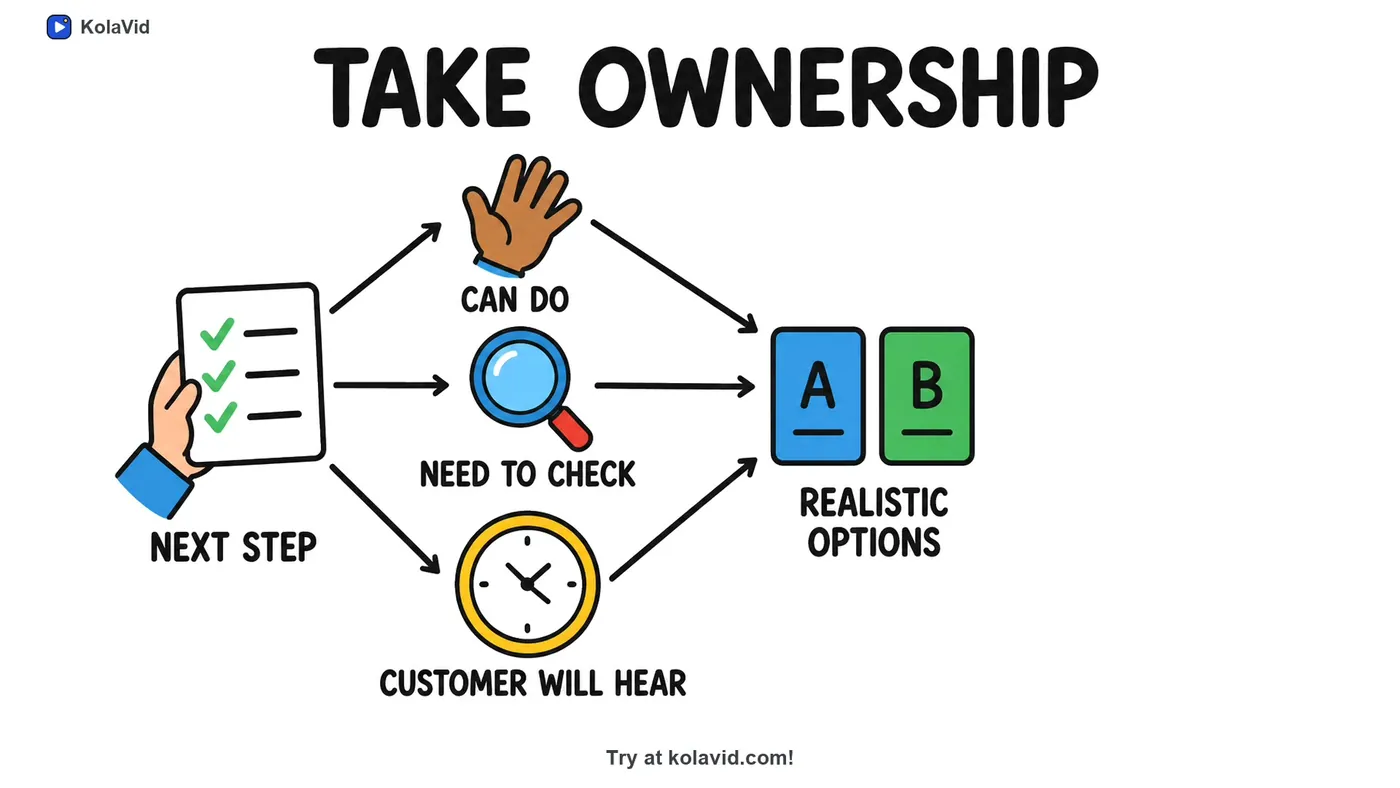
Be clear about what it is not. KolaVid has no avatars or presenters, no editing timeline, no quizzes and no team seats, and videos stop at 5 minutes. If your training plan depends on those, Synthesia or another platform will serve you better. Whiteboard video uses one credit a second; the free account's 120 credits make one 2-minute video with no card. See KolaVid for training for sample videos, or our AI training video generator guide for a wider look at the options.
FAQ
Does KolaVid have AI avatars like Synthesia?
No. KolaVid makes whiteboard videos with a narrator's voice and drawings, and there is no presenter or avatar on screen. If you need a person on screen, Synthesia is built for that.
Can Synthesia make whiteboard animation videos?
We did not see a whiteboard or hand-drawn style mentioned on Synthesia's homepage or pricing page on 28 October 2026. It does offer motion graphics and templates, so check its template library if you want a drawn look inside Synthesia.
Is there a free version of Synthesia?
Yes. Its Basic plan is free and includes 10 minutes of video creation or dubbing a month, with a Synthesia watermark. Downloading videos is listed from the Starter plan; on Basic you share by link.
Which is better for compliance training?
It depends on your learning system. If you need quizzes, Synthesia lists them; SCORM packages and captions come with both. If you mainly need a clear explanation of a rule or process as a video file, a whiteboard explainer can do that job; many learning systems accept MP4 uploads, but check yours.
Is KolaVid connected with Synthesia?
No. Synthesia is a trademark of its owner, and KolaVid is not connected with it.