Training Videos for Employees: What to Make First
Which training videos for employees to make first: safety, the tasks people get wrong, then onboarding basics. Video types, a 10-video library plan and upkeep.
The first training videos for employees should cover three things, in this order: safety, the tasks people most often get wrong, and the onboarding basics every new starter asks about. Keep each video to one task and a few minutes. Ten short videos on the right topics will do more for your team than one long induction film nobody finishes.
The hard part is rarely making the video. It is deciding which ones to make, and then keeping them true once the procedure changes. This guide covers both: a priority list, the types of employee training video and when each fits, a starter library you can copy, and a light routine for keeping it current.
Why start with a priority list
Most teams that decide to "do training videos" start with whatever is easiest to film, or with the company history. Those videos get watched once. A better filter is cost: which gaps in knowledge cost you the most when someone gets them wrong?
Three questions sort almost any list of topics:
- Can someone get hurt if they do this wrong? That goes first.
- Do we keep fixing the same mistake? That goes second, because each repeat costs a supervisor's time and often a customer's patience.
- Does every new starter ask about this in week one? That goes third. It saves the same conversation being had over and over.
Anything that answers no to all three can wait. It may still deserve a video, just not this quarter.
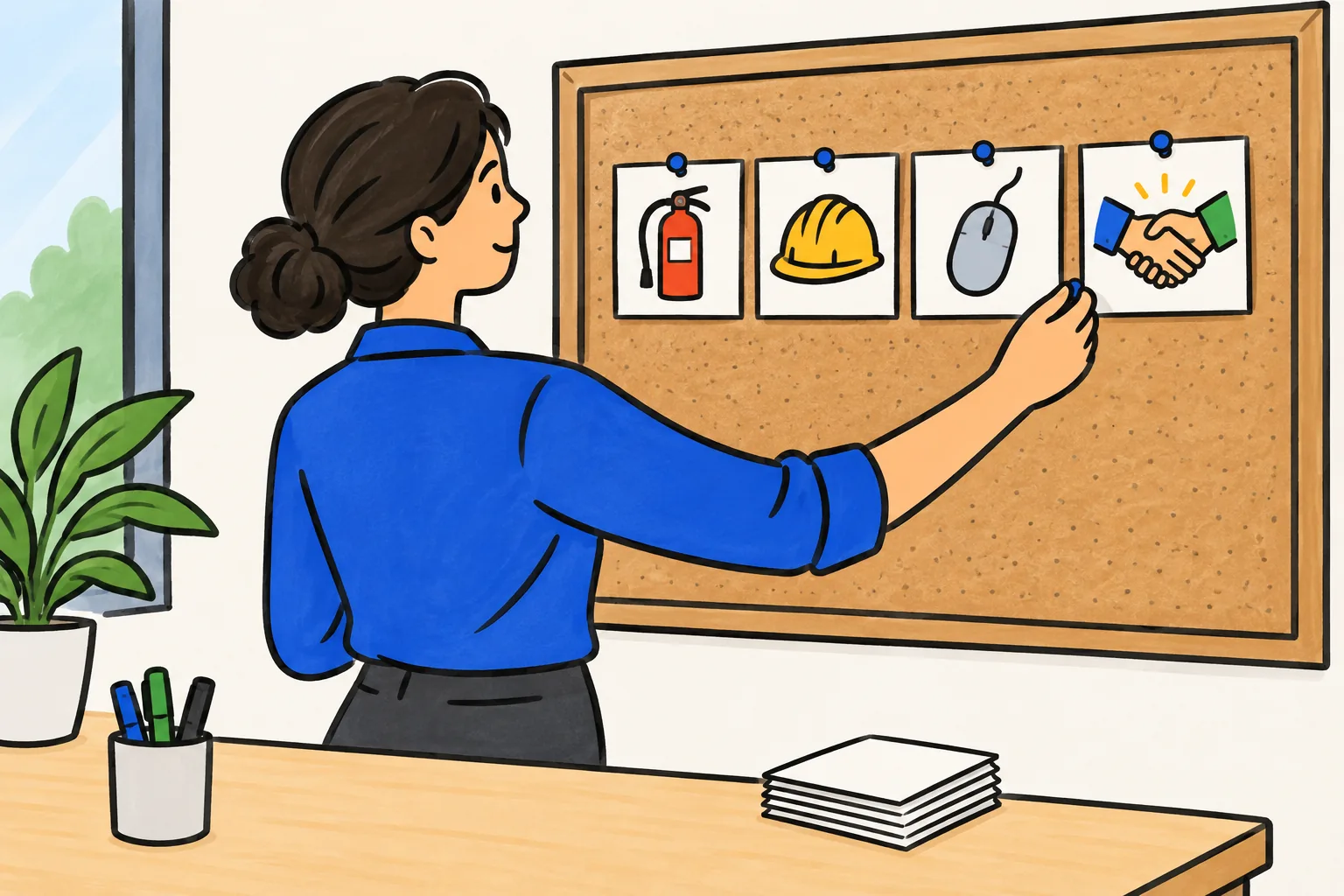
Priority 1: Safety
If a mistake can injure someone, it belongs in your first batch. Typical candidates:
- What to do when the fire alarm sounds, and where the assembly point is
- How to lift and move loads safely in your workplace
- Using the specific equipment people handle daily: ladders, cutters, forklifts, kitchen equipment
- Which protective equipment to wear for which job, and how to check it
- How to report an accident or a near miss
Safety videos need one extra step before anyone watches them: the person responsible for safety at your site checks every line. A video spreads a mistake to everyone at once, so an error here is worse than no video at all.
Priority 2: The tasks people get wrong
Ask your supervisors one question: "What do you correct most often?" The answers are usually specific and a little dull. Refunds processed without the approval code. Orders packed without the second scan. Tickets closed before the customer confirmed the fix. Stock rotated the wrong way.
These are perfect training video topics because:
- The correct procedure already exists, usually in an SOP or a manager's head.
- The video can name the common mistake directly and show what to do instead.
- You can tell whether it worked, because the mistake either keeps happening or it does not.
If the procedure is already written down, our guide to turning an SOP into a training video walks through rewriting it into something that sounds right when spoken.
Priority 3: Onboarding basics
The third group answers what new starters ask in their first week. How do I book leave? Who do I call if I am sick? How does the rota work? Where do I find my payslip? How do I log in to the systems I need?
None of this is difficult, but a supervisor answering it ten times a month adds up, and new starters often feel awkward asking. A set of short videos lets them find the answer on their own, at the moment they need it. Our guide to employee onboarding videos covers how to build that first-week set in more detail.
Types of employee training video
Different content suits different kinds of video. These five cover most workplace needs.
| Type | What it is | Good for | Example |
|---|---|---|---|
| Procedure video | The steps of one task, in order, with the reason for each | Repeated tasks with a correct sequence | "Processing a refund at the till" |
| Software walkthrough | A screen recording of one task in one system | Any task done on a computer | "Logging a support ticket in the help desk" |
| Demonstration | Filmed footage of a person doing a physical task | Movements that must be copied exactly | "Changing the blade on the box cutter" |
| Explainer | Drawings or animation explaining how something works or why a rule exists | Processes, decisions, policies, the "why" | "Why we scan twice before sealing a parcel" |
| Scenario | A short situation and the right way to handle it | Customer conversations, judgement calls, conduct | "A customer asks for a refund without a receipt" |
A simple rule for choosing: if the viewer must copy a precise movement, film it; if the task happens on a screen, record the screen; if they need to follow a sequence or understand a reason, an explainer usually works better than footage. Many procedures mix types. A refund video might be an explainer for the policy, followed by a one-minute screen recording of the till.
Plan a starter library of ten videos
Ten videos is a sensible first target for a small team. It is enough to cover the biggest gaps and small enough to finish in a month or two. Here is an example plan for a retail store, which you can adapt by swapping in your own tasks.
| # | Video | Type | Owner who reviews it | Length |
|---|---|---|---|---|
| 1 | Fire alarm: what to do and where to go | Explainer | Store manager | 2 min |
| 2 | Lifting and moving stock safely | Demonstration | Safety lead | 3 min |
| 3 | Using the stepladder in the stockroom | Demonstration | Safety lead | 2 min |
| 4 | Processing a refund | Explainer + screen | Deputy manager | 3 min |
| 5 | Checking ID for age-restricted sales | Scenario | Store manager | 2 min |
| 6 | Receiving a delivery and checking it | Procedure | Stock lead | 3 min |
| 7 | Handling a customer complaint | Scenario | Deputy manager | 2 min |
| 8 | Booking leave and reporting sickness | Explainer | HR contact | 2 min |
| 9 | Reading the rota and swapping shifts | Software walkthrough | Store manager | 1 min |
| 10 | Opening and closing the store | Procedure | Store manager | 3 min |
Notice three things about this plan. Every video has a named owner, which matters later when something changes. Every video covers one task, so the titles read like questions a new starter would ask. And the safety items come first in the list, which is also the order you should make them.
Write your own plan as a simple spreadsheet with these columns plus two more: the date it was last checked, and the document it is based on.
How to make each video quickly
A library only gets finished if each video is quick to make. Keep the same shape for all of them, so you never start from a blank page:
- Why it matters: one or two sentences with a situation the viewer will recognise.
- The steps: in order, with the reason for any step that looks optional.
- The common mistake: what people get wrong and what to do instead.
- Recap: one line they can remember.
At a normal speaking pace, two minutes is roughly 260 to 300 words. Write the script first, read it aloud once, and only then choose how to make the video. Our step-by-step guide on how to make a training video covers recording, review and publishing in detail.
Name each file by the task, in plain words: "Processing a refund" is easier to find than "RET-SOP-04 v2".
Keeping your training videos current
An out-of-date training video does real harm, because people trust what they were shown. A procedure changes, the video stays the same, and a year later new starters are confidently doing it the old way.
Three habits prevent this:
- Tie each video to its source. Note which SOP, policy or system it is based on. When that document changes, the video is on the list to check.
- Give every video a review date. Every six or twelve months, depending on how often the work changes. Safety videos and anything involving a system update deserve the shorter cycle.
- Make the owner responsible. The person who reviewed it first is the person who confirms it is still right.
This is where short, single-task videos pay off. When the refund approval step changes, you remake one three-minute video, not a 40-minute induction. If the video was made from a script, you edit the script and make it again; if it was filmed, you may only need to reshoot one part.
Making employee training videos with KolaVid
If you would rather not film or record your voice, KolaVid turns a typed prompt, a pasted script, an uploaded PDF, Word or PowerPoint file, or a web link into a narrated whiteboard video. Each drawing appears as the narrator says it, with one idea on each board, which suits the explainer and scenario videos in the plan above.
For the refund video, you could paste the four-part script and add a line about the viewer: "Training video for new store staff. Calm, practical tone. End with a one-line recap." Choose the frame by where people will watch: Wide 16:9 for a laptop or LMS, Tall 9:16 for phones, Square 1:1 for a team chat. Free videos run up to 2 minutes, and paid plans go up to 5. Here is a frame from a sample video made from a complaint-handling procedure:
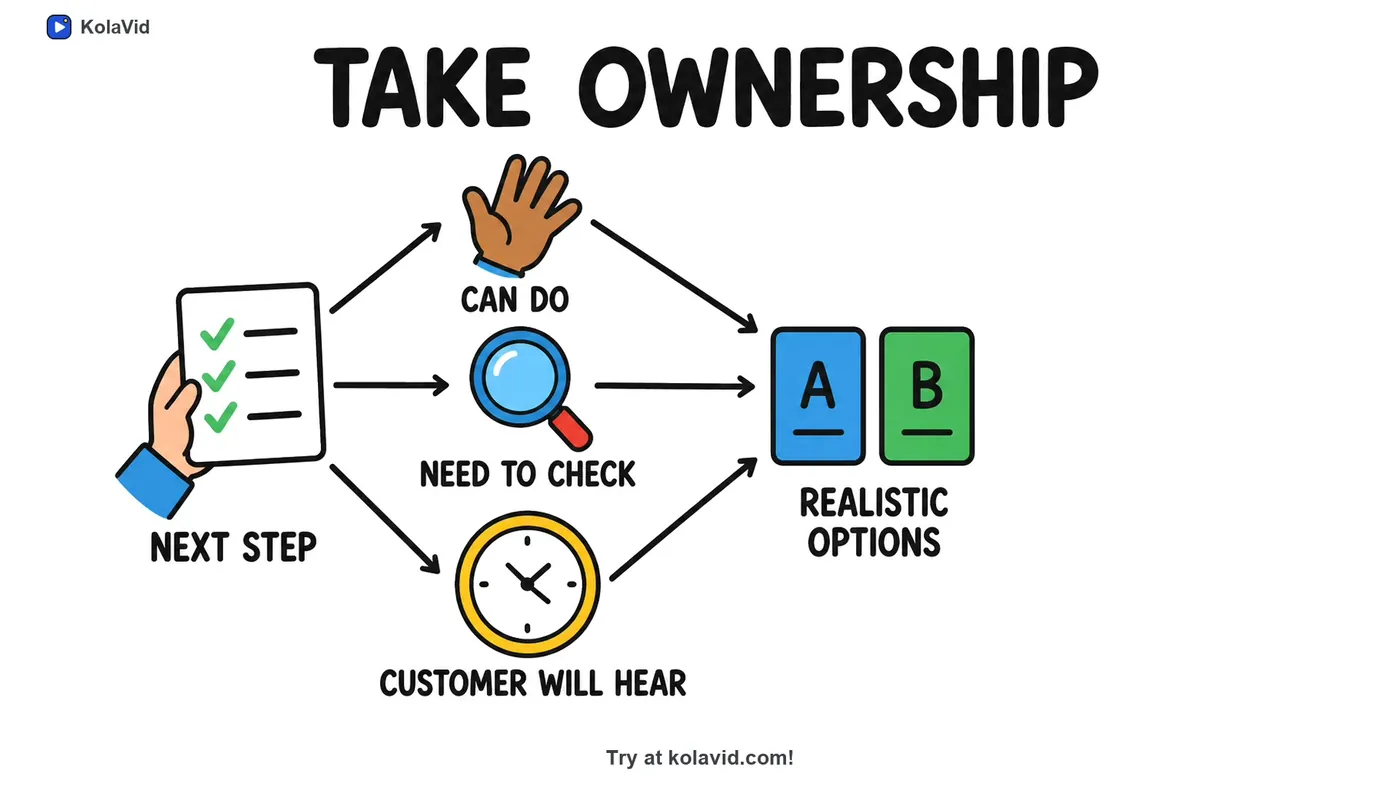
You download the MP4, share a link, or on a paid plan export a SCORM package for your LMS, and whiteboard videos come with captions. It is honest to say what it does not do: there is no editing timeline inside the video. For physical demonstrations like changing a blade, filming is still the better choice. The training page has more sample videos.
FAQ
What training videos should every company have?
At minimum: what to do in an emergency at your site, how to report an accident or a concern, and the basics every new starter needs in week one. After that, your list should come from your own supervisors and incident records, because the tasks people get wrong differ from one workplace to the next.
How many training videos do I need?
Start with ten or fewer, picked with the priority list above. A small library that is accurate and easy to find is more useful than a large one that is half out of date. Add videos when the same question or mistake keeps coming up.
Should employee training videos be filmed or animated?
It depends on the task. Film physical movements that must be copied exactly, record the screen for software tasks, and use a drawn explainer for sequences, decisions and the reasons behind rules. Many good libraries use all three.
How often should training videos be updated?
Whenever the procedure, policy or system they show changes, and at a regular review date in between. Six to twelve months is a common rhythm; safety videos usually deserve the shorter one.
Make the first one this week
Ask your supervisors what they correct most often, pick the top answer, and write a 300-word script for it. If you want to see it as a video without filming anything, a free KolaVid account includes enough credits for one 2-minute video, no card needed.