Whiteboard Animation: What It Is and How It's Made
Whiteboard animation explained: what a whiteboard video is, why drawing in time with a voice teaches well, where it is used and three ways to make one.
Whiteboard animation is a video in which simple drawings appear on a white background, one after another, while a narrator explains what they mean. Each picture is drawn at the moment it is mentioned, so the viewer's eyes and ears follow the same idea at the same time. People also call it a whiteboard video, a doodle video or, more loosely, a whiteboard cartoon.
The style is used to explain things: a science lesson, a company process, how a product works, what a new policy means. This guide covers why it works, where you see it, the three ways it gets made, and how to tell a good whiteboard video from a tiring one.
What a whiteboard video looks like
Picture a blank white screen. A voice says, "When you squeeze the brake lever, a cable pulls tight." As the word "lever" is spoken, a handlebar and lever appear in thick black marker. On "cable", a line runs from the lever down towards the wheel. A few seconds later, the brake pads close on the rim. By the end of the scene the board holds four or five drawings, a few short labels and arrows that connect them.
Then the board clears, or the view moves to a fresh area, and the next idea begins.
Most whiteboard videos share the same parts:
- A white or very light background, like a real whiteboard or a sheet of paper
- Bold, simple drawings in black outline, often with one or two flat colours
- Short labels, usually the narrator's own key words
- A voice-over that carries the explanation, sometimes with quiet background music
- A reveal that draws each picture in time with the words, often with a drawn hand or marker moving across the board
Some videos show a hand drawing every line. Others let the drawings simply appear, stroke by stroke or all at once. Both count as whiteboard animation. What matters is that the picture builds up as the explanation does.
Why it works for explaining
Whiteboard animation is not popular because it looks clever. It is popular because it keeps the viewer's attention on one thing at a time.
One idea per board
A slide often shows everything at once: a title, five bullet points, a chart. The viewer reads ahead, stops listening, or gives up. A whiteboard board starts empty and grows only as fast as the narrator speaks, so nothing on screen is ahead of the explanation.
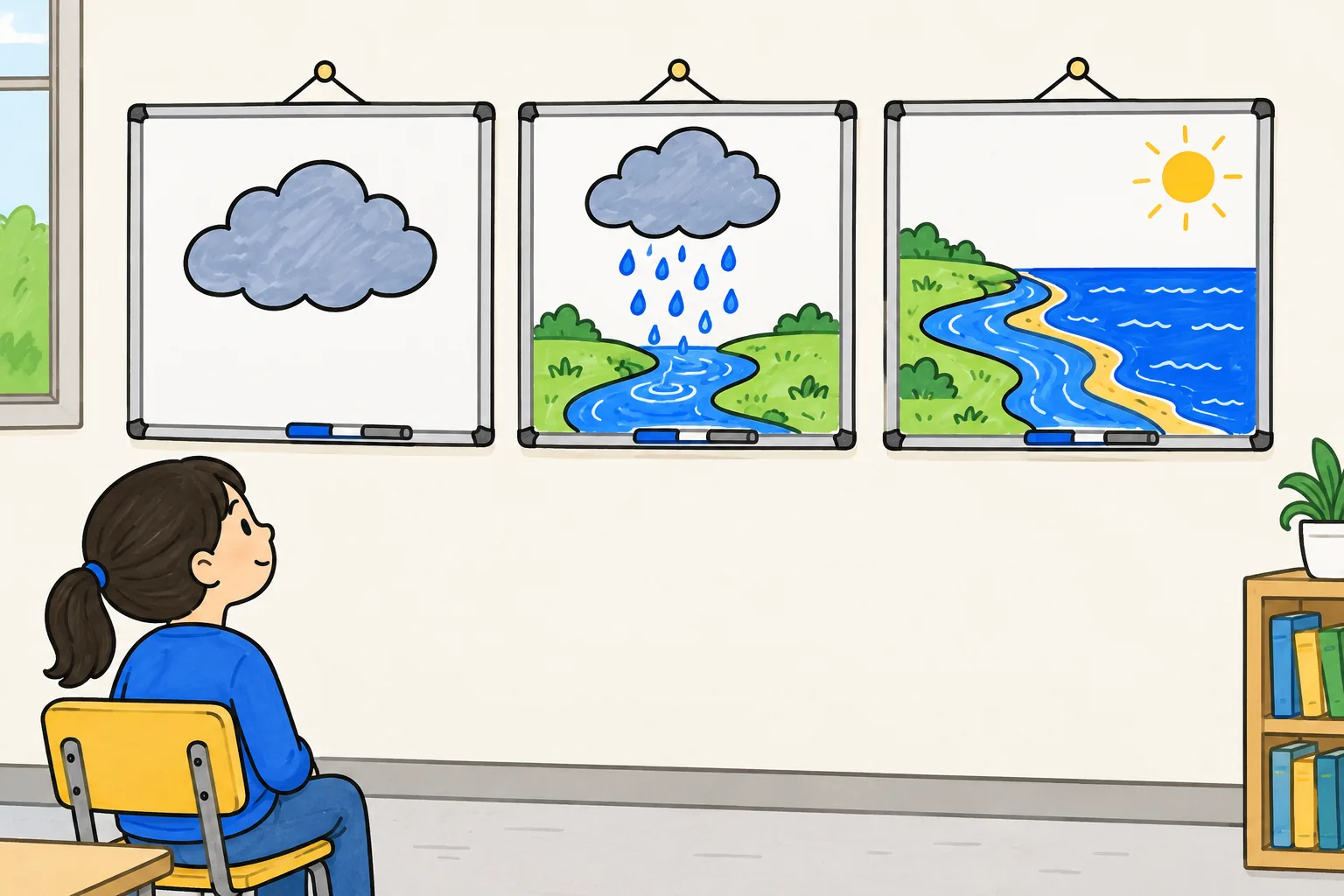
The drawing arrives with the word
Learning researchers have long found that people understand more from words and pictures together than from words alone, and that it helps when the picture and the words that describe it arrive at the same moment rather than apart. A whiteboard video is built around that second point. If the narrator says "the heart pumps blood to the lungs" while a heart and a pair of lungs appear, linked by an arrow, the viewer does not have to search the screen or hold a sentence in memory.
Plain drawings leave room for the idea
A stick figure holding a box is enough to mean "a customer returns an order". Because the pictures are simple, the viewer spends no effort working out what they are looking at. The attention goes to the relationship between them: what causes what, what comes first, what is bigger.
Where whiteboard animation is used
You will find whiteboard videos wherever someone needs to explain a process, a cause and effect, or an abstract idea in a few minutes.
| Where | Typical topic | Usual length |
|---|---|---|
| Schools and tutoring | Photosynthesis, fractions, the causes of a war, how a volcano erupts | 2 to 5 minutes |
| Online courses | One short concept per lesson, used between longer lectures | 2 to 6 minutes |
| Staff training | A procedure, a policy, how to handle a complaint, a safety rule | 2 to 4 minutes |
| Onboarding | How the company works, who does what, the first week | 3 to 5 minutes |
| Marketing | What a product does and why it matters, on a landing page or ad | 60 to 90 seconds |
| Health and public information | How a vaccine works, how to take a medicine, what a new service offers | 1 to 3 minutes |
| Social media | One quick idea in a vertical or square frame | 30 to 60 seconds |
It suits some topics less well. If the viewer must copy an exact physical movement, such as fitting a part on a real machine, film it. If they must click through a specific screen, a screen recording is clearer. Our comparison of whiteboard video vs slides goes further into when each format wins.
How whiteboard animation is made
There are three ways to make a whiteboard video today. They share the same first step: a short script, because the drawings follow the words.
A useful rule for the script is that people speak at roughly 130 to 150 words a minute. A two-minute whiteboard video is about 260 to 300 words, which is less than a page.
1. By hand, with a real board and a camera
This is the original method. An illustrator draws on a real whiteboard or a large sheet of paper while a camera on a stand films from the front or above. The footage is sped up, the narration is recorded separately, and an editor cuts the drawing to match the voice.
It gives the most personal look and full freedom of style. It also takes the longest: planning each board, drawing it cleanly in one take, and many hours of editing. Changes later mean redrawing. This route is mostly used by studios and freelance illustrators.
2. In a timeline tool
Whiteboard animation software lets you build the video on a computer without drawing anything yourself. You choose images from a library, place them on a canvas, and the software traces each one as if a hand were drawing it. You set how long each drawing takes, add a voice recording or a text-to-speech voice, and line the timing up on a timeline.
VideoScribe and Doodly are well-known tools built this way, and general animation editors such as Powtoon include whiteboard styles too. You get a lot of control, and every project stays editable. The cost is time: a three-minute video can mean an afternoon of placing images and nudging timings. Our VideoScribe alternatives comparison lists these tools with prices.
3. Generated with AI
The newest route starts from text. You type a topic, paste a script or upload a document, and an AI tool writes or uses the narration, decides what to draw for each idea, draws it, records the voice and times every drawing to the spoken words. You get a finished video in minutes rather than hours.
What you give up varies by tool. Some generators open the result in an editor so you can change scenes; others ask you to change the prompt or script and generate again. The quality of the explanation also depends on the input: a clear script makes a clear video. Our AI whiteboard video generator guide covers how to get good results from this route. And if drawing is the part that worries you, our guide to making whiteboard animation without drawing skills compares all three routes.
Good and bad whiteboard animation
The style is easy to recognise and easy to get wrong. Here is what separates a video people finish from one they close after twenty seconds.
Signs of a good whiteboard video
- The drawing keeps pace with the voice. Each picture lands on its word, not five seconds early or late.
- One idea per board. When the idea changes, the board changes. A viewer could pause on any board and say what it is about.
- Few, large drawings. Four to seven pictures on a board, each big enough to read on a phone.
- Labels are the narrator's words. If the voice says "brake pads", the label says "brake pads", not "friction components".
- Arrows mean something. An arrow says "causes", "leads to" or "goes to". If you cannot say what an arrow means, it should not be there.
- A worked example. One concrete case, such as a cyclist stopping at a red light, does more than three abstract definitions.
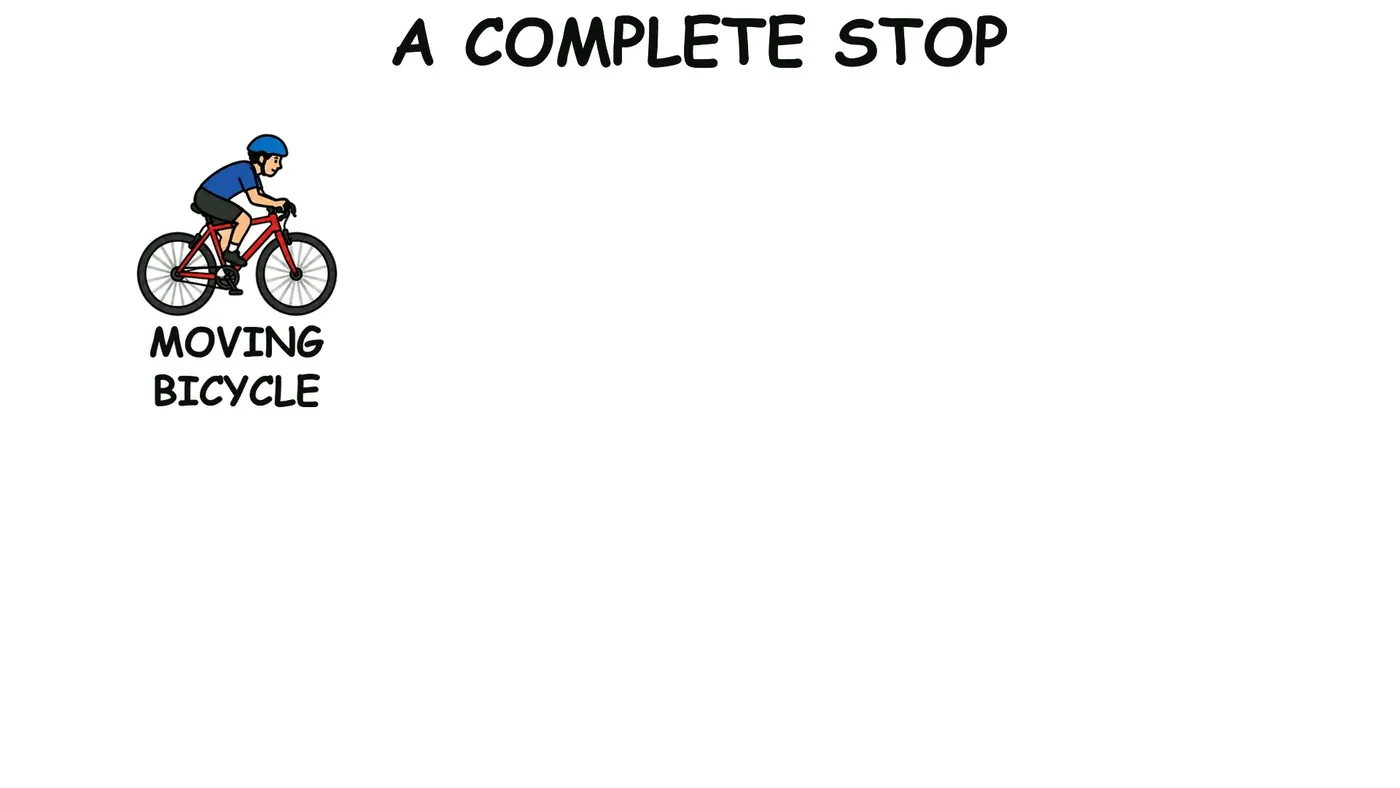
Here is an early moment from a sample video on how bicycle brakes work. The board is titled and holds only the first drawing; the lever, cable and pads arrive one by one as the narrator reaches them.
Signs of a tiring one
- Text walls. A board covered in sentences is a slide with a drawn border. The viewer reads instead of listening.
- Decoration. Doodled stars, swirls and clip art that do not stand for anything in the script.
- The hand that never stops. A drawing hand sweeping over every line, every time, slows the video and hides the picture.
- Drawing out of sync. The narrator has moved on while the board is still drawing the last idea, or the board shows the answer before the question.
- Too long for one idea. Eight minutes on a two-minute topic. Split it, or cut what the viewer does not need.
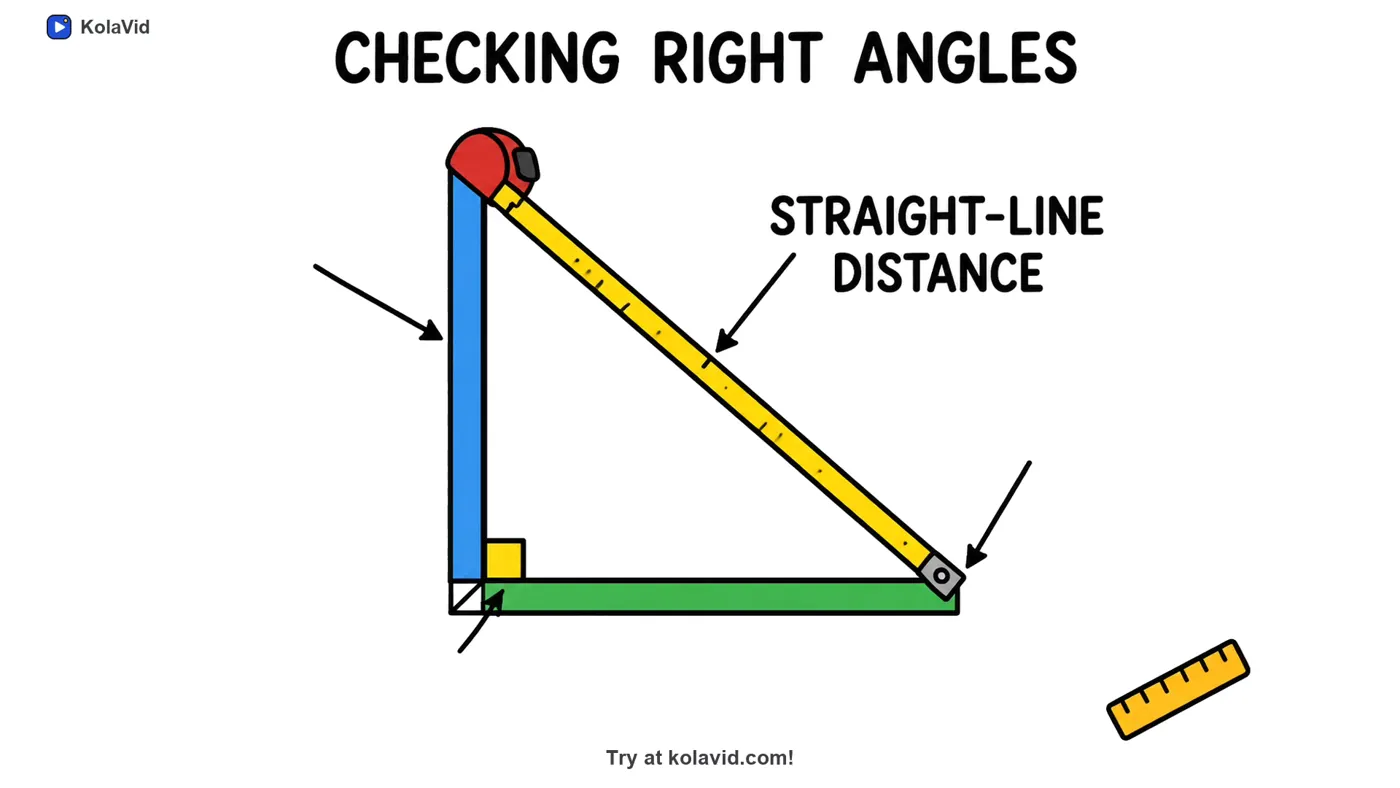
The next frame shows a board further along in a lesson: one triangle, a tape measure along the long side, and the single label the narrator has just said.
Making a whiteboard video with KolaVid
KolaVid is one of the AI generators. You type a topic, paste a script or text, upload a PDF, Word or PowerPoint file, or add a web link, and it makes a narrated whiteboard video in which each drawing appears as the narrator says it, with one idea on each board. It is usually ready in a few minutes, and you can watch it being drawn.
You choose a wide 16:9, tall 9:16 or square 1:1 frame, a female or male voice, the narration language and a length of 1, 2, 3 or 5 minutes. A free account makes one 2-minute video without a card; paid plans go up to 5 minutes. There is no editing timeline: to change a video, you change the prompt or script and make it again. You can see sample videos on the AI whiteboard video maker page.
FAQ
Is whiteboard animation the same as a whiteboard cartoon?
Mostly, yes. "Whiteboard cartoon" is an informal name for the same style: simple drawings appearing on a white background with a narrator. Some people use it for whiteboard videos with cartoon characters in them, but there is no separate technique behind the name.
How long should a whiteboard animation be?
Long enough for one question and no longer. Most explainers land between one and three minutes; lessons and training on a single procedure often run two to five. If your script passes five minutes, it usually covers more than one idea and works better as two videos.
Do I need to be able to draw to make a whiteboard video?
No. Timeline tools give you a library of ready drawings, and AI generators draw for you. Drawing skill only matters if you want to film yourself drawing by hand.
Why do some whiteboard videos show a hand drawing?
The hand makes the drawing feel live and shows the viewer where to look. It is a style choice, not a requirement. Used on every line, it can slow the video down and cover the picture, so many videos show it briefly or not at all.
How much does a whiteboard animation cost?
It depends on the method. Hand-drawn videos from an illustrator or studio are usually quoted per project or per finished minute. Timeline tools and AI generators charge a subscription, and some have a free plan or trial. Compare the cost per finished video, not only the monthly fee.