AI whiteboard video generator
Type an idea, get a narrated whiteboard video.
KolaVid is an AI whiteboard video generator. Describe what you want explained, paste a script, or upload a document or a link, and it writes the narration, draws each idea on a whiteboard and reveals every drawing as the narrator says it. Nothing to draw, no timeline, no voice to record.
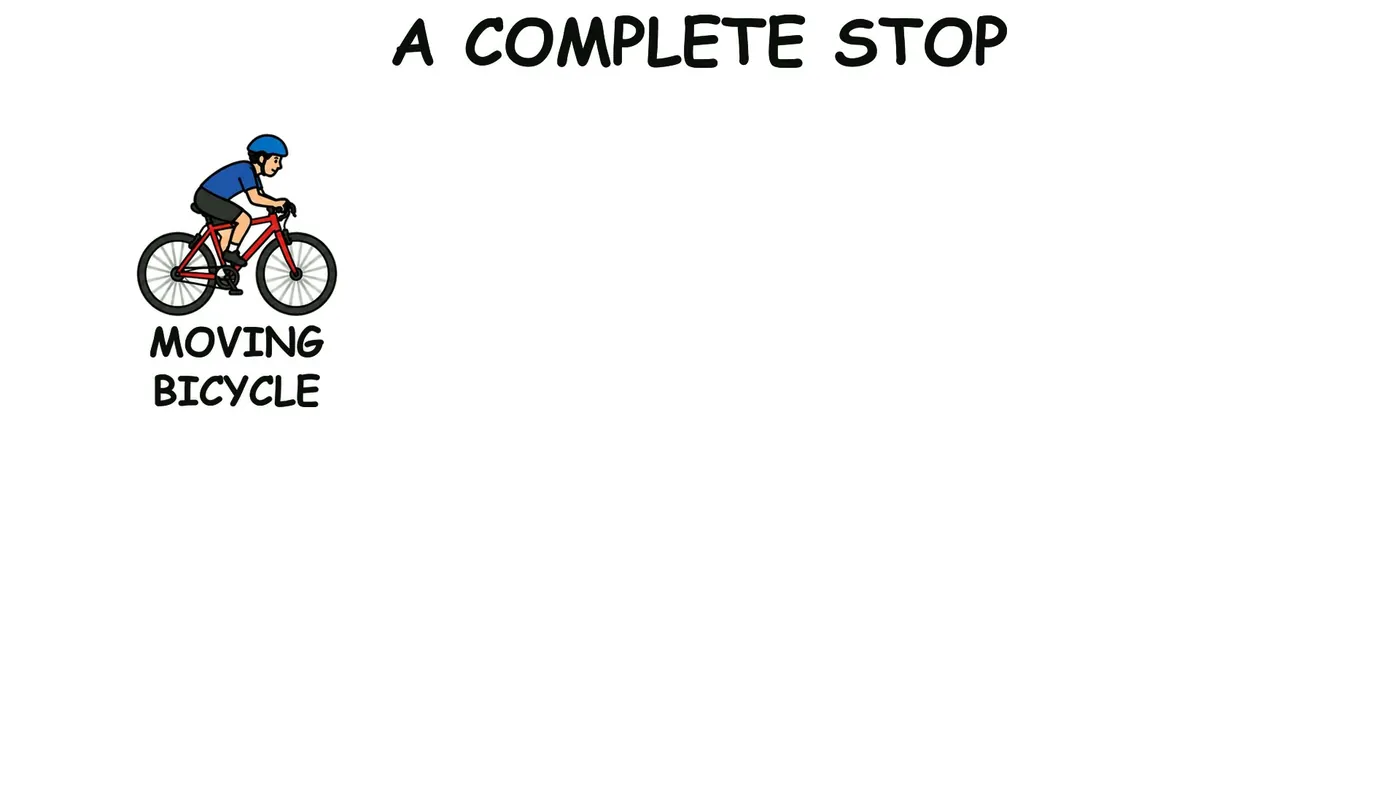
How to generate a whiteboard video
- Sign up free and open the composer.
- Describe what you want explained and who it is for, paste your script, or upload a PDF, Word or PowerPoint file or a web link.
- Choose a frame (16:9, 9:16 or 1:1), a length of 1, 2, 3 or 5 minutes, and a female or male voice in the narration language you want.
- KolaVid writes, draws and narrates, one idea a board. It is usually ready in a few minutes, and you can watch it being drawn.
- Download the MP4 or share a link.
What you get
| With KolaVid | |
|---|---|
| Start from | A prompt, a script, a PDF, Word or PowerPoint file, or a web link |
| Video | A narrated whiteboard animation, one idea a board, each drawing appearing as it is said |
| Frames | Landscape 16:9, vertical 9:16 or square 1:1 |
| Length | 1, 2, 3 or 5 minutes (free videos up to 2 minutes) |
| Voice | Female or male, in many narration languages, including Spanish and Portuguese |
| Brands | Brands named in a video are drawn with their own logo |
| Delivery | MP4 download or a share link |
| Price | Free: one 2-minute video, no card. Starter: $19.99 a month for 5,000 credits |
Whiteboard video uses one credit a second, so a 2-minute video is 120 credits.
What makes a whiteboard video work
A whiteboard video works because the picture and the words arrive together: you hear an idea at the moment you see it drawn. KolaVid keeps to that. Each board holds one idea, the drawings are plain, and every word on the board is a word the narrator says, written as it is said.
Tips: writing a prompt that makes a good video
- Say the topic and the viewer. "How a mortgage works, for first-time buyers" gives a clearer video than "mortgages".
- Name the one thing they should remember. A video built around one takeaway is easier to follow than a tour of everything.
- Ask a question when you can. "Why do bicycle brakes stop a wheel?" leads to an explanation; "bicycle brakes" can lead to a list.
- Match the length to the idea. One idea fits in 1 to 2 minutes; a process with steps fits in 3; 5 minutes is the longest video.
- Have a script already? Paste it and it is narrated word for word, with drawings to match. The script length calculator tells you how many words fit each length.
- Pick the frame for where it will play: 16:9 for YouTube, slides and course pages; 9:16 for Reels, TikTok and WhatsApp Status; 1:1 for feeds.
- Name real brands when they matter. Brands named in a video are drawn with their own logo.
- Give the order when it matters. "Start with the problem, then the three steps, then the result" shapes the boards the way you would draw them yourself.
- Set the level. "No jargon", "for engineers" or "for ten-year-olds" changes the words and the examples.
- Make a series rather than one long video. Three 2-minute videos on three questions are easier to share and to finish than one 6-minute video.
- Keep the numbers few and right. A short video can make two or three figures stick; check them in your prompt.
- Watch the finished video once before sharing it. If something is off, change the prompt and make it again.
- Keep the idea concrete. "How a vaccine trains the immune system, with one example" gives drawings people can picture; "immunology overview" gives a list of words.
- Start from your own material when you have it. A PDF, a deck or a page of notes keeps the video to your facts and your terms.
What people make with it
Lesson videos for class and homework, training and onboarding videos, product explainers, YouTube explainers and short social posts. Anything you would explain with a marker and a board works as a KolaVid video.
What is an AI whiteboard video generator?
A tool that turns words into a narrated whiteboard animation. With KolaVid you describe a topic, paste a script or upload a document, and it writes the narration, draws each idea and reveals it as it is said.
Is it free to try?
Yes. A free account comes with 120 credits, enough for one 2-minute video, with no card. Free videos carry a small KolaVid mark.
Can I use my own script?
Yes. Paste it and it is narrated word for word, with drawings made to match.
Do I need to draw or record anything?
No. KolaVid makes the drawings and the AI narration. You choose a female or male voice and the narration language.
Can I edit the drawings?
There is no editing timeline. Change your prompt or script and make the video again.
How long can a video be?
1, 2, 3 or 5 minutes. Free videos are up to 2 minutes; paid plans go up to 5.