Animaker Whiteboard Animation: 5 Alternatives Compared
How Animaker's AI whiteboard maker works, when it is the right pick, and five alternatives compared on AI help, editing, free options and price (28 Oct 2026).
Animaker's whiteboard animation tool is an AI builder: you pick a category, type a prompt, answer a few questions from its AI, and it drafts scenes, characters, voice-over and transitions that you can then edit in full. The best Animaker alternatives depend on how much of the work you want the AI to do. Vyond Go and Powtoon also draft from a prompt or document, InstaDoodle uses AI for the drawings while you build the scenes, VideoScribe leaves the animation to you, and KolaVid makes the finished narrated video with no editing step.
Below: what Animaker's AI whiteboard maker does, when it is still the right choice, and five alternatives compared. Features and prices were checked on each vendor's own site on 28 October 2026.
How Animaker's AI whiteboard maker works
Animaker's whiteboard page describes four steps, as of 28 October 2026:
- Enter your idea. Choose a category (Explainer, Training, Marketing or Education), then type a prompt or pick a sample.
- Answer the AI's questions. Animaker's AI asks follow-up questions about your idea. Its own guide says it pre-fills most of the answers, and you review them before it generates.
- Refine the video. It generates scenes, characters, voice-over, lip sync and transitions. "Advanced Edit" opens the draft in the full editor, where you can change anything.
- Export and share. Download the video or publish it to social media.
The same page lists more than 100 whiteboard video templates, characters with more than 200 actions and 20 expressions, over 10,000 assets, more than 2,000 AI voices in 150+ languages, and subtitles in 130+ languages. Exports come as MP4, GIF or WebM, from SD up to 4K depending on plan.
Pricing. The free plan exports with a watermark. When we checked app.animaker.com/pricing, the same paid plans showed different prices in different places (the plan cards, the checkout and the in-app upgrade box disagreed), so we are not quoting a figure: see their pricing page for the current price. The plan table did list monthly AI video credits, premium downloads and a maximum video length that rise from Starter to Pro.
When Animaker is the right choice
Animaker is a strong pick if:
- You want an AI first draft and then real editing. Few tools give you both. You get a full video quickly, then you can move characters, change scenes and swap assets.
- Characters matter. Lip sync, expressions and a character builder are central to Animaker. If your explainer needs a person acting out the story, that is hard to match.
- You need many output formats. GIF, WebM and up to 4K exports, plus subtitles in many languages.
- Whiteboard is one style among several. Animaker also makes 2D animation, infographics and generated clips, all in one account.
It is worth looking elsewhere when the editing step is the part you want to skip, when you need the pictures to follow your own script exactly, or when you want a price you can confirm before you sign up.
Three levels of AI help in whiteboard tools
"AI whiteboard maker" means different things on different sites. It helps to sort tools by how much of the finished video the AI actually makes.
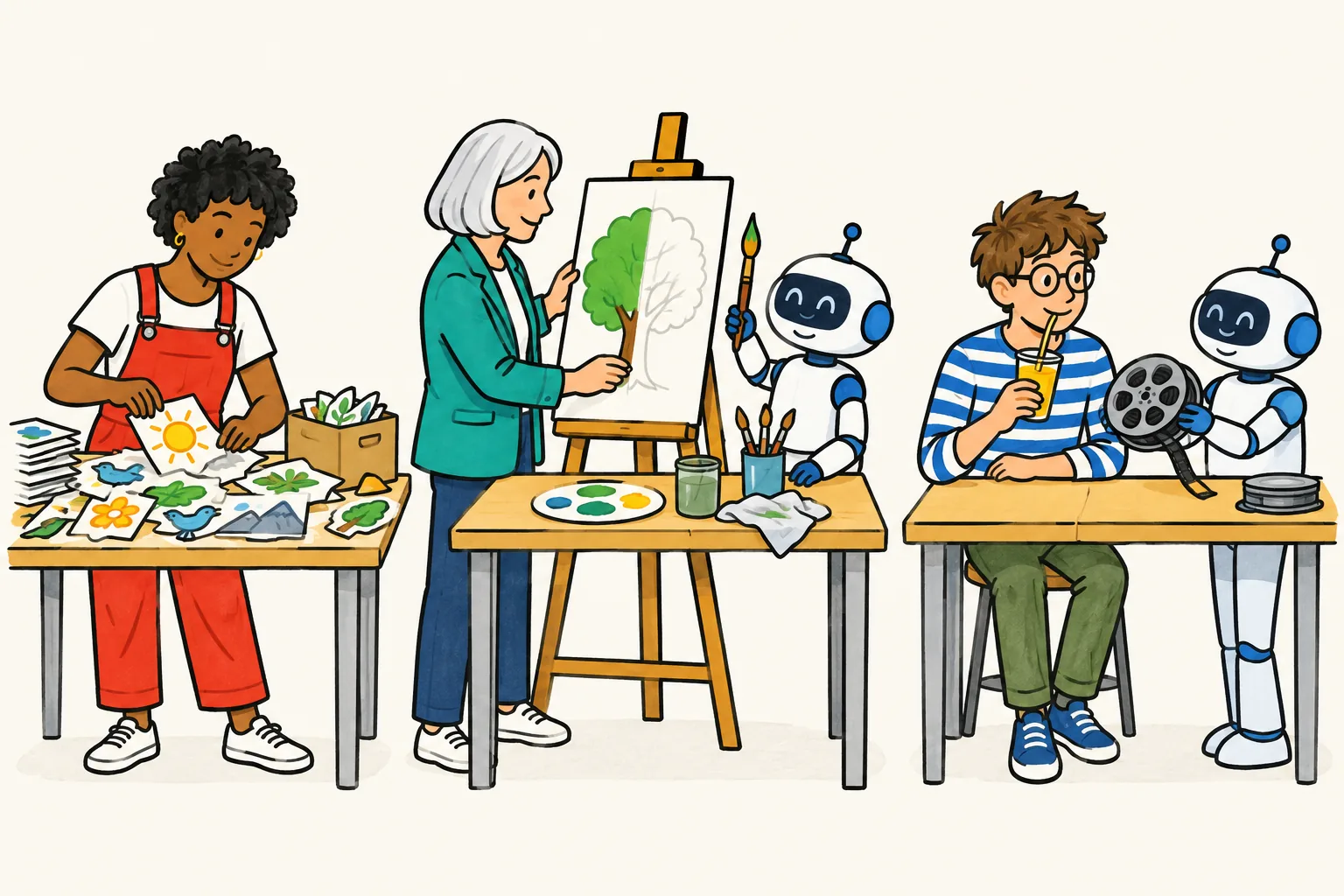
- AI makes parts, you assemble. The AI writes a script, makes a voice or draws single pictures. You place everything on the canvas and set the timing. VideoScribe and InstaDoodle sit here.
- AI drafts, you edit. The AI produces a whole video from a prompt or a document, and the editor is where you finish it. Animaker, Vyond Go and Powtoon's AI tools sit here.
- AI makes the finished video. You give it the topic, script or document and receive a narrated video. There is no editor; to change the result you change the input and make it again. KolaVid sits here.
None of these levels is better on its own terms. Level 1 gives the most control and takes the longest. Level 3 is the fastest and gives the least control. Level 2 is in the middle, and the time you save depends on how much of the draft you end up changing.
Animaker alternatives compared
Checked on each vendor's own site on 28 October 2026. Prices change often, so confirm before you buy.
| Tool | AI level | What the AI does | Edit afterwards | Free option | Cheapest paid plan |
|---|---|---|---|---|---|
| Animaker | Drafts, you edit | Scenes, characters, voice, lip sync from a prompt and Q&A | Yes, full editor | Free plan with watermark | See their pricing page |
| Vyond | Drafts, you edit | Vyond Go: video from a prompt, document or URL | Yes, in Vyond | Trial with watermark, 2,000 credits | Starter $99 a month or $699 a year |
| Powtoon | Drafts, you edit | AI scripts, text-to-speech, doc-to-video into whiteboard scenes | Yes, template editor | Up to 3 minutes, 720p, watermark | Lite $15 a month billed yearly |
| InstaDoodle | Makes parts | Doodle characters, objects and backgrounds from a prompt; AI voices | You build the scenes | No free trial; 60-day refund | See their pricing page |
| VideoScribe | Makes parts | AI script and images; AI voice on Core and Max | You place every image | 7-day trial, 3 watermarked downloads | Lite £130 a year |
| KolaVid | Finished video | Writes, draws and narrates from a prompt, script, document or link | No editor; remake it | One 2-minute video, no card | Starter $19.99 a month |
The alternatives, one by one
Vyond: the closest match, for businesses
Vyond Go is the nearest thing to Animaker's AI maker. You type or paste an idea, or add a document or a URL, and it builds a video you can then adjust. Vyond's plan table lists "Whiteboard-style (Animated) characters" on every plan, and its FAQ describes whiteboard animation as "hand-drawn sketch animations". The Vyond Go page itself names avatar, mixed media and animated template styles, so expect to shape whiteboard scenes in the main editor. Plans are priced per user: Starter is $99 a month or $699 a year, and Professional is $199 a month or $1,199 a year. Our Vyond alternative guide covers the costs in detail.
Choose it when you work in a company with a training or communications budget and want AI drafts plus team features.
Powtoon: templates first, AI on top
Powtoon starts from templates. Its whiteboard page lists hundreds of whiteboard templates, a library of hand-drawn elements and an automatic drawing effect, plus AI-written scripts, AI narration and "AI doc-to-video to convert dense documents into clear whiteboard breakdowns". The free plan makes videos up to 3 minutes at 720p with a watermark. Lite is $15 a month billed yearly, with 5 watermark-free exports a month and videos up to 10 minutes.
Choose it when you would rather adapt a ready-made template than start from a prompt. More in our Powtoon alternative guide.
InstaDoodle: AI drawings, your layout
InstaDoodle runs in the browser. You describe a character, object or background and its AI draws it in doodle style, then you arrange the elements into scenes and add a voice. It lists a library of 1,000+ doodle assets. The site says there are no free versions or trials but offers a 60-day money-back guarantee. We saw both monthly plans and a one-time checkout price on its page, so see their pricing page for the current offer.
Choose it when you want custom drawings that no stock library has, and you are happy to lay out each scene.
VideoScribe: full manual control
VideoScribe is the classic whiteboard editor: you pick images, place them on a canvas and set how long each one takes to draw. It runs in the browser or as an installed app for Windows and Mac. Lite is £130 a year with 5 downloads a month and videos up to 5 minutes; Core (£200 a year) and Max (£275 a year) add AI voice-over minutes, a library of about 5 million images and icons, and longer videos. The free trial lasts 7 days with no card.
Choose it when you care about the exact picture in every scene and do not mind the time it takes.
KolaVid: the finished video, no editor
KolaVid is our own tool, so read this one with that in mind. It makes the whole narrated whiteboard video from what you give it. There is a fuller walkthrough below.
Choose it when you would rather write than animate, and a video you can remake beats a video you can edit.
A prompt to test any AI whiteboard maker
The quickest way to compare AI builders is to give them the same brief. Copy this one, change the subject if you like, and run it in two or three tools:
Explain why bread dough rises, for adults who bake at home. About 90 seconds, 16:9. Start with the question "Why does dough double in size?" Use one example: yeast as tiny balloon-blowers. Cover three steps: yeast eats sugar, it releases gas, the gluten traps the gas. End with one practical tip about warm places.
Then score each result out of 3 on four questions:
- Accuracy. Are the three steps right, in the right order?
- Match. Does each picture appear when the narrator mentions it?
- Fixes. How many minutes did you spend changing the draft before you would show it to someone?
- Clarity. Can a friend who watched it explain why dough rises?
Add the minutes from the third question to the time it took to generate. That total, not the generation time alone, is the honest speed of a level 2 tool.
Making a whiteboard video with KolaVid
KolaVid is a level 3 tool. You type a topic, paste a script or text, upload a PDF, Word or PowerPoint file, or add a web link. It writes the narration, or uses your script as written, and draws each idea as the narrator says it, one idea a board.
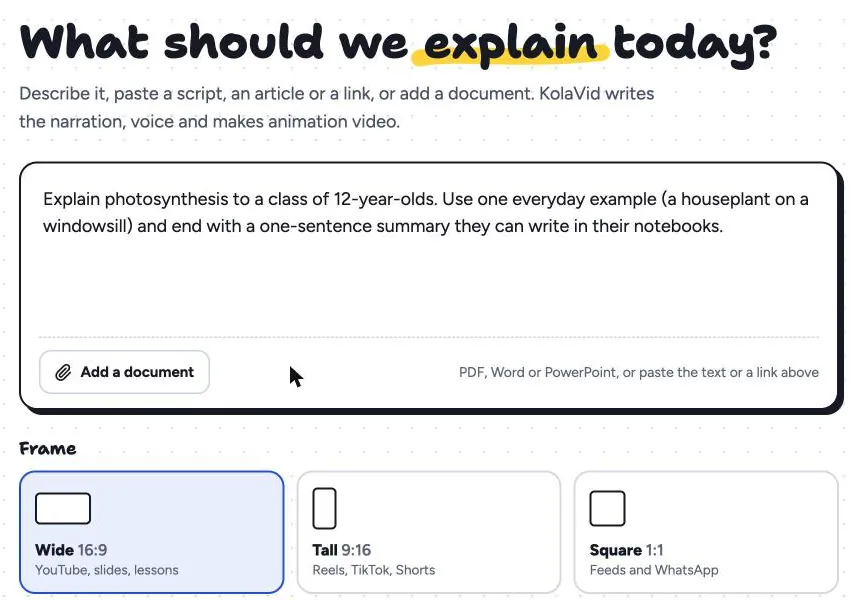
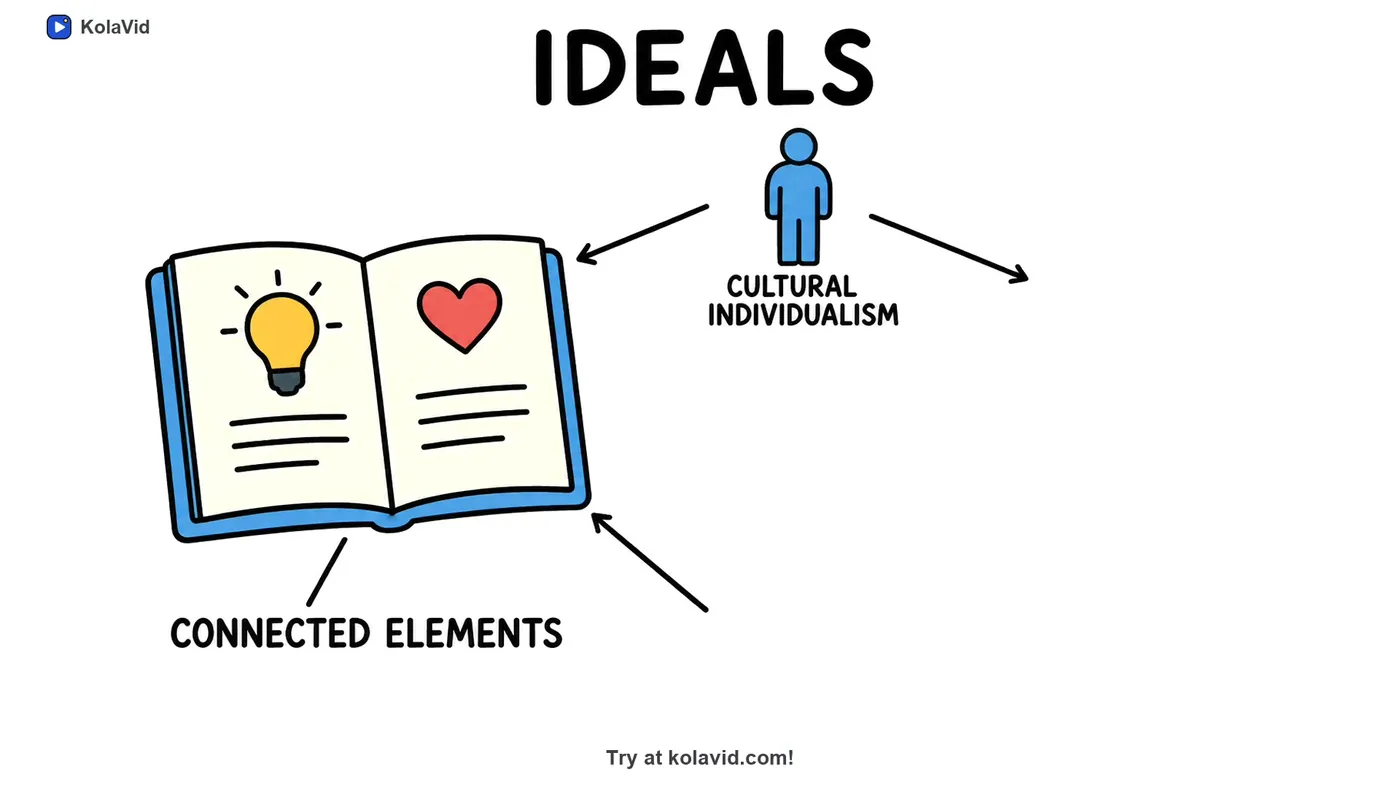
You choose a landscape 16:9, vertical 9:16 or square 1:1 frame, a female or male voice, the narration language and a length of 1, 2, 3 or 5 minutes. The video is usually ready in a few minutes, and you can watch it being drawn. Then you download the MP4 or share a link. Brands named in the video are drawn with their own logo. It works for summaries too: here is a board from a sample video that summarises a research paper.
The trade-offs are real. There is no editing timeline, no character builder or lip sync, no image library and no team seats, and videos stop at 5 minutes. If you need those, Animaker, Vyond or Powtoon will suit you better. Whiteboard video uses 1 credit a second: the free account's 120 credits make one 2-minute video with no card, and Starter at $19.99 a month gives 5,000 credits, about 83 minutes of video. You can try it from our AI whiteboard video maker page, and our prompt to whiteboard video guide shows how to write prompts that work.
FAQ
Can Animaker make whiteboard animation?
Yes. Animaker has an AI whiteboard maker that builds a whiteboard video from a prompt and a short Q&A, with scenes, characters, voice-over and lip sync, plus 100+ whiteboard templates. You can then edit the draft in its editor.
Is Animaker's whiteboard maker free?
Animaker has a free plan, and its exports carry a watermark. Paid plans remove the watermark and add AI credits, downloads and longer videos. Prices on its pricing page were not consistent when we checked on 28 October 2026, so confirm the current price there.
What is the best Animaker alternative for whiteboard videos?
It depends on how much you want the AI to do. For AI drafts with team features, Vyond. For templates, Powtoon. For custom AI drawings you arrange yourself, InstaDoodle. For full manual control, VideoScribe. For a finished narrated video without editing, KolaVid.
Can I turn a document into a whiteboard video with these tools?
Vyond Go accepts a document or a URL, Powtoon lists AI doc-to-video, and KolaVid takes PDF, Word and PowerPoint files or a web link. Our document to whiteboard video guide explains how to cut a long document down first.
When is Animaker the better choice than KolaVid?
When you want to edit the AI draft scene by scene, need characters with lip sync and expressions, want GIF or 4K exports or subtitles in many languages, or need videos longer than 5 minutes. Animaker is a trademark of its owner, and KolaVid is not connected with it.