25 Educational Video Ideas for Teachers
25 educational video ideas for teachers, grouped by purpose: introduce, explain, revise, catch up, inform parents and teach school routines. Sample prompts.
The most useful educational videos for teachers are the ones that replace something you explain again and again: the same method to absent students, the same routine to new starters, the same homework question to parents. Below are 25 ideas, grouped by what each video is for, with a sample prompt for several so you can make one straight away.
Each idea is one to three minutes on a single point.
Videos that introduce a topic
These are short openers. Their job is to make students curious, or to give them the words they will need, before the real teaching starts.
- The puzzle opener. A one-minute video that poses a question and stops before the answer: "Why doesn't the Moon fall down?" Play it at the start of the lesson and teach towards it.
- Meet the key words. Five new terms for the unit, one picture each, said slowly. Students meet the vocabulary before they have to use it.
- The bridge from last unit. "Last term you learned how plants make food. This term: where that food goes." Ninety seconds that connects two units.
- The story start. A history unit opened as a scene, such as the last hours of the Titanic, which struck an iceberg late on 14 April 1912 and sank in the early hours of the next day.
- The unit roadmap. The three questions this unit will answer, shown once at the start and replayed at the end.
Prompt for idea 1: Make a one-minute video for 11 year olds that asks why the Moon does not fall down to Earth. Show the Moon moving sideways very fast while Earth's gravity pulls it in. End on the question "So is the Moon falling or not?" without answering it.
Videos that explain one idea
The core lesson videos. One idea, one example, a short recap.
- One method, one worked example. A single problem solved with every step and reason spoken. Our guide to math lesson videos has three ready prompts in this format.
- How it works. A process in order: the water cycle, digestion, how a bill becomes a law.
- Side by side. Two things students mix up, compared on the same points: weather and climate, mitosis and meiosis, simile and metaphor.
- Cause and effect chain. One event leading to the next, such as why the price of bread can rise when a wheat harvest fails.
- A reading, summarised. For older students, the main argument of a set article or paper in three minutes before a seminar, so discussion starts from shared ground.
Prompt for idea 8: Explain the difference between weather and climate to 12 year olds. Weather is what the air is doing today: rain, sun, wind. Climate is the usual pattern over many years. Use one town as the example: a rainy week in a dry place is weather, the fact that it is usually dry is climate. End with a one-sentence rule they can write down. 2 minutes.
If you are new to making these, the step-by-step guide on how to make an educational video covers the objective, the example and the structure in detail.
Videos that help students revise
Short, rewatchable, and focused on what students actually lose marks on.
- The two-minute topic recap. The three things to remember about one topic, with a picture for each.
- The mistakes from the last test. The two errors that came up most, each shown and corrected. Name no students; show the mistake, not who made it.
- What the question is asking. The difference between command words like "describe" and "explain", using one exam-style question answered both ways.
- The must-know list. The five formulae, dates or definitions for a unit, each with a picture to hang it on.
Prompt for idea 13: Explain to 15 year olds the difference between "describe" and "explain" in exam questions. Use one question about a graph of rising temperatures. Show a "describe" answer that says what the graph shows, then an "explain" answer that gives the reason. End with the rule: describe says what, explain says why. 2 minutes.
Videos for catching up
For students who missed a lesson, joined late, or need more time.
- The missed lesson. The main idea of a lesson in three minutes, ready to send to any student who was absent.
- The new-starter primer. What the class has covered this term, so a student joining in November is not lost.
- The pre-teach. The next lesson's key idea, sent the evening before to students who need longer to process new material.
- The home-language version. The same catch-up video narrated in Spanish or Portuguese, say, for a student who is new to English, so the idea arrives before the vocabulary does.
Videos for parents
Parents often want to help but were taught differently, or do not know what is coming. A short video answers questions you would otherwise get one email at a time.
- How we teach this method. So parents help at home the same way you teach in class.
- This term in Year 5. The topics, the trips and the dates that matter, in two minutes.
- Helping with reading at home. What ten minutes a night can look like, and three questions to ask about any book.
- Exam season for parents. What the exams are, when they happen, and how to support revision without adding pressure.
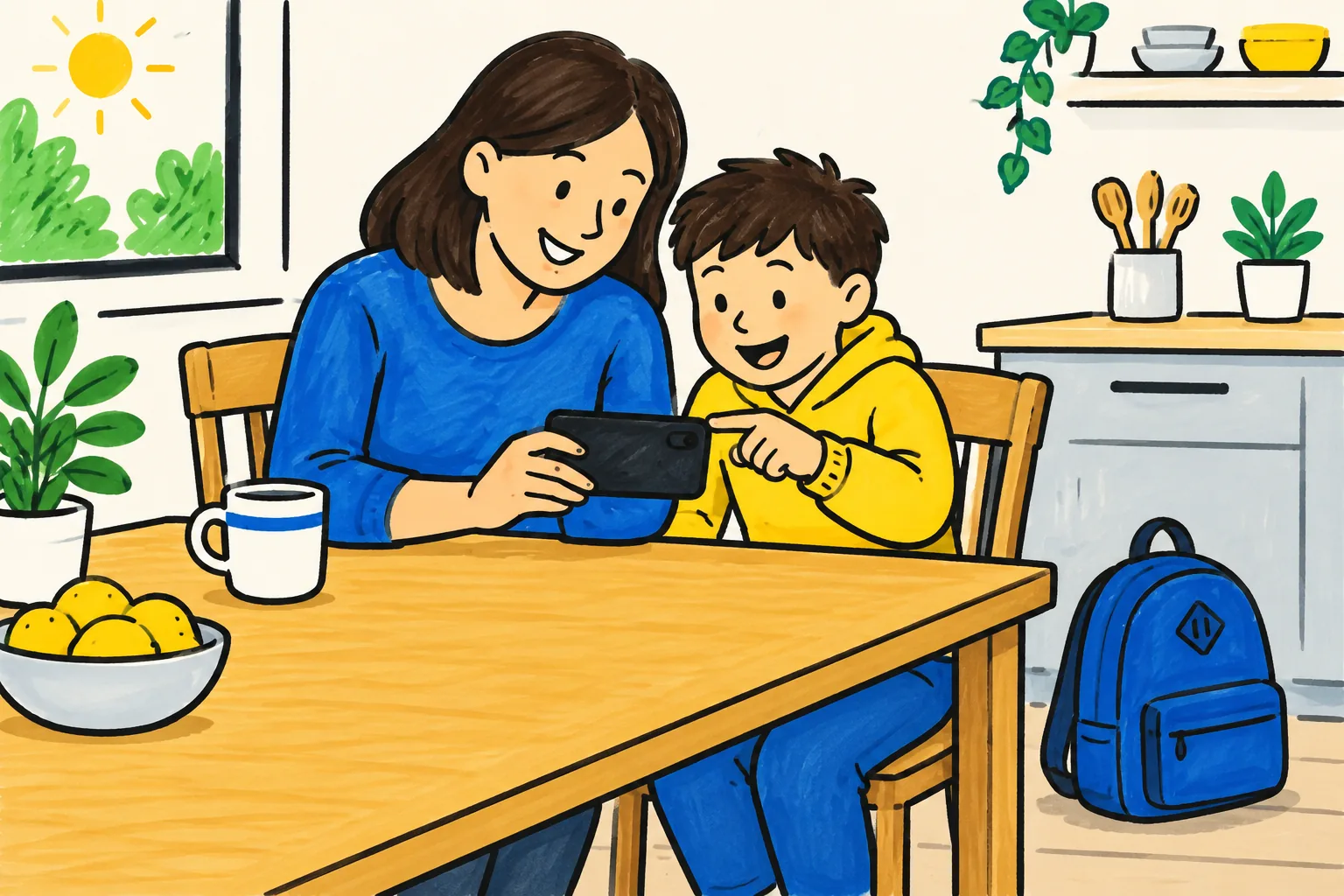
Prompt for idea 19: Explain to parents of 8 and 9 year olds how we teach subtraction with exchanging, so they can help with homework. Use one example: 52 take away 27. You cannot take 7 from 2, so exchange one ten for ten ones, making 12 ones and 4 tens. 12 take away 7 is 5. 4 tens take away 2 tens is 2 tens. The answer is 25. Keep the tone friendly and say that it is fine if they learned it differently. 2 minutes.
Videos for school routines and procedures
Explained once, replayed whenever someone new joins.
- The fire drill. Where to go, who to follow, and what not to do (stop for bags, run, take the lift).
- Lab safety before the first practical. Goggles, hair tied back, bags under the bench, how to report a spill.
- The first-week routines. Where to line up, how to borrow a laptop, who to ask for help, what to do when you are late.
Prompt for idea 24: Explain science lab safety rules to 11 year olds before their first practical. Cover four rules: goggles on when anything is heated or mixed, long hair tied back, bags under the bench, and tell the teacher straight away about any spill or breakage. Give the reason for each rule. End with a recap of the four rules. 2 minutes.
Which ideas to make first
Start with the ones that save you time every week:
- The missed-lesson video (idea 15), if absences keep pulling you back to old lessons.
- The parents' method video (idea 19), if homework questions arrive by email every week.
- The mistakes video (idea 12), straight after the next test, while the errors are fresh.
For more on fitting videos into lessons, including the flipped approach, see our guide to whiteboard videos for teachers and the article on flipped classroom videos.
Making these videos with KolaVid
Every prompt above can be pasted into KolaVid, which turns it into a narrated whiteboard video where each drawing appears as it is spoken, one idea on each board. You can also upload the material you already have, a PDF worksheet, Word handout or PowerPoint from last year, and add a line saying who the video is for. Choose a wide, tall or square frame, a length of 1, 2, 3 or 5 minutes (up to 2 on a free account), a voice and the narration language, which is how idea 18 works. The video is usually ready in a minute or two, and you can download the MP4 or share a link with students or parents. There is no editing timeline, so changes mean editing the prompt and making it again. More sample lessons are on the teachers page.
FAQ
How long should these videos be?
Most of the ideas above work best at one to three minutes. Openers (ideas 1 to 5) can be a minute; explanations and parents' videos usually need two or three.
Can I share videos with parents safely?
Share a link or upload the file to the platform your school already uses for parents. Keep student names and faces out of the video itself, which drawn videos make easy.
Do I need a separate video for every class?
Not always. A video on one idea can serve several classes of the same age. Make a new version when the example or vocabulary needs to change for a different group.
What is the quickest idea to start with?
The missed-lesson video. You already know the lesson, the example and the recap, so the script almost writes itself, and it saves time the very next time a student is absent.