Explainer Video Script Template (3 Full Examples)
A copyable explainer video script template with timings for 60 and 90 seconds, plus three complete example scripts: a product, a service and a concept.
A good explainer video script follows six parts in order: a hook the viewer recognises, the problem, your answer in one sentence, how it works in two to four steps, one piece of proof or an example, and a single next step. For a 60-second video that is about 140 words in total; for 90 seconds, about 210. Copy the template below, fill the brackets, then read it aloud with a timer.
Under the template you will find sentence starters for each part, a timing table, and three complete example scripts you can adapt: a product, a local service and a concept.
The explainer video script template (copy this)
Fill the brackets, then delete everything in brackets. The times are for a 60-second video; the word counts in each heading add up to about 140.
``` VIDEO: [What it explains, in plain words] VIEWER: [One real person: who they are, where they watch] ONE SENTENCE: After watching, the viewer knows that [your message]. NEXT STEP: [The single action you want] LENGTH: [60 / 90 / 120 seconds] FRAME: [wide / tall / square]
- HOOK (0:00-0:07, about 15 words) [A moment the viewer recognises from their own day.]
- PROBLEM (0:07-0:17, about 25 words) [What goes wrong, costs time, or confuses them. Their words, not yours.]
- ANSWER (0:17-0:25, about 20 words) [Name the product, service or idea, and say what it does in one sentence.]
- HOW IT WORKS (0:25-0:45, about 45 words) Step 1: [What happens first.] Step 2: [What happens next.] Step 3: [The result the viewer gets.]
- PROOF OR EXAMPLE (0:45-0:53, about 20 words) [One concrete case, a real detail, or the worry you answer.]
- NEXT STEP (0:53-1:00, about 15 words) [One action. Where to go and what to do there.] ```
The order matters. Viewers decide in the first few seconds whether a video is about them, so the hook and problem come before your name, and they only act once they believe it. If you want the full process around the script, from choosing the goal to publishing, our guide on how to make an explainer video walks through it.
Sentence starters for each part
Blank pages are slow. These openings get a first draft down in ten minutes; rewrite them in your own voice afterwards.
Hook
- "It's [time/place], and [small, familiar frustration]."
- "You've just [action], and now [annoying consequence]."
- "Ever noticed that [everyday puzzle]?"
Problem
- "Right now, most people [current way], which means [cost in time, money or worry]."
- "The trouble is, [why the usual way fails]."
Answer
- "[Name] is a [plain category] that [does one thing] for [who]."
- "Here's what's actually going on: [the idea in one line]."
How it works
- "First, you [action]. Then [what happens]. Finally, [result]."
- Keep to three steps where you can. Four is the limit for a minute.
Proof or example
- "Say you [specific situation]. Instead of [old way], you [new way]."
- "Worried about [common objection]? [Plain answer]."
Next step
- "[Verb] at [place], and [what happens next]."
- One action only. "Visit, follow, call and subscribe" is four actions, and viewers will do none.
How long each version should be
Speech runs at roughly 130 to 150 words a minute. Explainers sit at the slower end, because every sentence carries a new picture and the viewer needs a moment to take it in.
| Length | Total words | How to stretch the template |
|---|---|---|
| 30 seconds | 65 to 75 | Hook, answer, one step, next step |
| 60 seconds | 130 to 150 | The template as written |
| 90 seconds | 200 to 220 | Add a fourth step, or a second example |
| 2 minutes | 260 to 300 | Add an objection and its answer before the next step |
If your draft is longer than the table allows, cut from the problem and the steps before you touch the hook or the next step. Those two do the most work for their size.
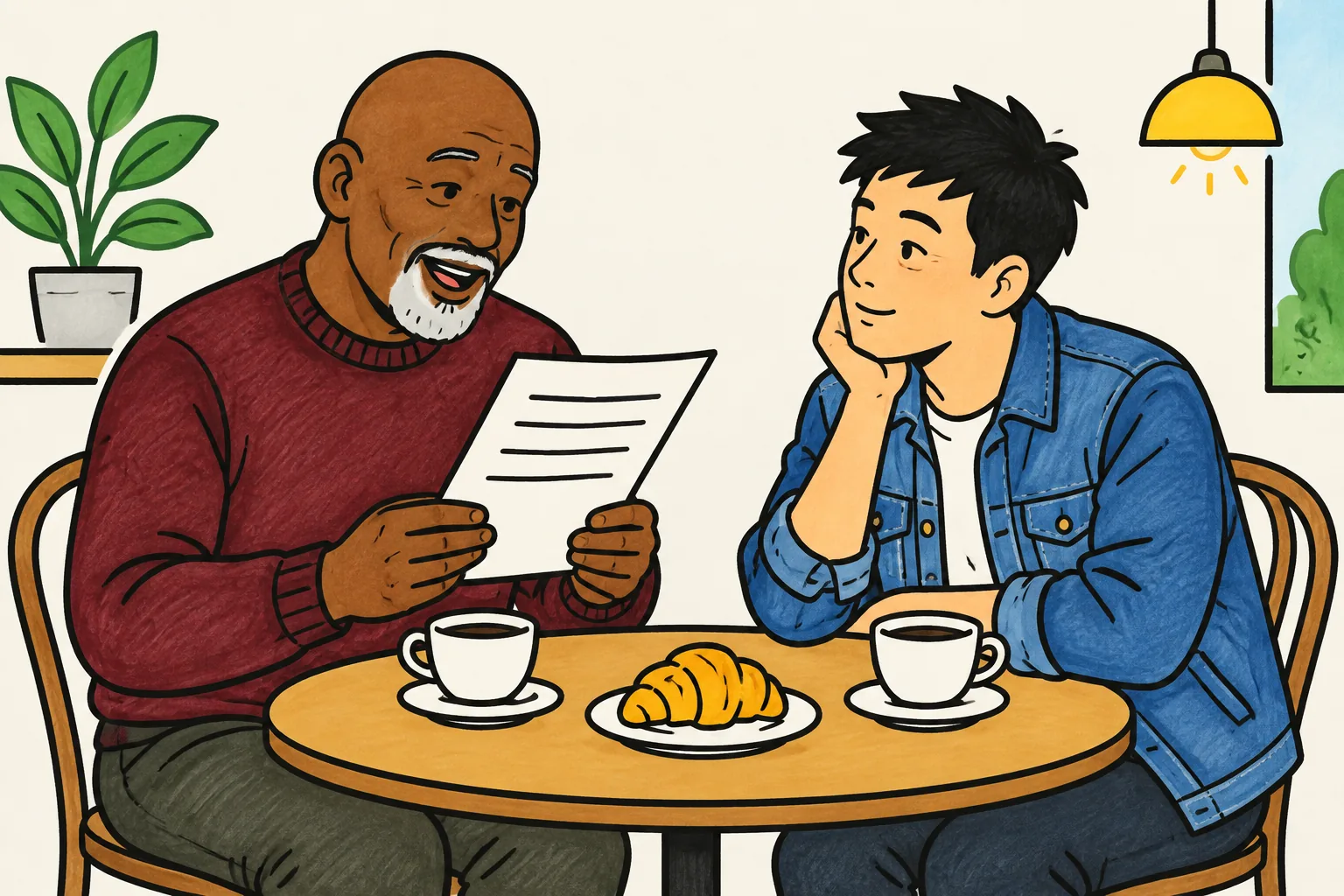
Before you record anything, read the script to one person who has never heard of your product or topic. Then ask them to repeat the one sentence from the top of the template. If they cannot, the script is the problem, not the pictures.
Example 1: a product (a shift-swap app for restaurants)
Viewer: a restaurant manager, watching on the app's homepage on a laptop. One sentence: shift swaps get sorted in the app, not the group chat. Length: about 60 seconds.
Hook. It's Friday night, and a cook has just texted. She can't make Saturday.
>
Problem. So you're in the group chat, asking who's free. Half the team doesn't reply. The other half replies at midnight.
>
Answer. [App name] is a shift-swap app for restaurant teams. It finds cover for you.
>
How it works. When someone can't make a shift, they tap it and choose "swap". Everyone trained for that station gets a message. The first person to accept takes the shift, and you approve it with one tap. The rota updates for the whole team.
>
Proof. No group chat. No chasing. No guessing who's actually coming in on Saturday.
>
Next step. Try it free with your next rota at [website].
About 115 words, leaving room for a slower read. It leaves out pricing tiers, integrations and the company story; those belong on the page around the video. For a product video aimed at a buyer in a sales conversation, the structure in our sales explainer guide gives the problem even more room.
Example 2: a service (a mobile dog groomer)
Viewer: a dog owner who found the business on a local search, watching on a phone. One sentence: the groomer comes to your street, so your dog never sits in a noisy salon. Length: about 60 seconds.
Hook. Getting your dog to the groomer is half the battle.
>
Problem. There's the car ride, the waiting room full of barking, and the two hours you lose dropping off and picking up.
>
Answer. We bring the groomer to you. [Business name] is a grooming van that parks outside your home.
>
How it works. Book a time online. On the day, we park on your street, and your dog comes into the van with one groomer. No other dogs, no noise. A bath, dry, trim and nails take about an hour. Then we bring your dog back to your door, clean and calm.
>
Example. Nervous dogs do well with this, because they never leave the street they know.
>
Next step. We cover [your area]. Book your first groom at [website].
About 130 words. Service scripts need the "how it works" part more than product scripts do, because people cannot try a service before they buy it. Walk them through the day, from booking to the end, so nothing feels uncertain.
Example 3: a concept (why thunder comes after lightning)
Viewer: a curious 11-year-old, watching on a classroom screen. One sentence: thunder comes second because sound travels much more slowly than light. Length: about 60 seconds.
Hook. You see the flash. Then you count. One, two, three... and the thunder rolls in.
>
Problem. But why does the thunder always come second?
>
Answer. Lightning and thunder actually happen at the same moment. You just get the news at different speeds.
>
How it works. Lightning is a giant spark. It heats the air around it so fast that the air bursts outwards, and that burst is the thunder. Light reaches you almost instantly. Sound is much slower: it takes about three seconds to travel one kilometre.
>
Example. So count the seconds between flash and bang. Twelve seconds? The storm is about four kilometres away. If the gap keeps shrinking, it's coming closer, so head indoors.
>
Next step. Flash first, because light is fast. Bang second, because sound is slow.
About 140 words. For a concept, the "next step" is often a sentence to remember rather than a button to press. The "proof" becomes something the viewer can try for themselves, which is the strongest proof there is.
Adding the visuals to your script
Once the words work, go through the script line by line and note what the viewer should see. Every line should name something you could draw or show: the text message, the empty group chat, the van on the street, the flash and the counting fingers.
If you cannot think of a picture for a line, the line is probably too abstract. "We are passionate about quality" has no picture. "One groomer, one dog, no waiting room" does. Our guide to turning a script into a whiteboard video shows the two-column method for this step in detail.
If you are writing for staff rather than customers, use a different shape. A training script needs complete steps, a common mistake and a recap, so start from our training video script template instead.
Five mistakes that make explainer scripts too long
- Starting with your name. "At [Company], we believe..." Viewers do not know you yet. Start with them.
- Listing features. Pick the two or three steps that deliver the main result. The rest can live on your website.
- Explaining the problem twice. Once, in the viewer's words, is enough.
- Numbers without a picture. "Cut admin time by a third" is hard to hold in your head while listening. "One evening of messages becomes two taps" is easy.
- Several calls to action. One next step, said once, at the end.
Turning your script into a video in KolaVid
If you want to see your finished script as a video without animating it yourself, KolaVid turns pasted text into a narrated whiteboard video. Paste the script into the box, and each drawing appears as the narrator says the matching words, with one idea on each board.
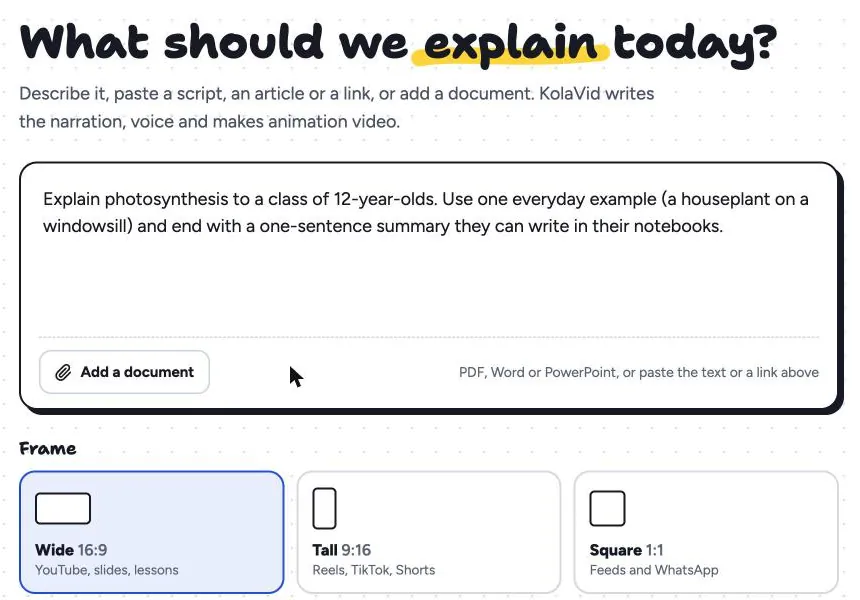
Delete the part labels ("Hook", "Problem") before pasting, so only the spoken words remain. Choose the frame by where the video will play, then the Hand-drawn style, the length, a female or male voice and the narration language. It is usually ready in a minute or two.
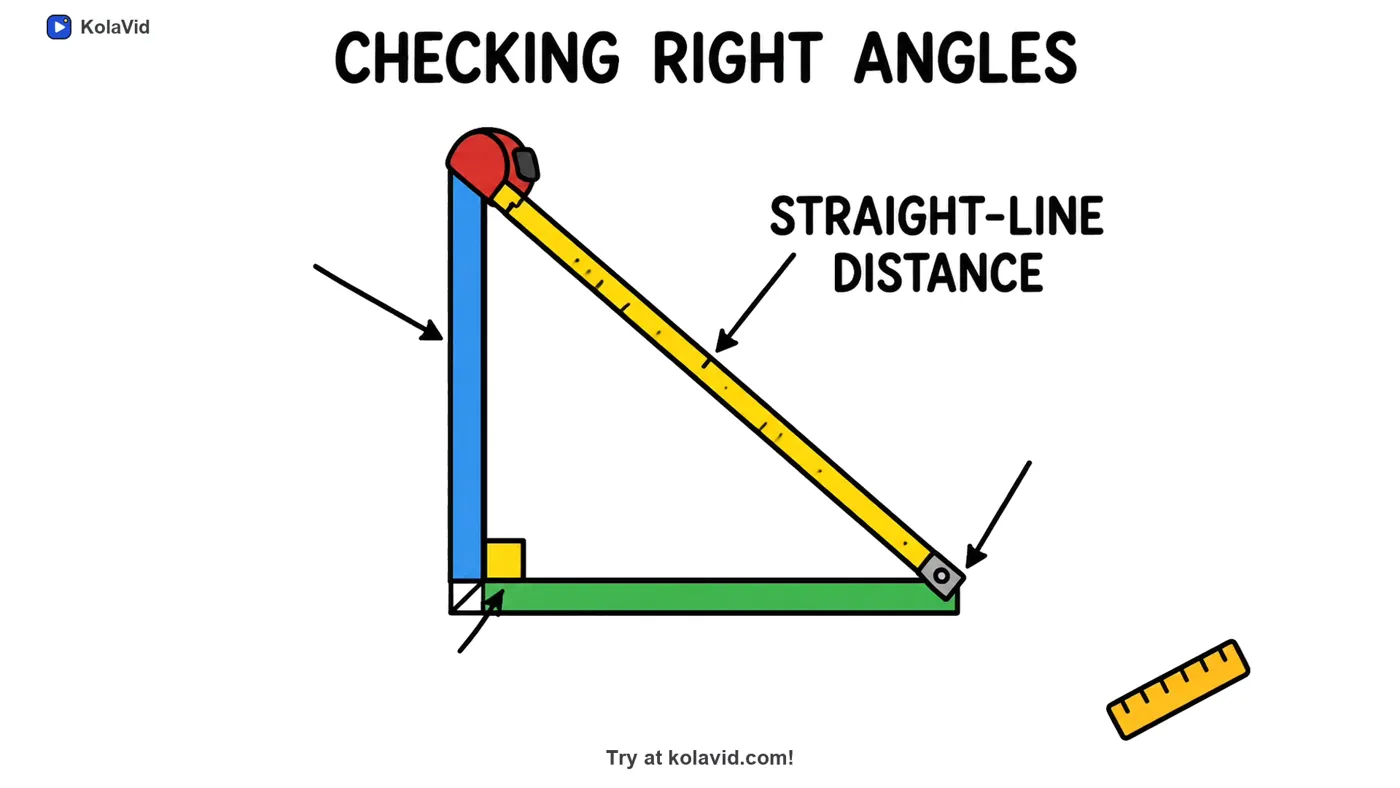
This board comes from a sample concept explainer on the Pythagorean theorem. It shows the one-idea-per-board shape the concept template above is written for: the narrator talks about checking a right angle, and the board shows exactly that.
Free videos run up to 2 minutes, enough for every script in this article. The marketing page has more sample explainers.
FAQ
How many words is a 60-second explainer video script?
About 130 to 150 words. Aim for the lower end, because each sentence in an explainer usually brings a new picture and viewers need a beat to take it in.
Should the script be written before the storyboard?
Yes. Changing a sentence takes seconds; changing a finished scene takes much longer. Write the script, read it aloud, test it on one person, and only then plan the pictures.
Can I use the same template for a product and a service?
Yes, with a different balance. A product script can be brief about how it works if the viewer can try it. A service script should give "how it works" more words, walking the viewer through the experience from booking to the end.
What tone should an explainer script use?
The tone you would use explaining it to one person across a table. Use "you", short sentences and the words your customers use. Read it aloud; anything you would never say in conversation should be rewritten.
Fill in the template now
Pick one product, service or idea, write the "one sentence" line, and fill the six parts. It takes about twenty minutes. If you would like to hear and see the result straight away, a free KolaVid account includes enough credits for one 2-minute video, no card needed.