AI explainer video maker
Type a topic, get a narrated explainer video.
Say what you want explained and who is watching. KolaVid writes a clear spoken explanation, draws each idea on a whiteboard as it is said and narrates it in a natural AI voice, in the language you choose. Use it for a product, a service, a process or any idea people find hard to follow. A free account makes one 2-minute video with no card.
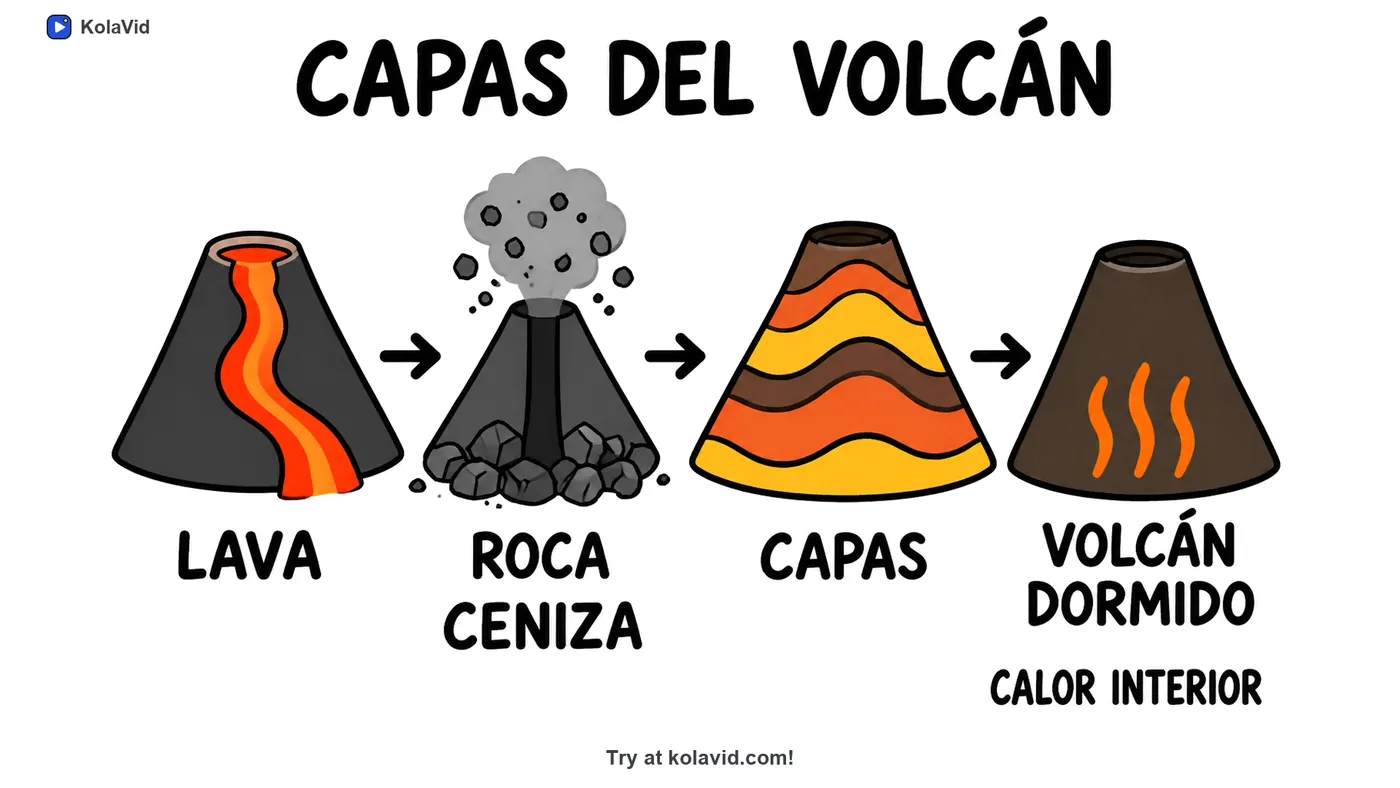
How to make an explainer video
- Sign up free and open the composer.
- Type the topic and the viewer, such as "how our invoicing app saves a plumber time, for small business owners". Upload a document or paste a link if you want it built on your own material.
- Choose a frame (16:9, 9:16 or 1:1), a length of 1, 2, 3 or 5 minutes, and a female or male voice in the narration language you want.
- KolaVid writes the script, draws one idea a board and narrates it. It is usually ready in a minute or two, and you can watch it being drawn.
- Download the MP4, share a link or embed it on your site.
What you get
| With KolaVid | |
|---|---|
| Start from | A topic you type, or your own script, document or web link |
| Video | A narrated whiteboard explainer, one idea a board, each drawing appearing as it is said |
| Frames | Landscape 16:9, vertical 9:16 or square 1:1 |
| Length | 1, 2, 3 or 5 minutes (free videos up to 2 minutes) |
| Voice | Female or male, in many narration languages, including Spanish and Portuguese |
| Brands | Brands named in a video are drawn with their own logo |
| Captions | In the narration language: switch on with CC, download as .srt or .vtt, or burn into the MP4 |
| Delivery | MP4 download, a share link or an embed code for your site |
| Price | Free: one 2-minute video, no card. Starter: $19.99 a month for 5,000 credits |
Whiteboard video uses one credit a second, so a 2-minute video is 120 credits.
What makes an explainer work
A good explainer answers one question for one kind of viewer, and shows each part of the answer as it is said. KolaVid builds every video that way: the narration answers the question you ask, each board holds one idea, and the words on the board are the narrator's own words, written as they are spoken.
Want your logo on every video? Paid plans include a brand kit: your logo in place of the KolaVid mark, up to three brand colours, and an opening and a closing line the narrator says.
Tips: a prompt that makes a strong explainer
- Start with the viewer's question. "Why does my electricity bill change every month?" makes a sharper explainer than "electricity billing".
- Name the viewer. "For first-time buyers", "for investors" or "for 10-year-olds" changes the words, the examples and the pace.
- Ask for one example. One concrete case, such as one customer, one order or one day, makes an idea stick better than three general ones.
- Choose the length by the idea, not the topic. One idea fits in 1 minute; a product and its three main benefits fit in 2; a process with several steps fits in 3. Five minutes is the longest.
- For a product or a service, put the problem first. Viewers care about the product once they recognise the problem it solves.
- End on the next step. Say what the viewer should do afterwards: book a call, try the app, read the policy.
- Make a short series rather than one long video. Three 1-minute explainers, one question each, are easier to place on a website and easier to finish.
- Name real brands when they matter; they are drawn with their own logo.
- Give it your facts. For your own product, upload a product sheet or paste a link to your page, so the video uses your features and your words, not general ones.
- Keep only claims you can prove. A short video can make two or three numbers stick; use the ones you would put in writing.
- Make one for each place it will play: 16:9 for your website and YouTube, 9:16 for Reels and TikTok, 1:1 for feeds.
- Make it in your viewers' language. Choose the narration language and a female or male voice; the captions follow the narration.
- Watch it before you publish. If a line or a word on the board is not quite right, press Edit and change just that scene.
Explainers people make with KolaVid
Product and service explainers, how-it-works videos for a website, onboarding for new customers, process explainers for staff, YouTube explainers and lessons for class. If you could explain it with a marker and a board, KolaVid can make the video.
What is an AI explainer video maker?
A tool that turns a topic into a finished explainer video. With KolaVid you type what you want explained and who it is for, and it writes the script, draws each idea on a whiteboard and narrates it.
Is it free to try?
Yes. A free account comes with 120 credits, enough for one 2-minute video, with no card. Free videos carry a small KolaVid mark.
How long should an explainer video be?
Most explainers work at 1 to 2 minutes: one idea, one example, one next step. KolaVid makes videos of 1, 2, 3 or 5 minutes; free videos are up to 2 minutes.
Do I need a script?
No. Type a topic and KolaVid writes the script. If you have one, paste it and it is narrated word for word, with drawings made to match.
Can I use the videos commercially?
Yes, on every paid plan: on your website, in ads, on monetised channels and in client work, with no KolaVid mark.
Can I edit the video afterwards?
Yes. Open the video and press Edit: rewrite what the narrator says in any scene, redraw a board, change a word on the board or switch the voice. You pay only for the scenes made again, and every version is kept.