Text to video
Paste text, get a narrated whiteboard video.
Paste your notes, a summary, an email or the text of an article. KolaVid explains it in plain spoken sentences and draws each idea on a whiteboard as the narrator says it. No file to upload, nothing to draw and no voice to record. A free account makes one 2-minute video with no card.
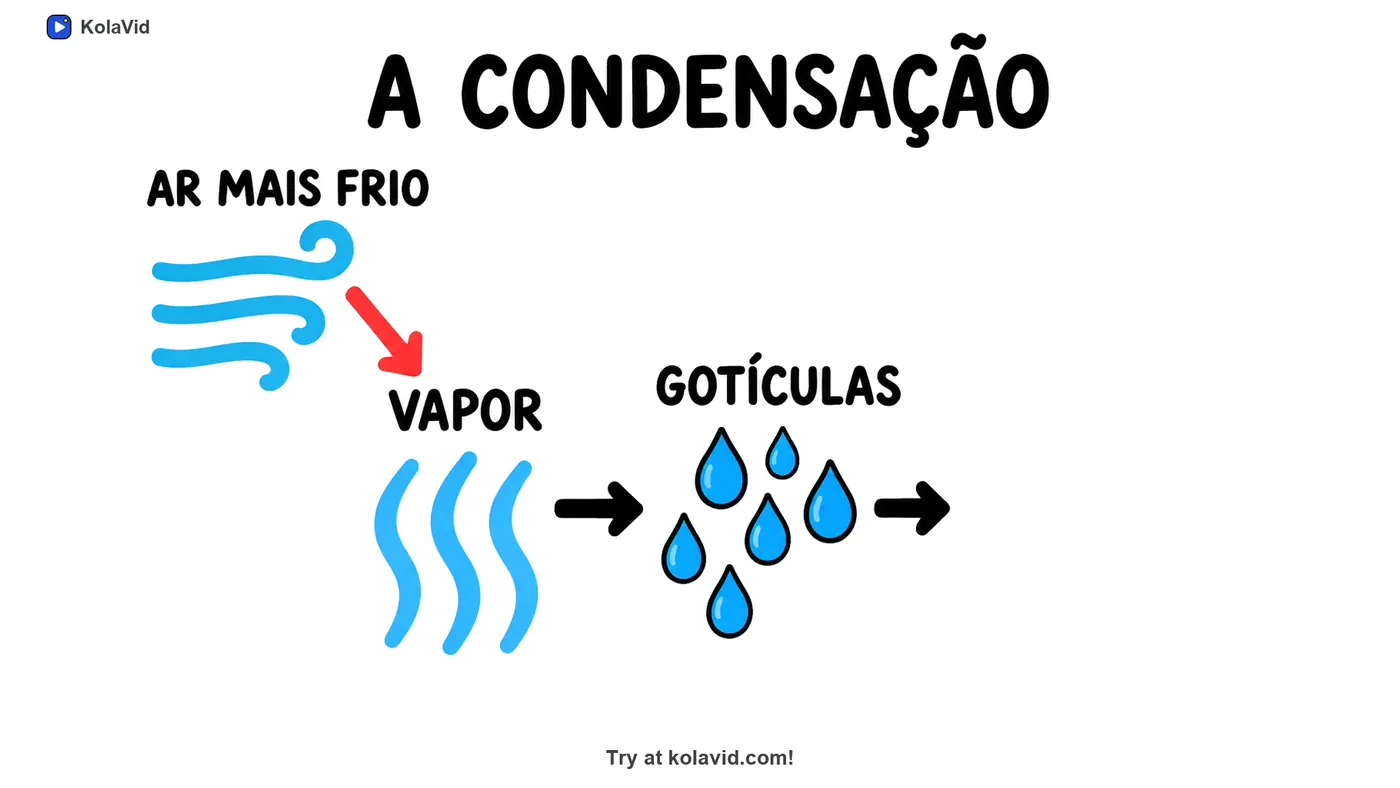
How to turn text into a video
- Sign up free and open the composer.
- Paste your text into the box. Add one line on who the video is for and what it should answer, such as "for customers: why their bill went up".
- Choose a frame (16:9, 9:16 or 1:1), a length of 1, 2, 3 or 5 minutes, and a female or male voice in the narration language you want.
- KolaVid explains the text, one idea a board, and draws each point as it is said. It is usually ready in a minute or two.
- Download the MP4 or share a link.
What you get
| With KolaVid | |
|---|---|
| Start from | Pasted text: notes, a summary, an email, an article's text or a script |
| Video | A narrated whiteboard video, one idea a board, each drawing appearing as it is said |
| Frames | Landscape 16:9, vertical 9:16 or square 1:1 |
| Length | 1, 2, 3 or 5 minutes (free videos up to 2 minutes) |
| Voice | Female or male, in many narration languages, including Spanish and Portuguese |
| Captions | In the narration language: switch on with CC, download as .srt or .vtt, or burn into the MP4 |
| Delivery | MP4 download or a share link |
| Price | Free: one 2-minute video, no card. Starter: $19.99 a month for 5,000 credits |
Whiteboard video uses one credit a second, so a 2-minute video is 120 credits.
Notes or a script?
Notes, a summary or the text of an article are explained: the narrator says the main points in plain spoken sentences rather than reading your text line by line, and each point is drawn as it is said.
A script is different. If what you paste is the finished script, it is narrated word for word, with drawings made to match. Write it as the words the narrator should say, and check its length with the script length calculator first.
Tips: pasting text that makes a good video
- Paste what the video needs. A 2-minute video holds about 268 words of narration, so from three pages of notes only the main points fit. Choose them yourself when you can.
- Add one line about the viewer above the text: "for new volunteers" or "for Year 9 students". It changes the words, the examples and the pace.
- Ask the question the video should answer. "Why did sign-ups fall in March?" makes a tighter video from meeting notes than "summarise these notes".
- Write shorthand out in full. Notes full of arrows, initials and half-words are easy for you to read and hard for anyone else.
- Check names, dates and numbers before you paste. The video is built on your text, so a wrong figure in the notes becomes a wrong figure in the video.
- Copying from a web page? Leave out the menus, adverts and comments. Or give KolaVid the link instead: it reads the page itself.
- Copying from a PDF? Look for broken lines, headers and page numbers in the middle of sentences, and tidy them first.
- Give the order when it matters. If the text is a process, number the steps; if it is an argument, say "end on the recommendation".
- Keep the numbers few. A short video can make two or three figures stick; name the ones that carry the point.
- One text, one idea. If your notes cover three topics, make three short videos and share each one where it is needed.
- Pick the frame for where it will play: 16:9 for slides and course pages, 9:16 for WhatsApp Status, Reels and TikTok, 1:1 for feeds.
- Make a second version for a different viewer. The same notes explained "for the board" and "for new staff" become two different videos.
- Write the conclusion down. If the notes end in a decision, make sure it is in the text you paste, not only in the memory of the meeting.
Text that makes good videos
Lecture and revision notes, meeting notes and team updates, summaries of reports, help articles, newsletters, product descriptions and the text of a blog post. If you could explain it to a friend at a whiteboard, it works as a KolaVid video.
Can I turn text into a video for free?
Yes. A free account comes with 120 credits, enough for one 2-minute video, with no card. Free videos carry a small KolaVid mark.
Is my text read out word for word?
Only a script is. Notes, summaries and articles are explained in plain spoken sentences. A pasted script is narrated word for word, with drawings made to match.
How long can the video be?
1, 2, 3 or 5 minutes. Free videos are up to 2 minutes; paid plans go up to 5.
Can I give a link instead of pasting?
Yes. Paste a web link and KolaVid reads the page itself, so there is nothing to copy.
Does the video have captions?
Yes. Every new whiteboard video has captions in its narration language. Viewers switch them on with CC, and you can download them as .srt or .vtt or as an MP4 with the captions burned in.
Can I edit the video afterwards?
Yes. Open the video and press Edit: rewrite what the narrator says in any scene, redraw a board, change a word on the board or switch the voice. You pay only for the scenes made again, and every version is kept.